
The Checkout Experience that Sets Your Brand Apart
Give your online store the ultimate upgrade: a calendar date picker for delivery and pickup, a location map, and time slots at checkout. Make shipping your differentiator.
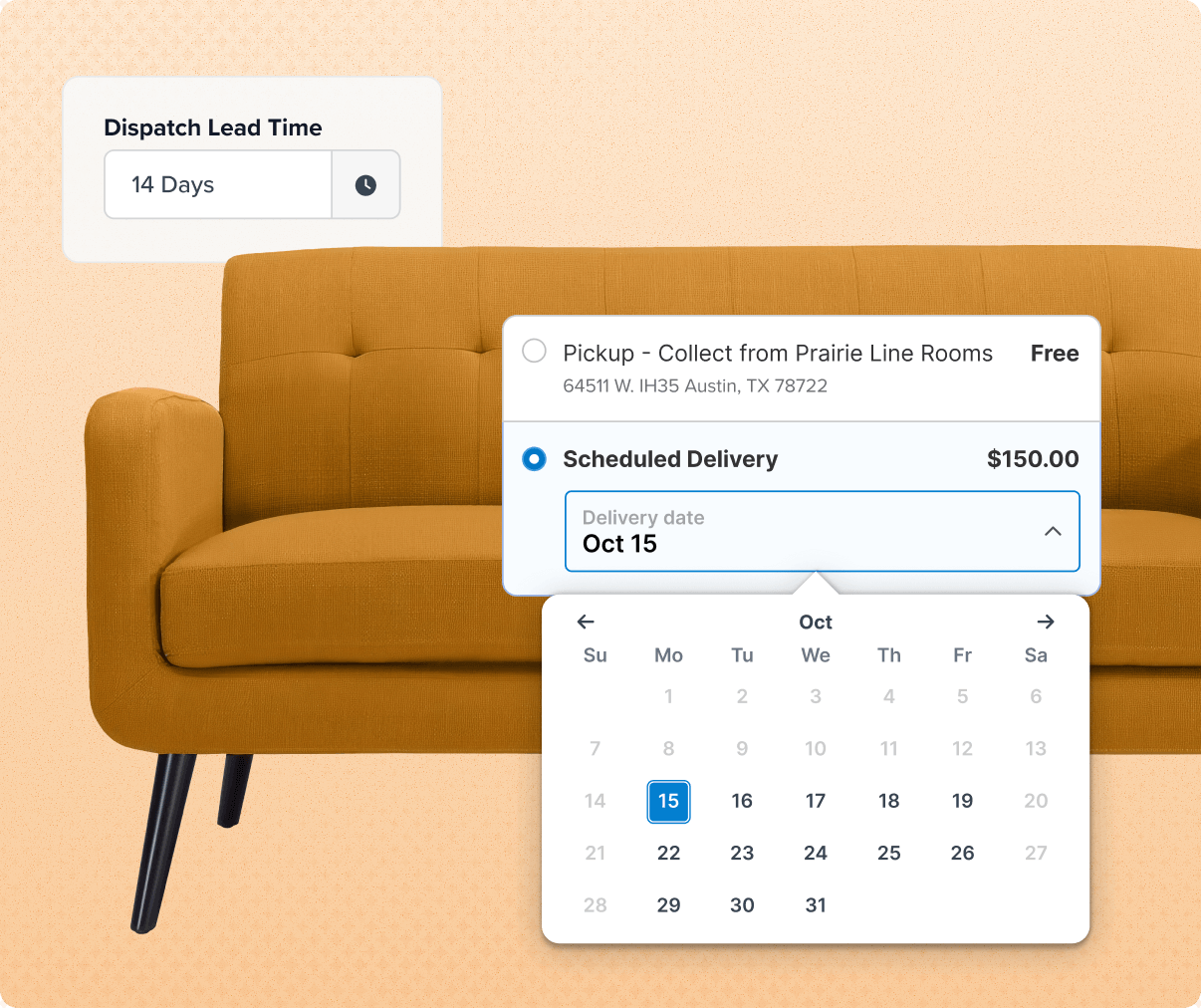
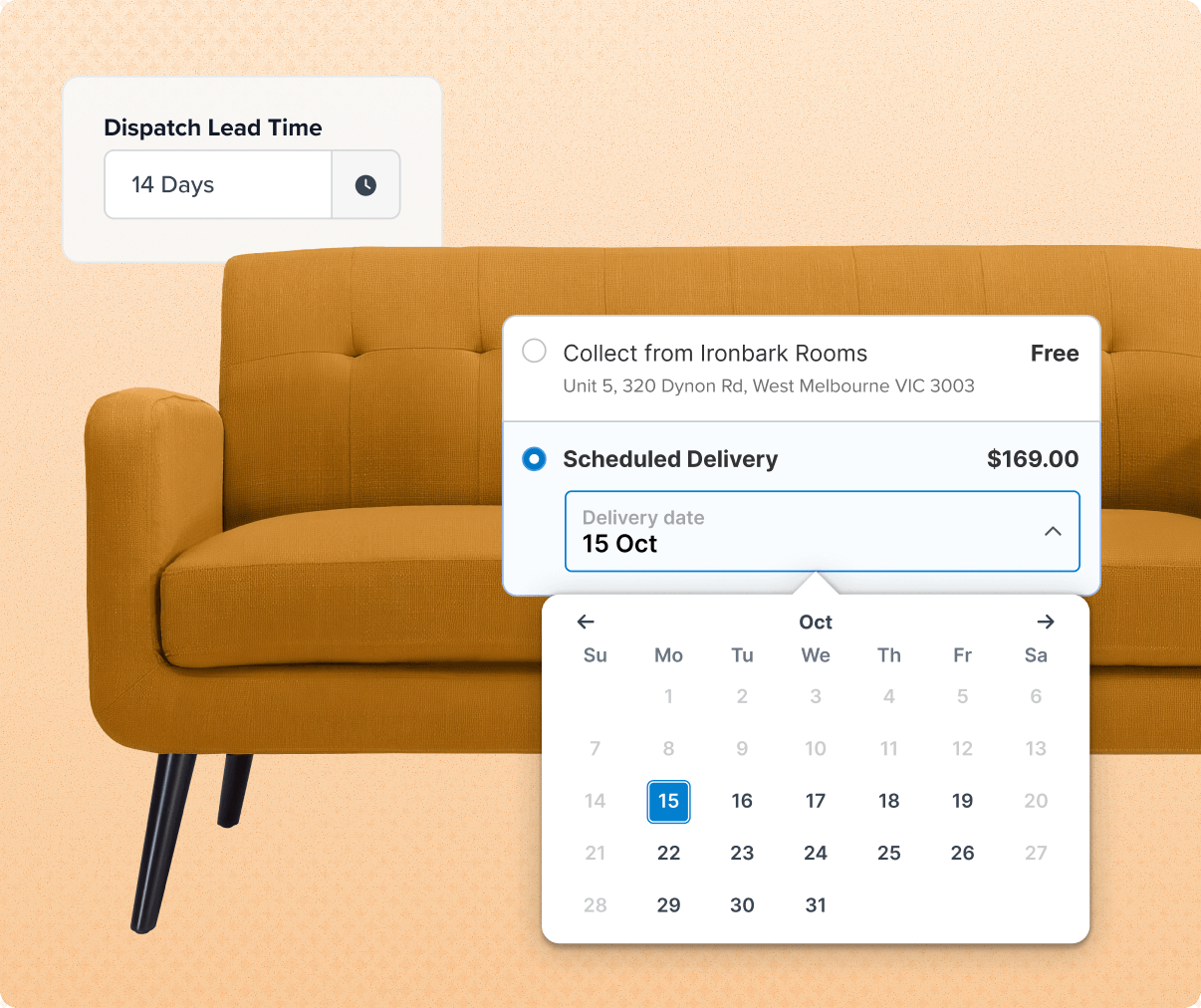
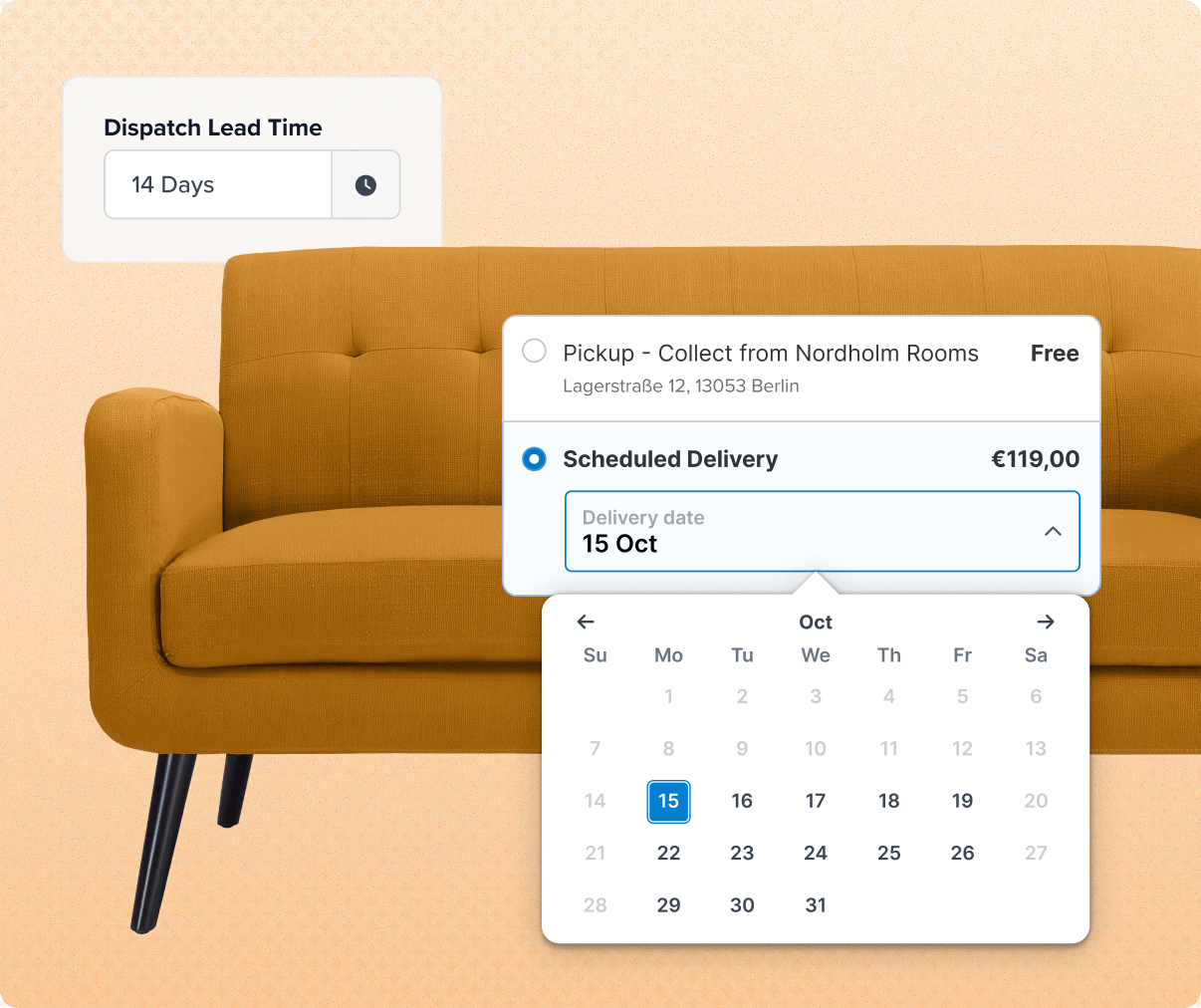
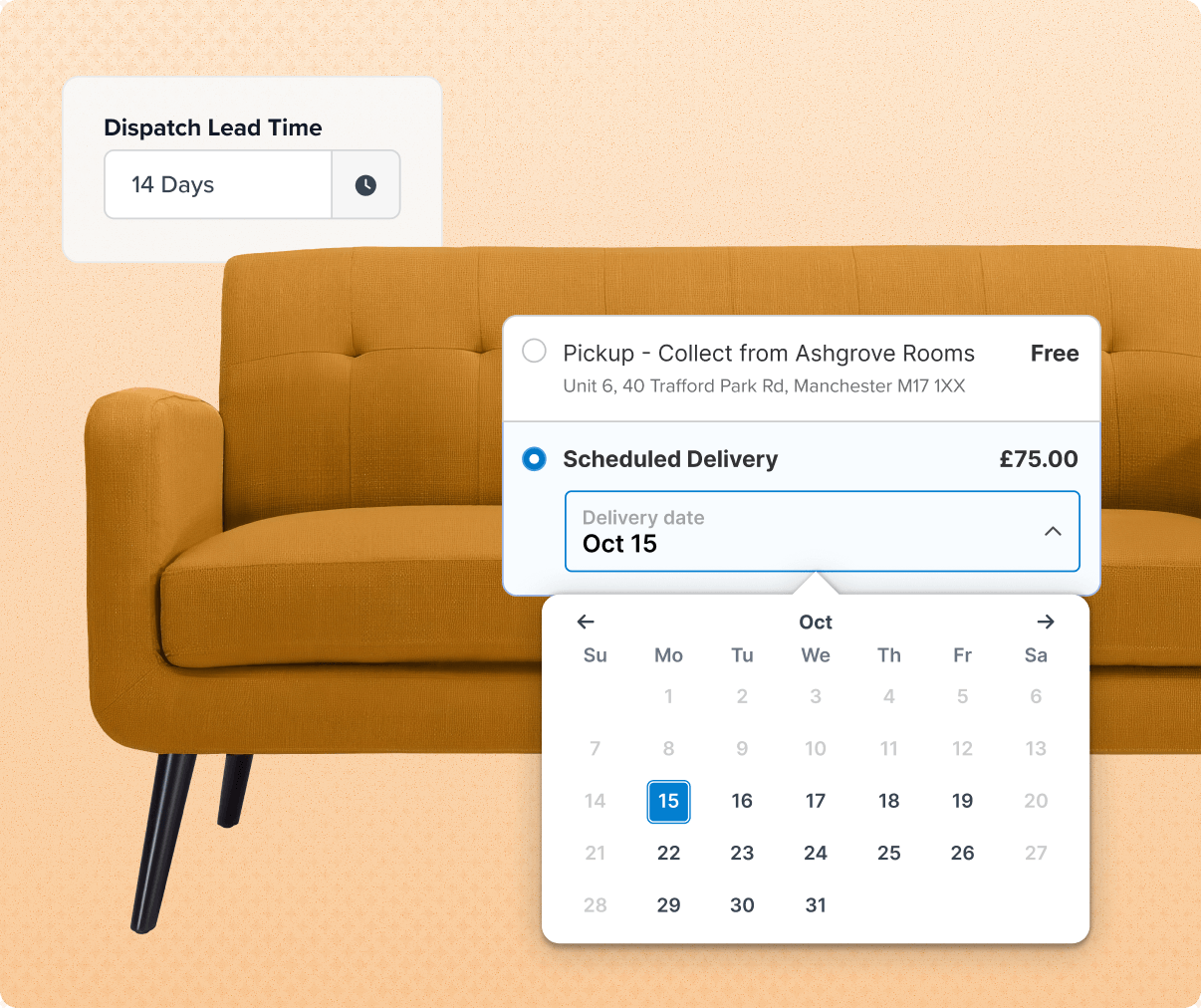
Let customers pick a delivery date from a calendar at checkout
Shoppers choose the exact date and time that works best for them. You stay in full control by only offering options you can fulfill.
- Protect time-sensitive products like perishables with custom lead times, cutoffs, transit limits, and blocked dates for specific carriers, warehouses, or products.
- Pre-select the date with the most cost-effective shipping rate. Control how far out customers can book.
- Let shoppers choose a delivery time slot, like noon to 2 PM (available for table rate shipping methods), preventing porch piracy and spoilage.
- Offer preorders and let customers select a future delivery date. Dates are based on when items will be ready to ship.
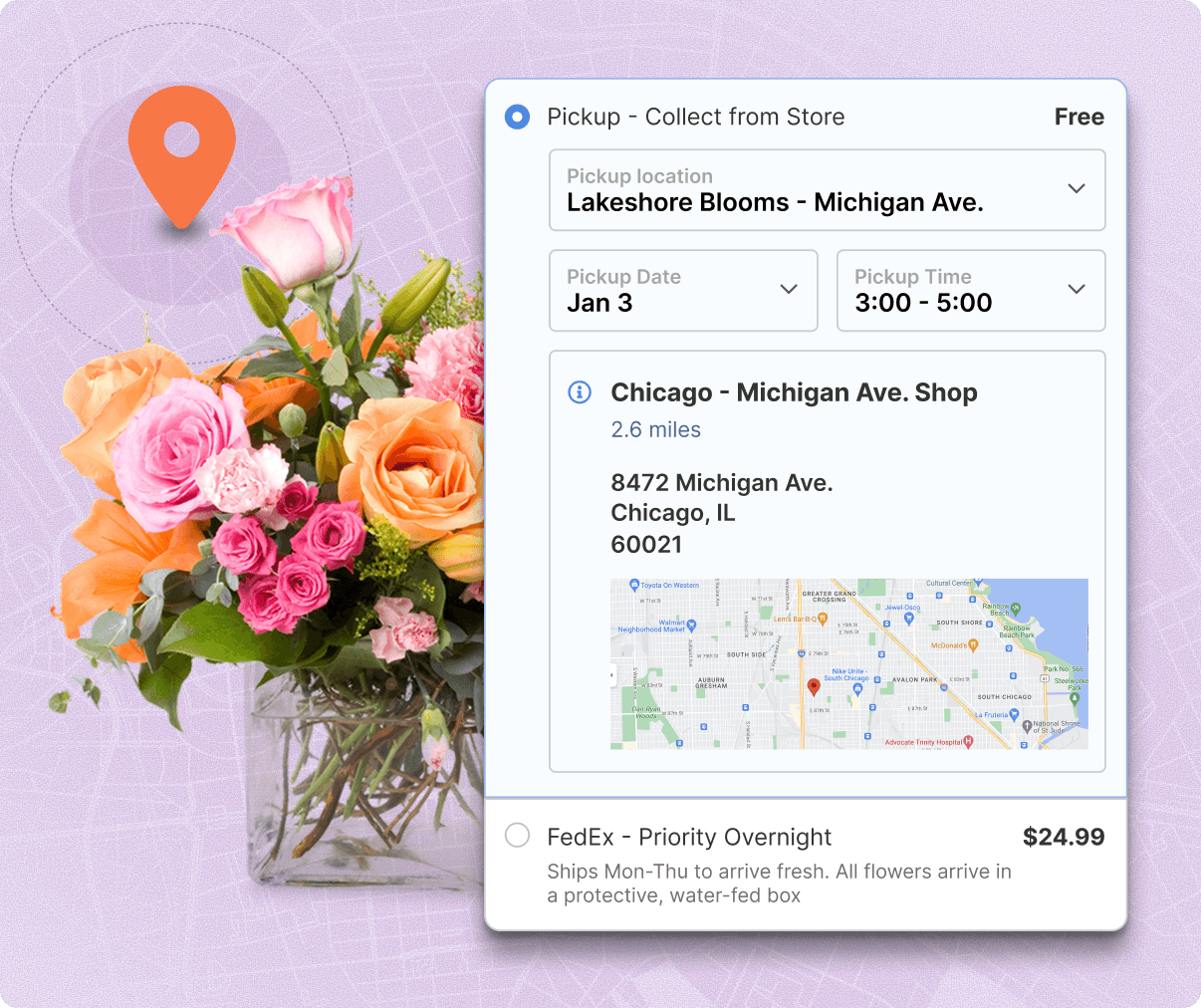
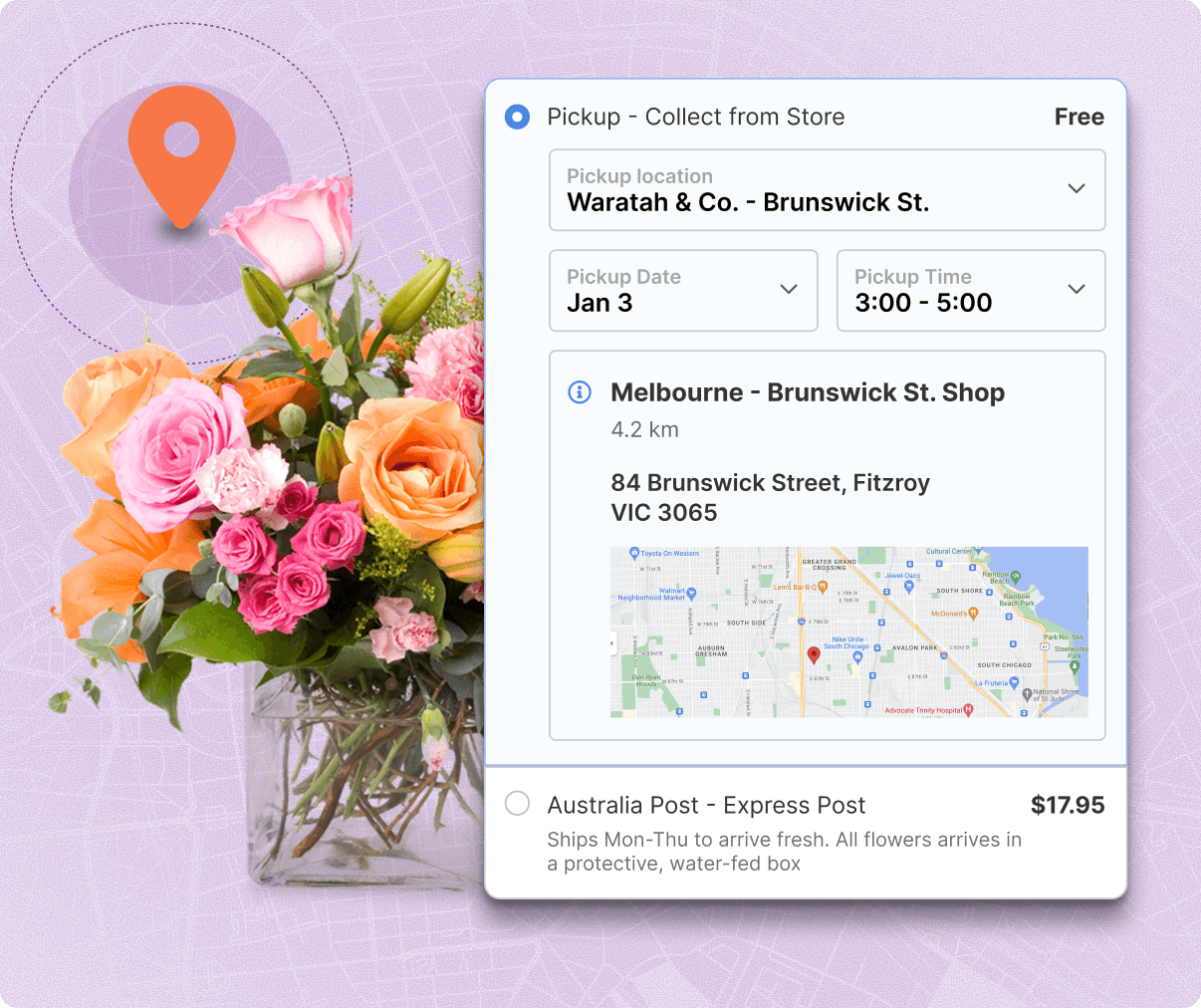
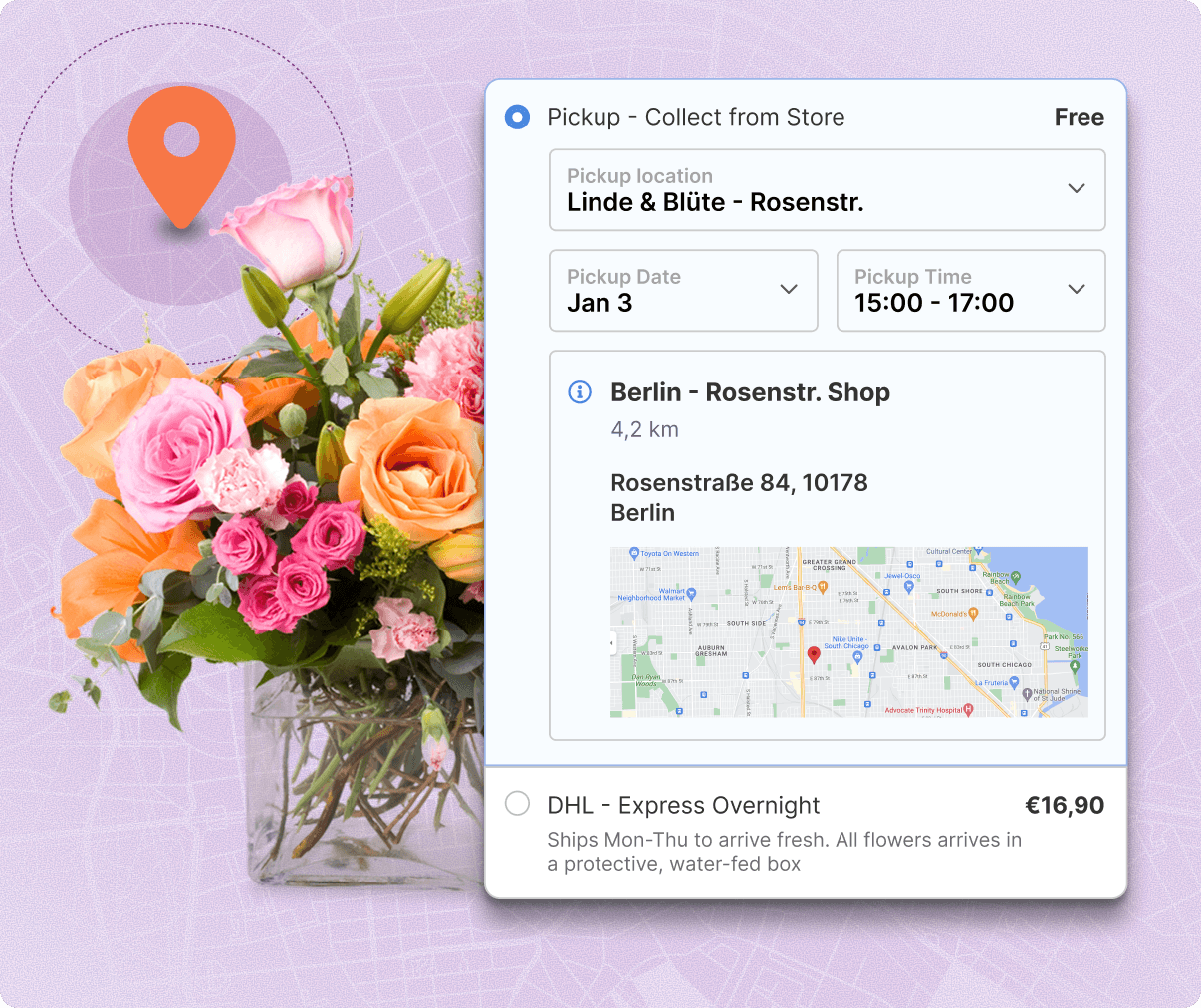
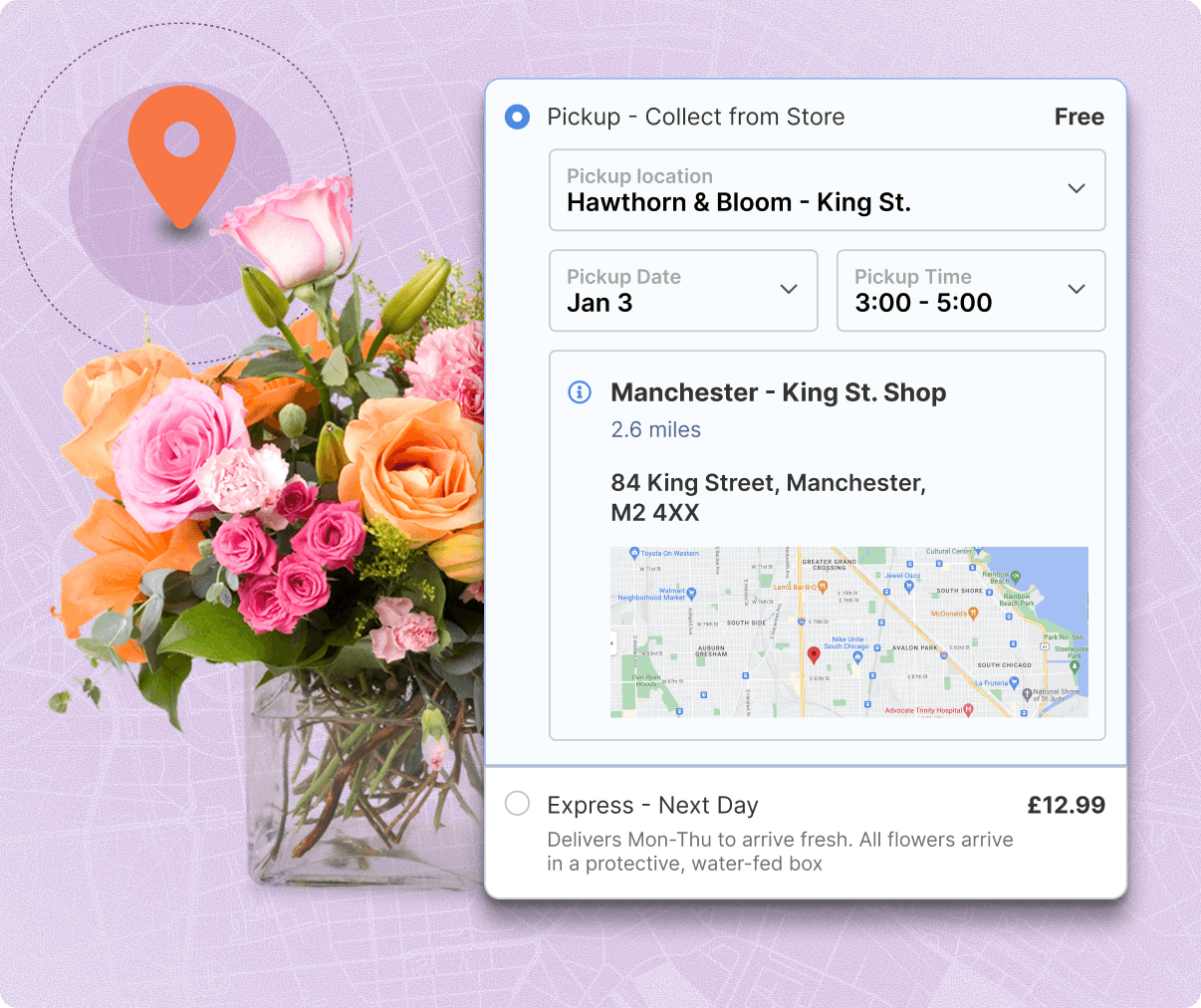
Show BOPIS shoppers a map of pickup locations and available time slots
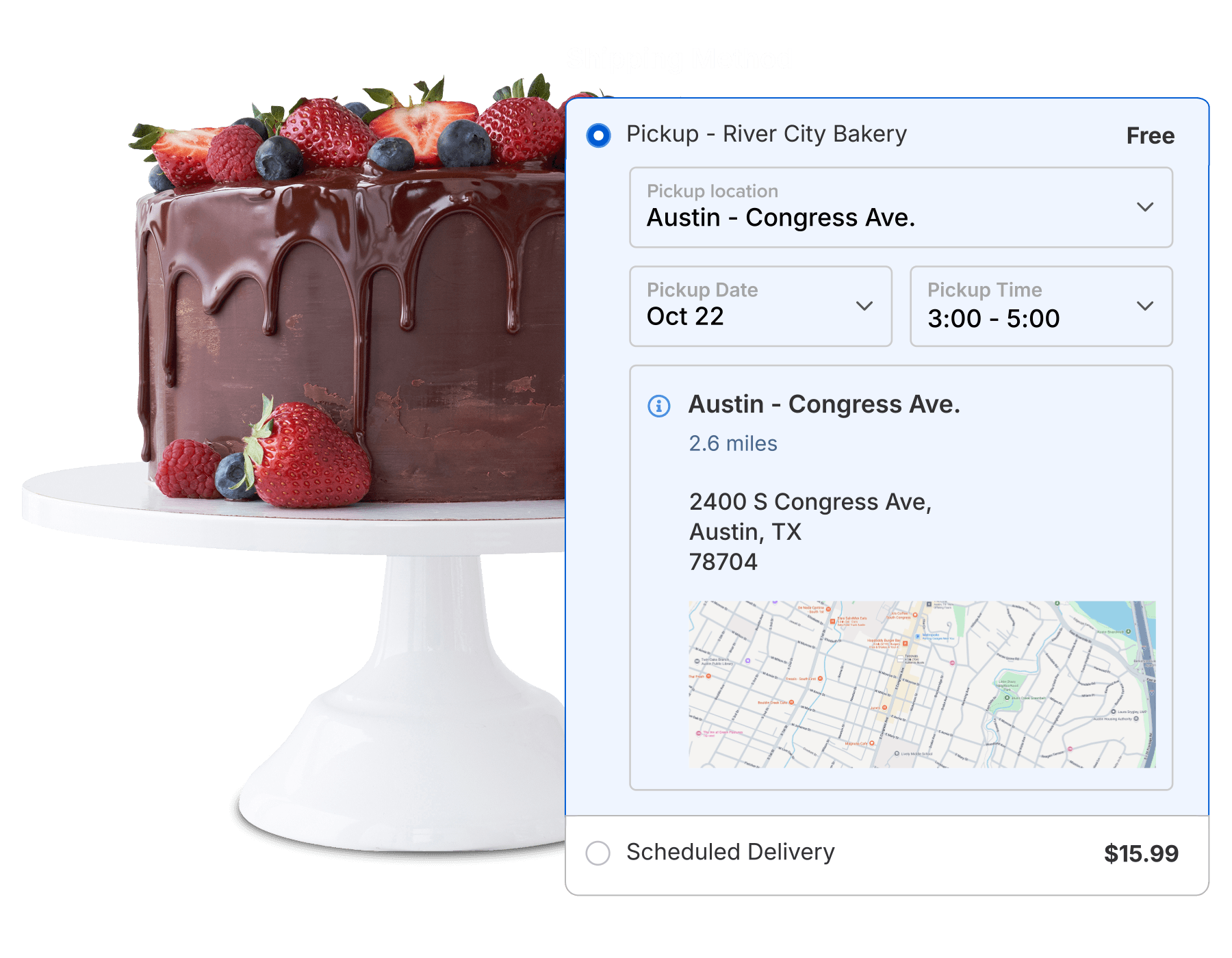
Capture more sales with local pickup. Give your customers the fast, free options they want, with every detail they need to buy on the spot.
- Show shoppers exact pickup locations via Google Maps at checkout, with store hours and contact info.
- Keep pickup options relevant. Limit pickup location options based on distance, or display all locations.
- Let shoppers book a pickup time slot. Shoppers choose a date and time slot from a calendar, based on your hours and lead times.
- No physical stores, no problem. Offer pickup at FedEx Hold at Location and UPS Access Point locations.
Offer flexible delivery options and dates for split shipments
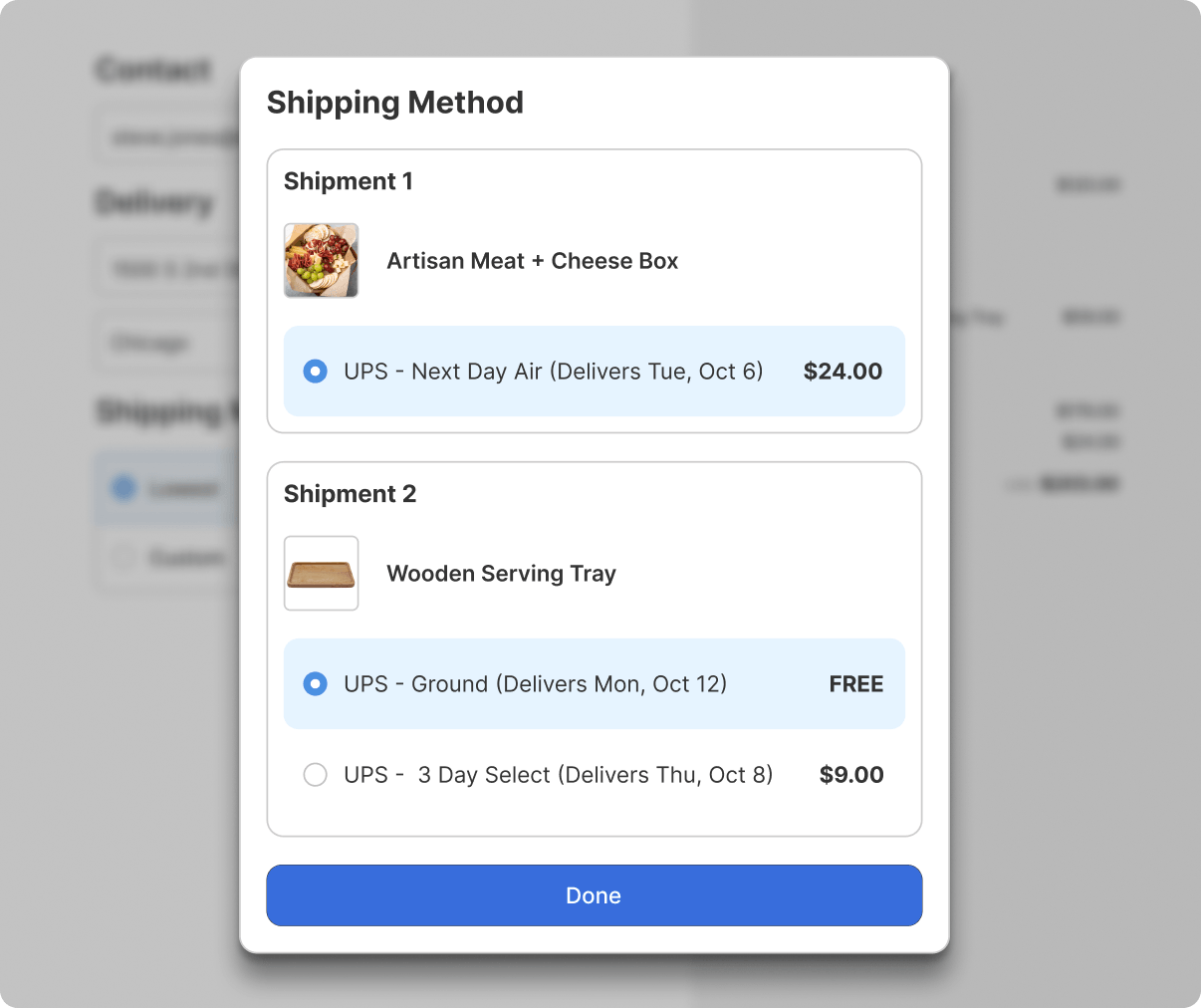
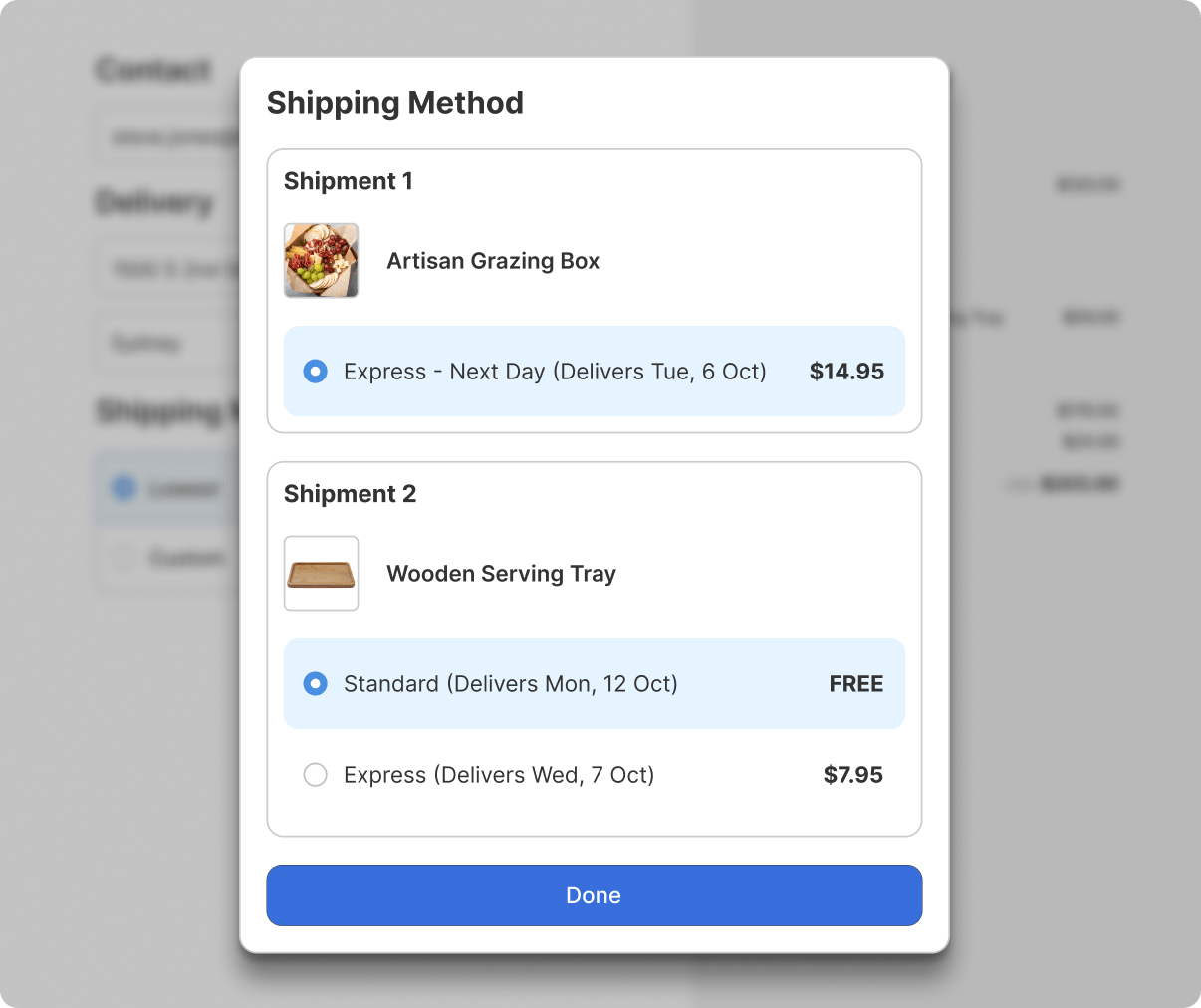
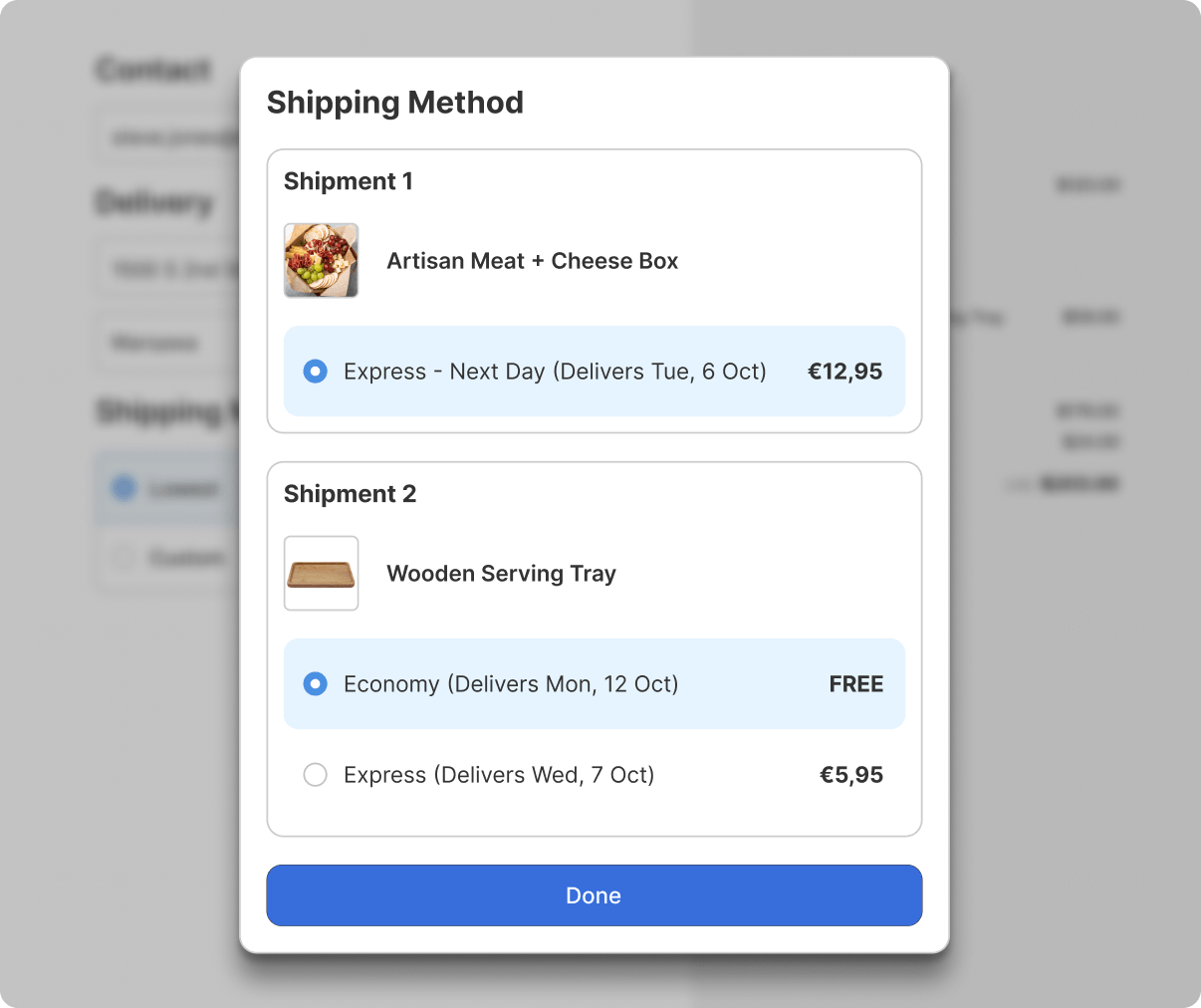
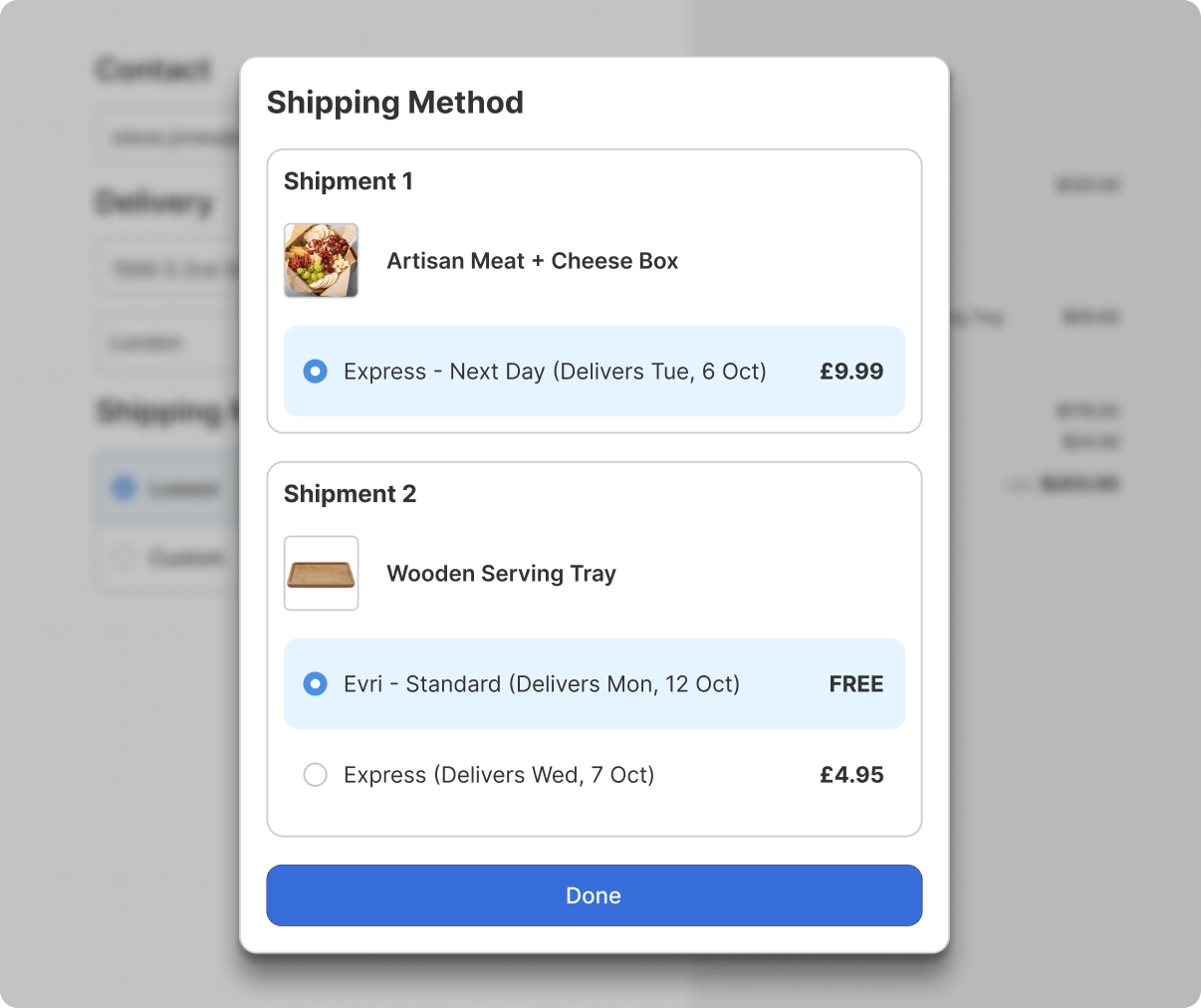
When a cart ships from different warehouses or at different times, shoppers see when each shipment will arrive before they buy. Fewer surprises, fewer support tickets.
- Set clear expectations for every shipment. Show separate delivery options, costs, and dates for each shipment, based on origin-specific or product-specific rules.
- Support local pickup and shipping in the same cart. Let shoppers pick up some items in store and have the rest delivered.
- Split preorder and in-stock items into separate shipments. Each shipment is displayed with its own delivery options and dates.
Fulfill on time, every time
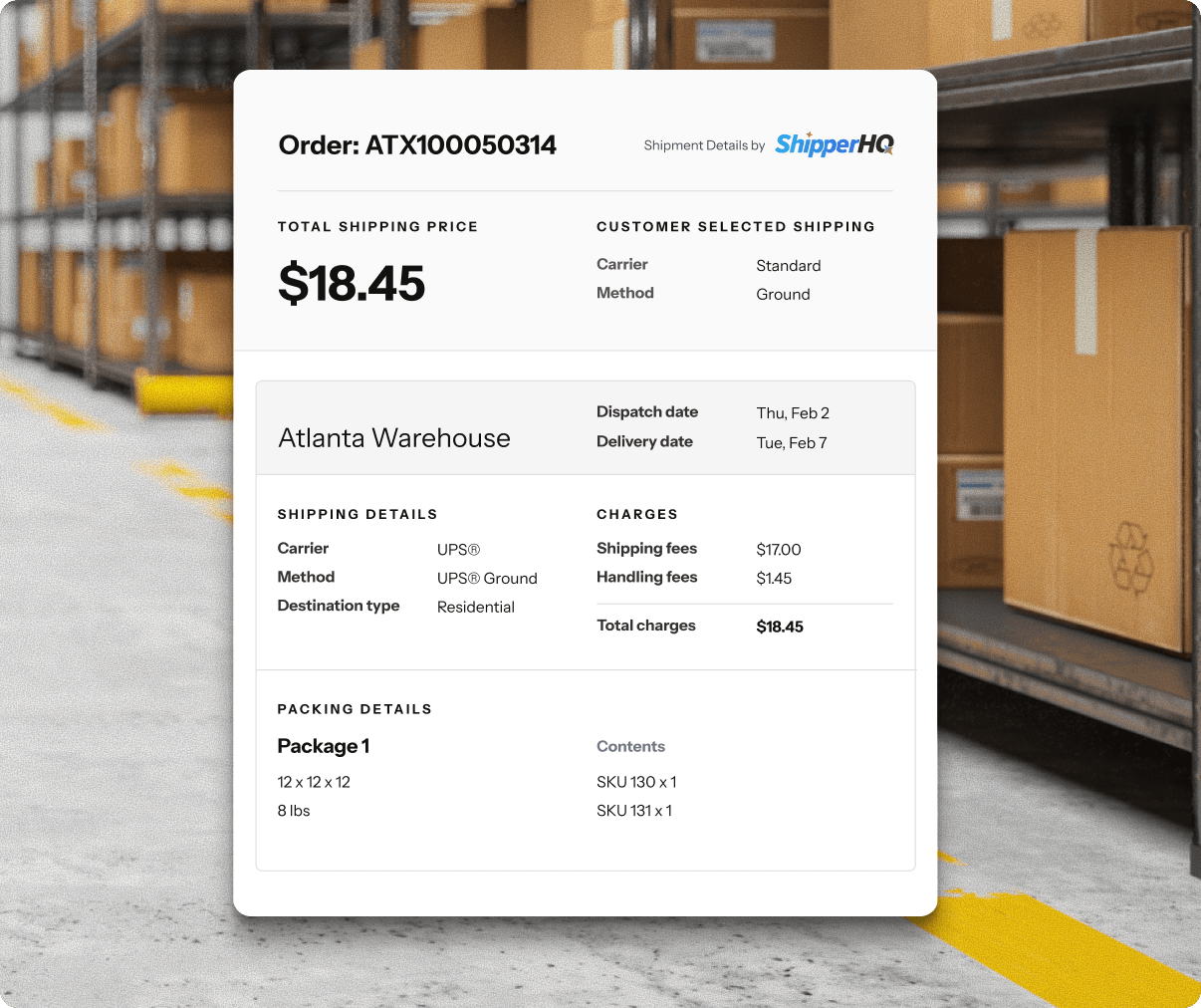
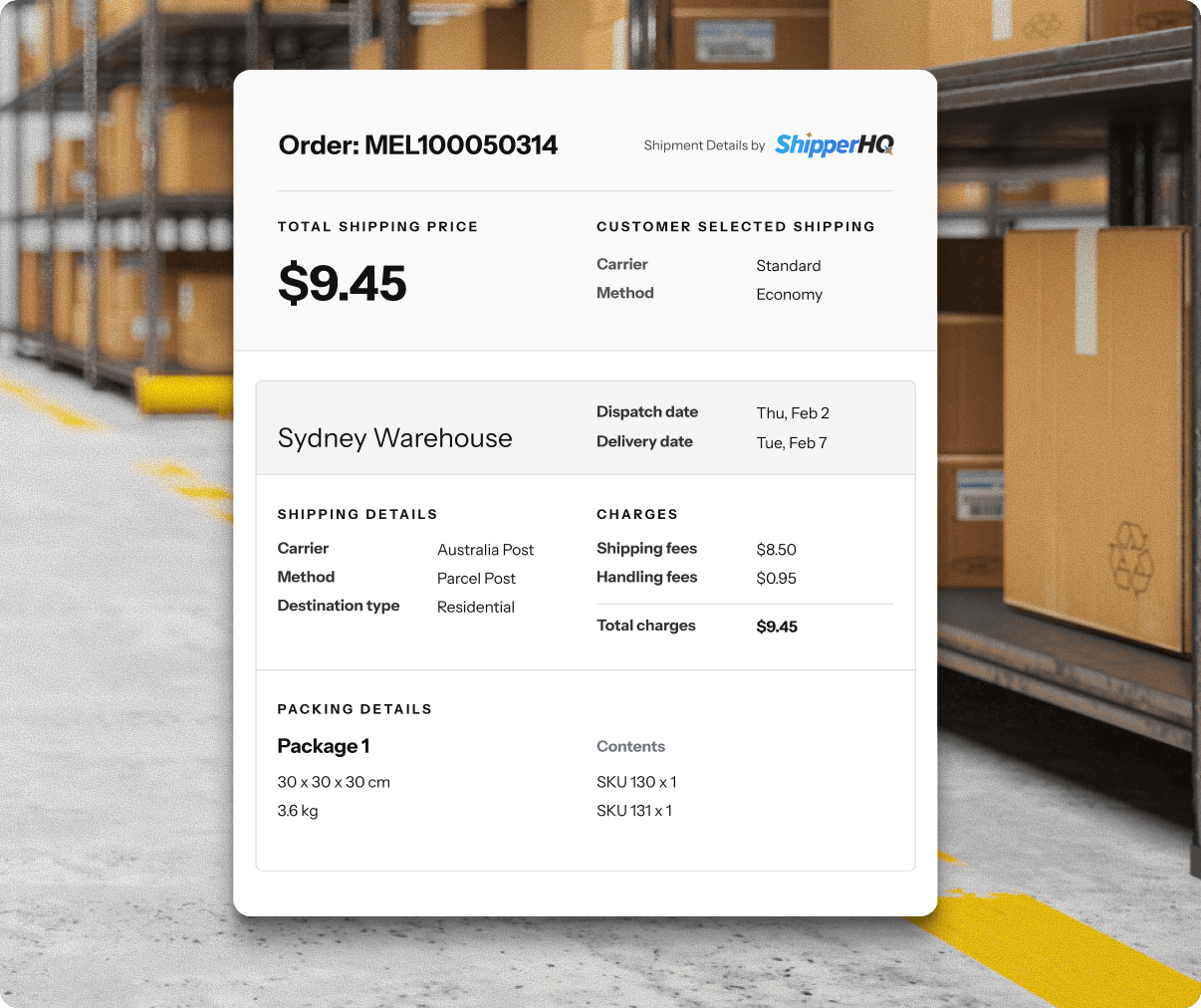
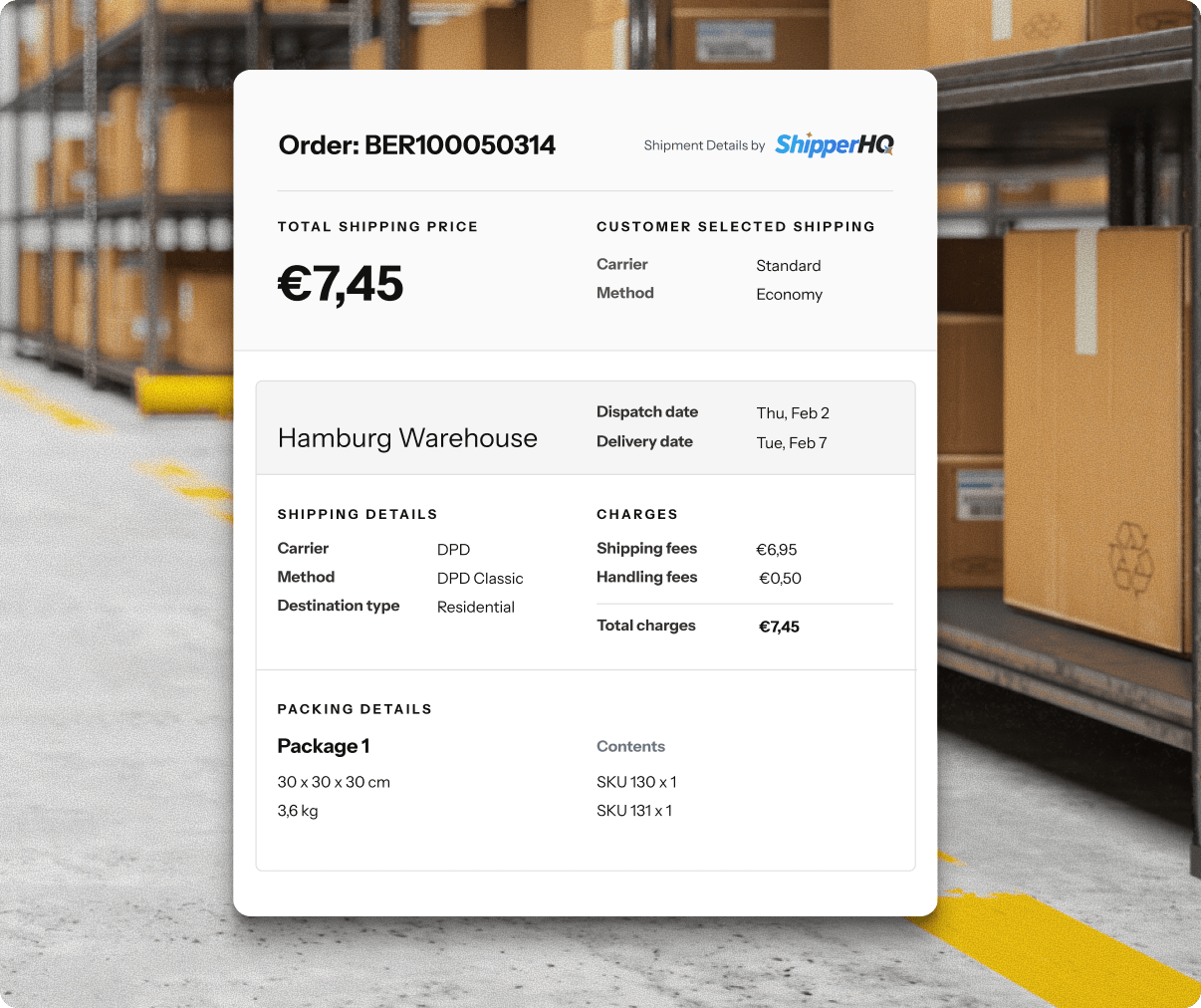
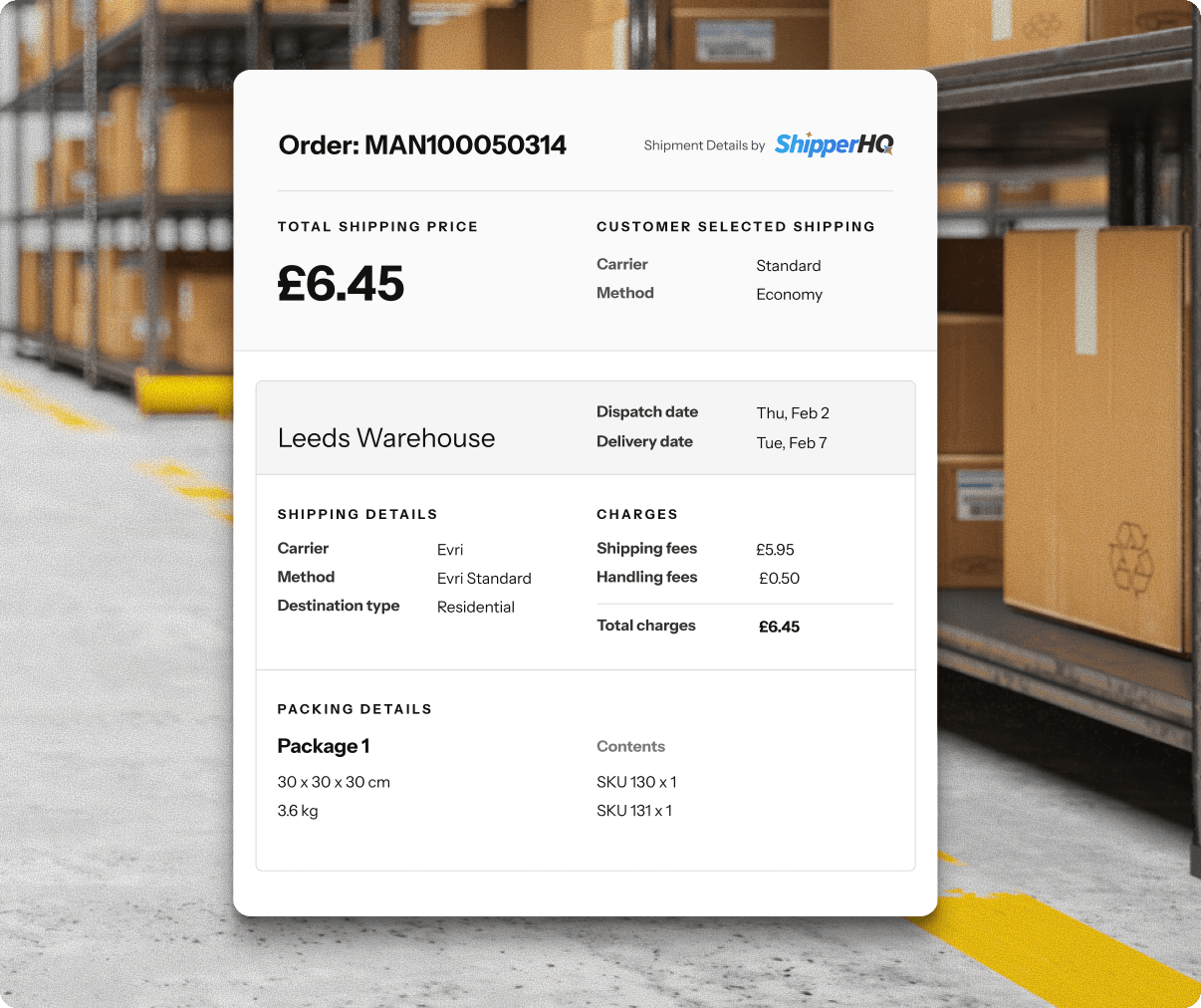
Give your team the checkout data behind every order, so they know which carrier to use, how to pack it, and when to ship it. Advanced Shipment Details comes with Enhanced Checkout.
- Hit every dispatch date. See the delivery date the customer selected and the date the order needs to ship by.
- Close the gap between checkout and fulfillment. Compare what’s on the label to the carrier, shipping method, and cost selected at checkout.
- Pack orders more efficiently. Know which items go into which boxes for every order, no other packing software needed.
- Keep all your systems in sync. Find every order’s details in your ecommerce platform, or connect the Advanced Shipment Details API to your ERP or fulfillment systems.






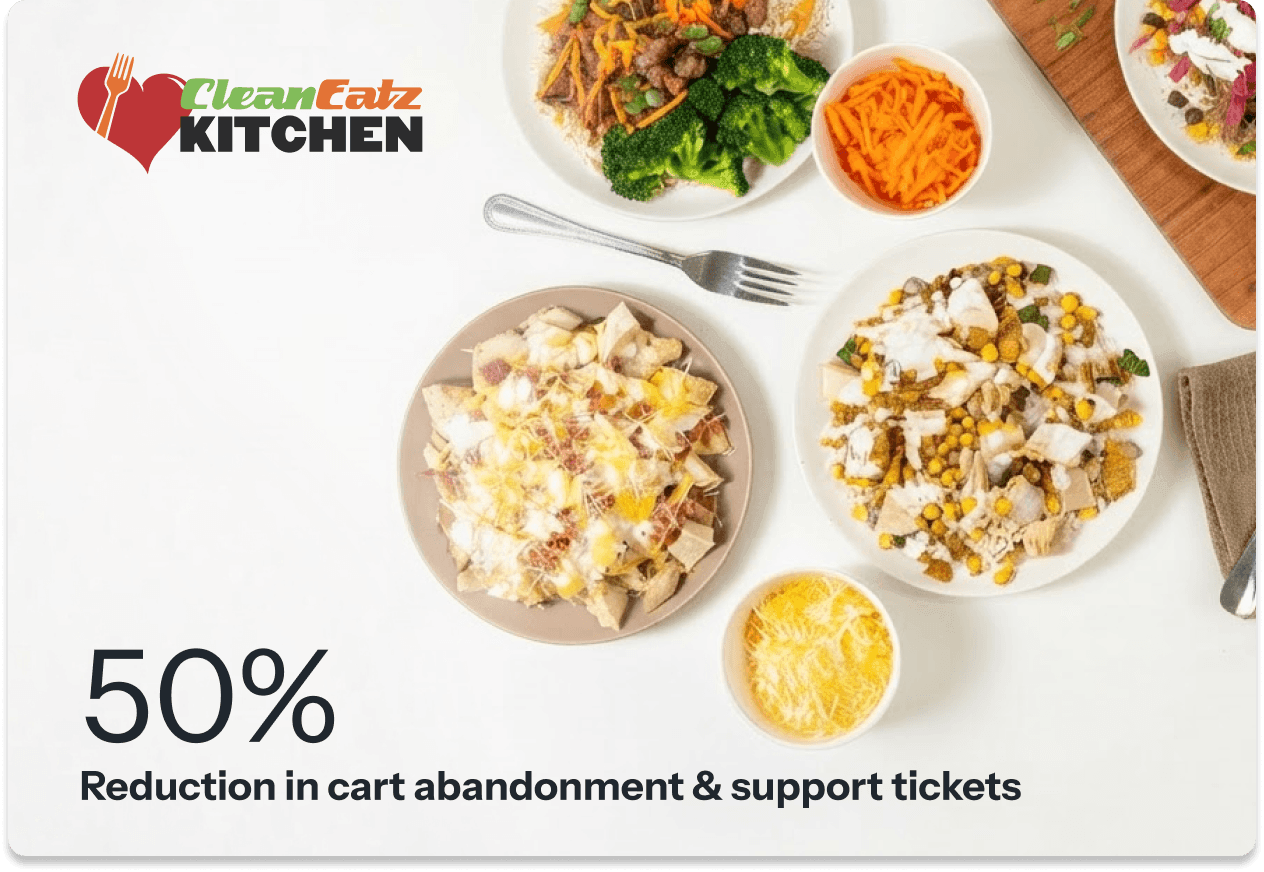
“After installing ShipperHQ, we can give customers 100% transparency on when their order will arrive. The day we plugged ShipperHQ into our website, it cut both our customer service tickets and our cart abandonment in half."
Jason Nista, CEO, Clean Eatz Kitchen