


Give customers delivery promises they can trust
75% of shoppers are more likely to buy when they see a delivery date at checkout. Yet 41% of eCommerce checkouts still don't show one.
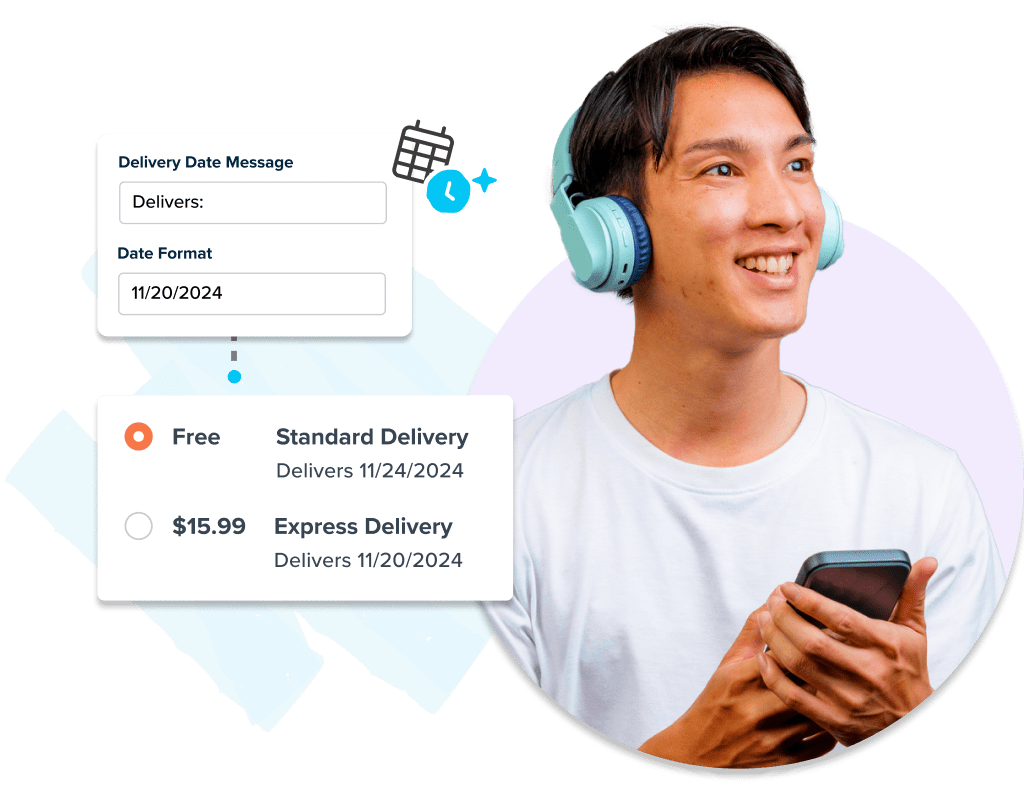
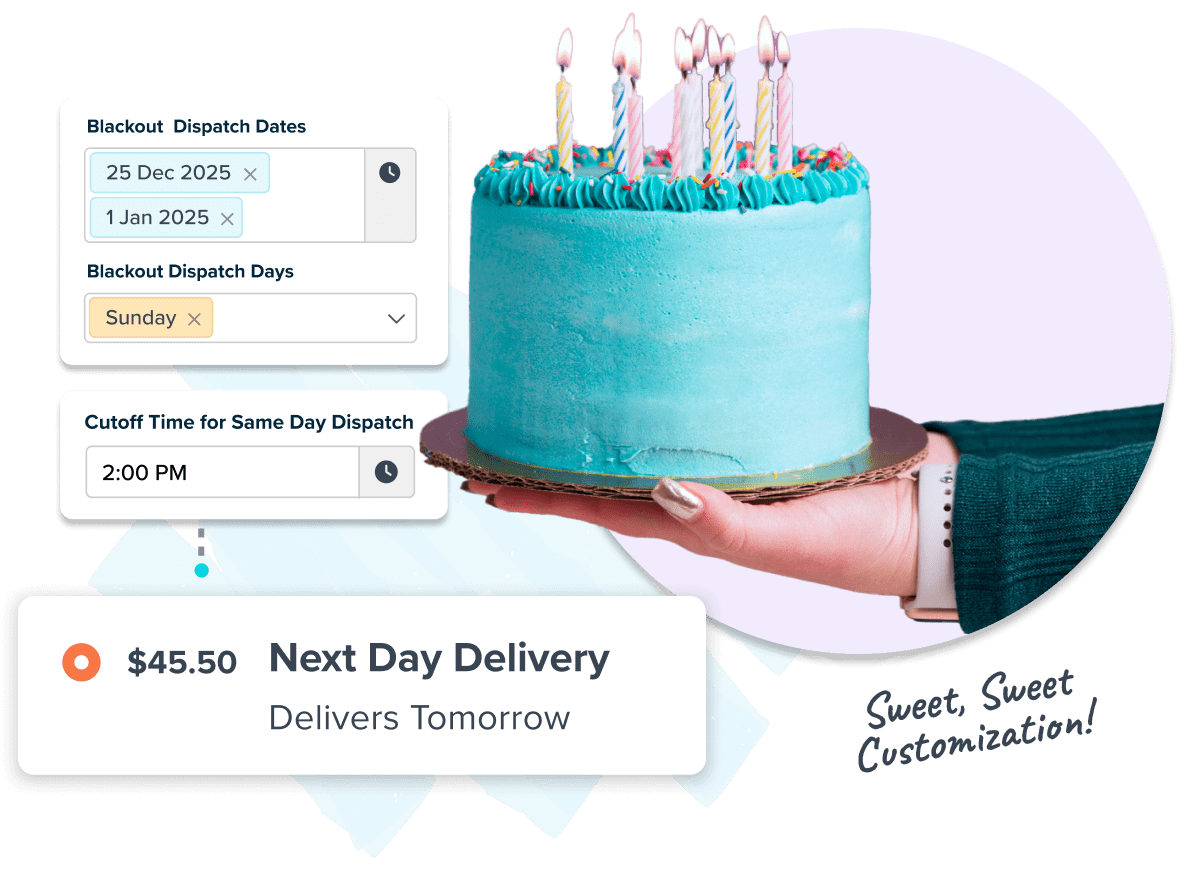
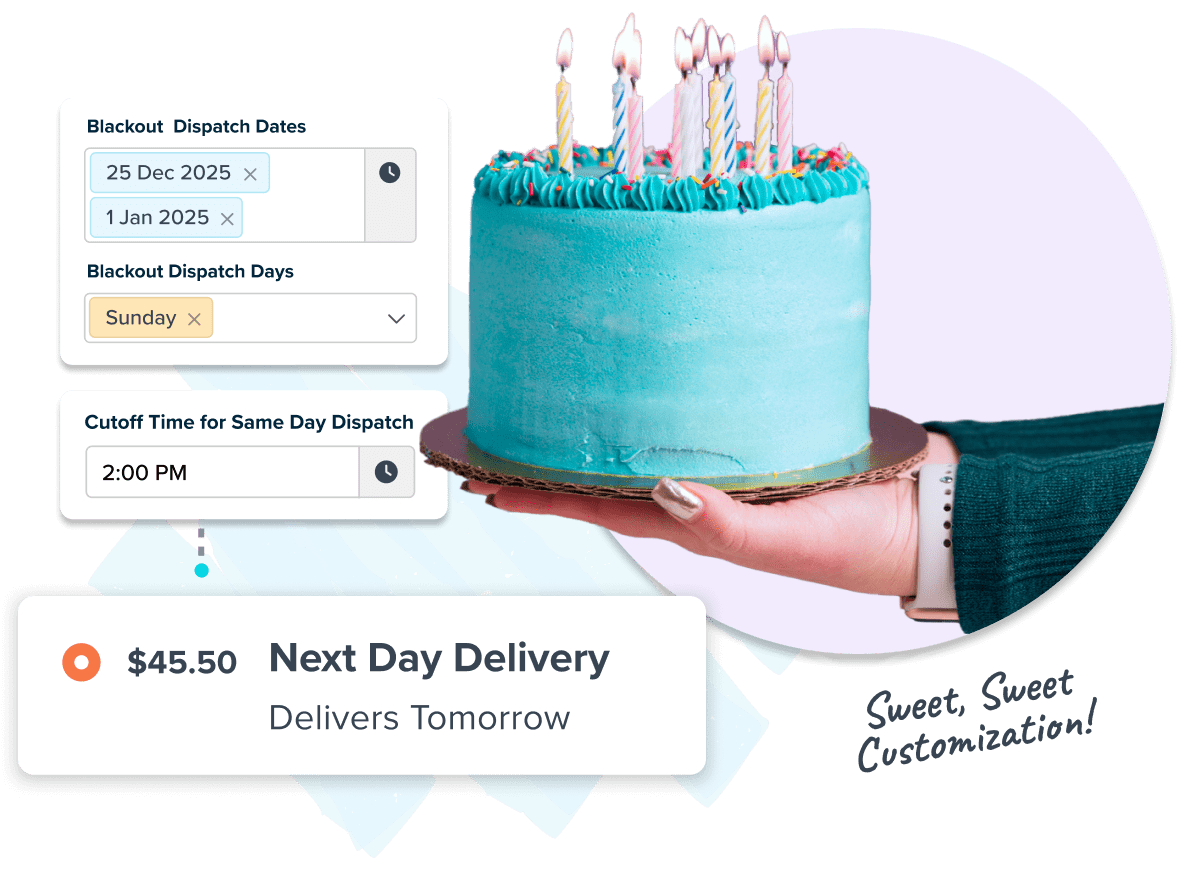
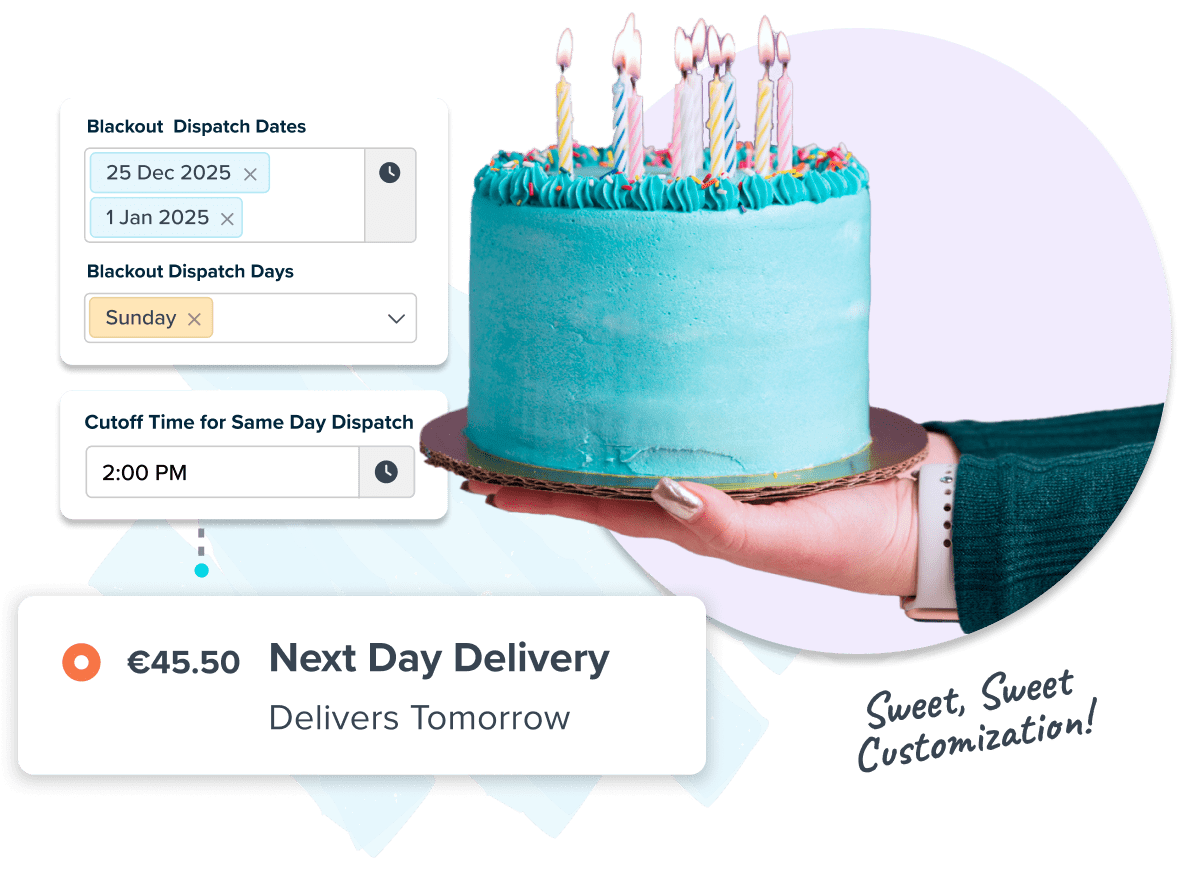
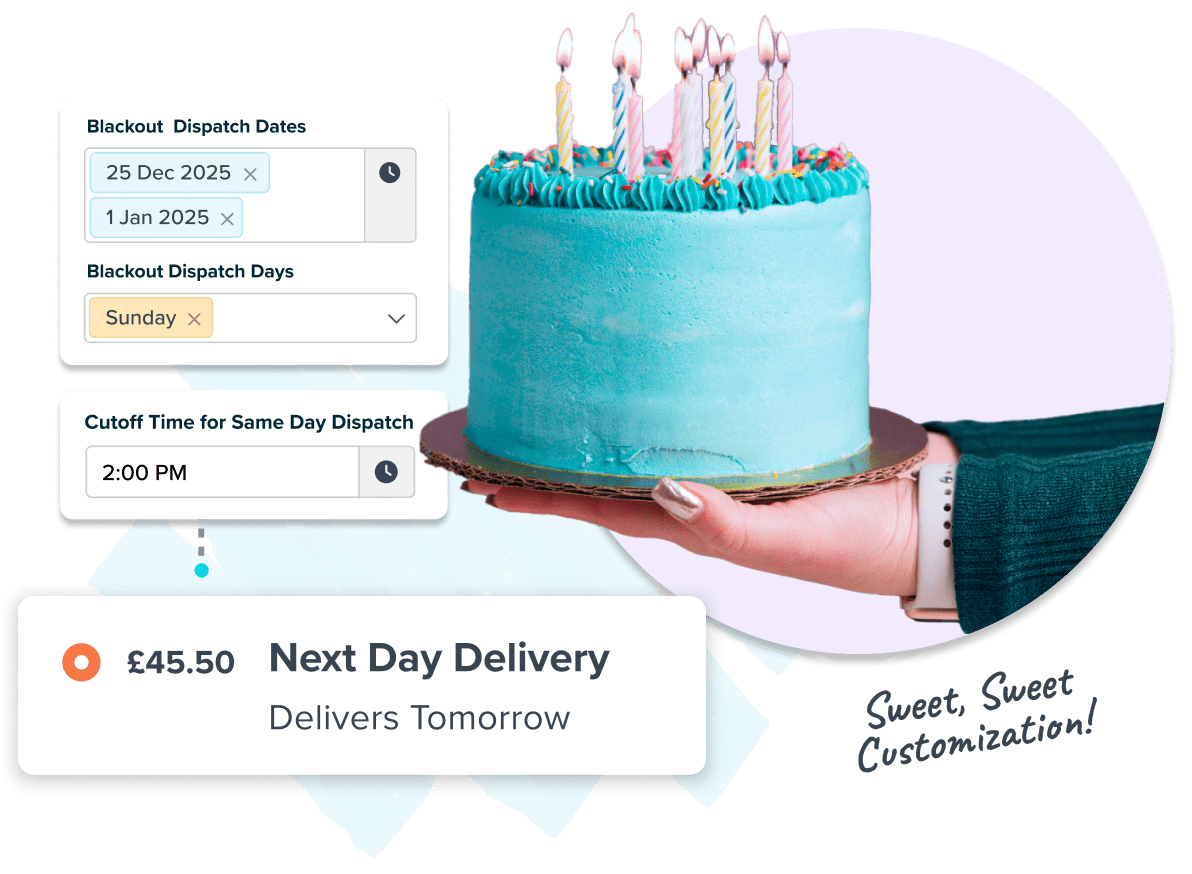
ShipperHQ lets you define lead times, cutoffs, blackout days, and transit limits to show reliable delivery dates at checkout.
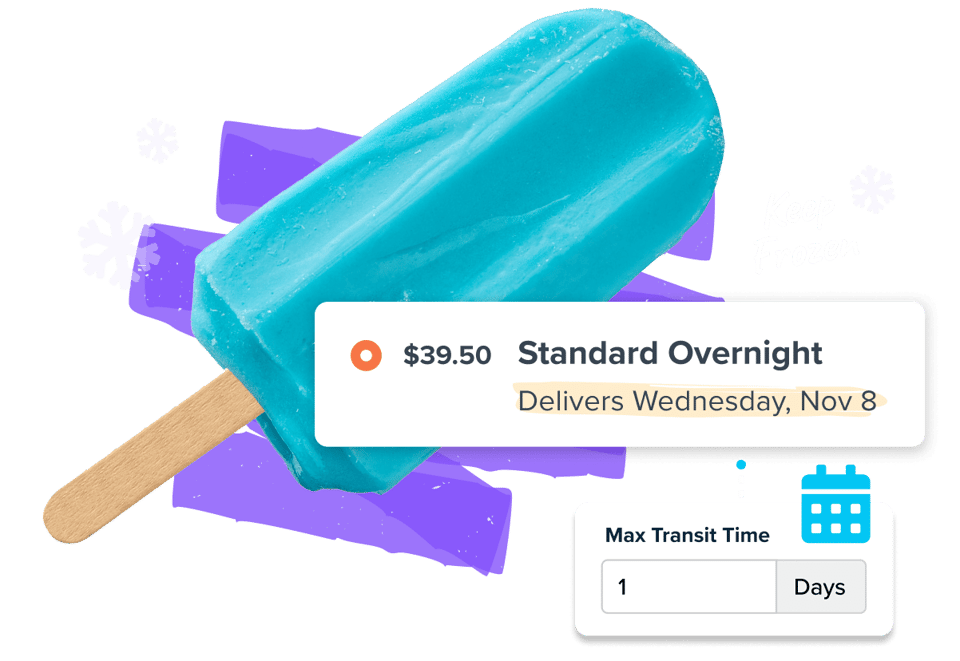
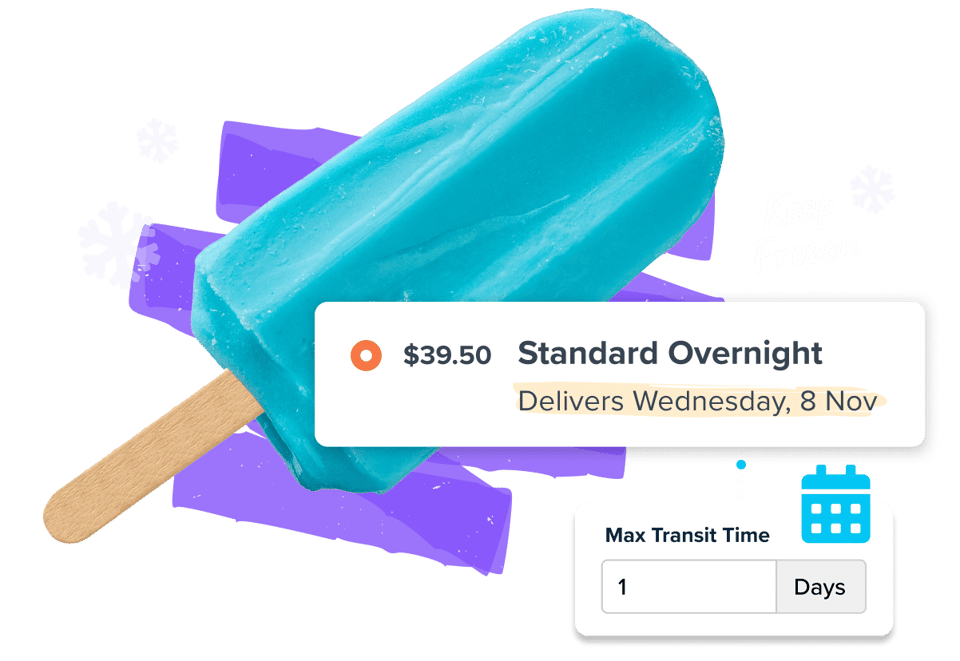
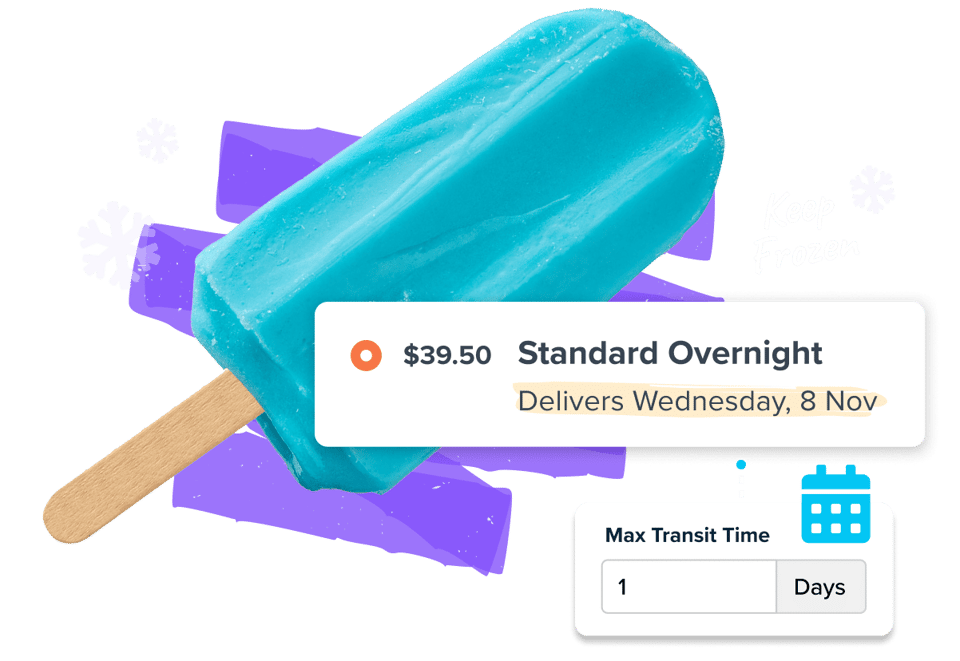
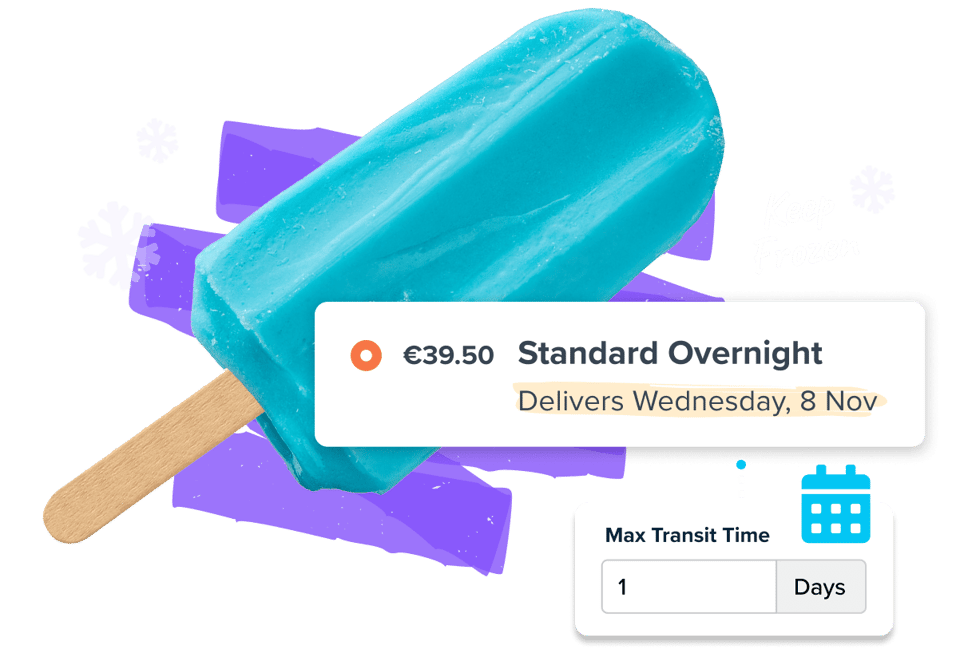
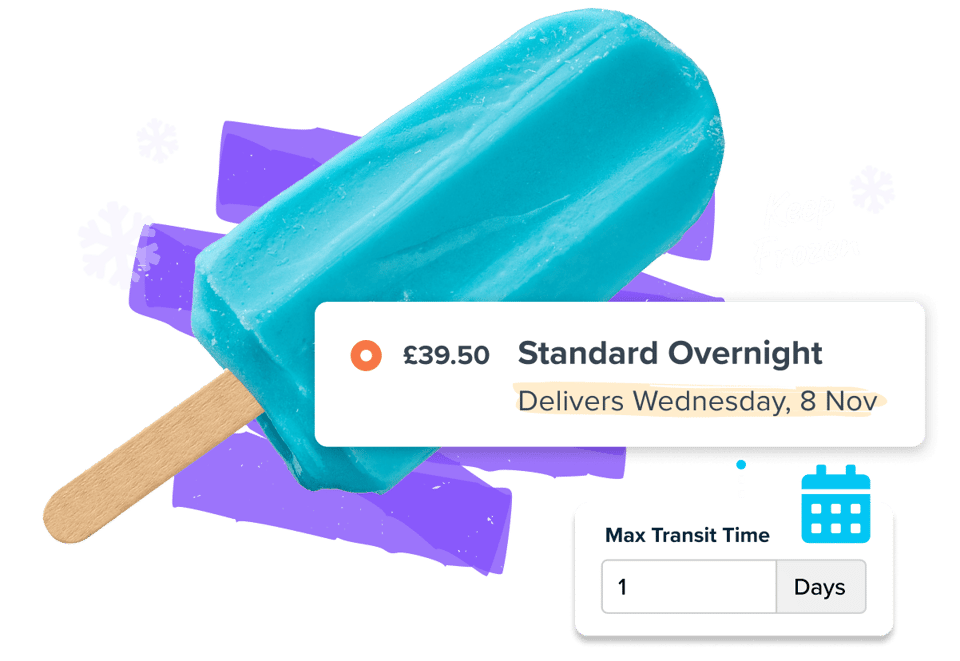







Customize delivery date settings based on your operations
Account for lead times, same-day shipping cut-off times, blackout days, and max transit times — across every carrier, warehouse, and product group.
Get a demo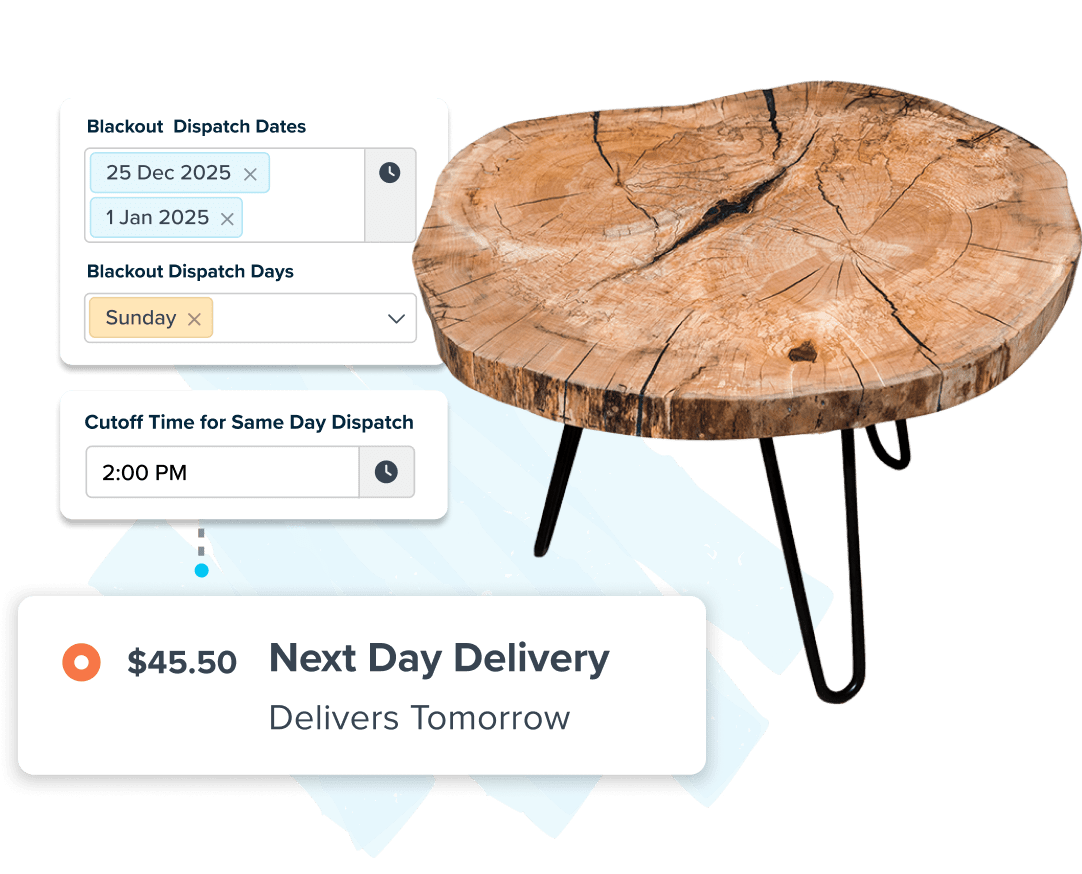
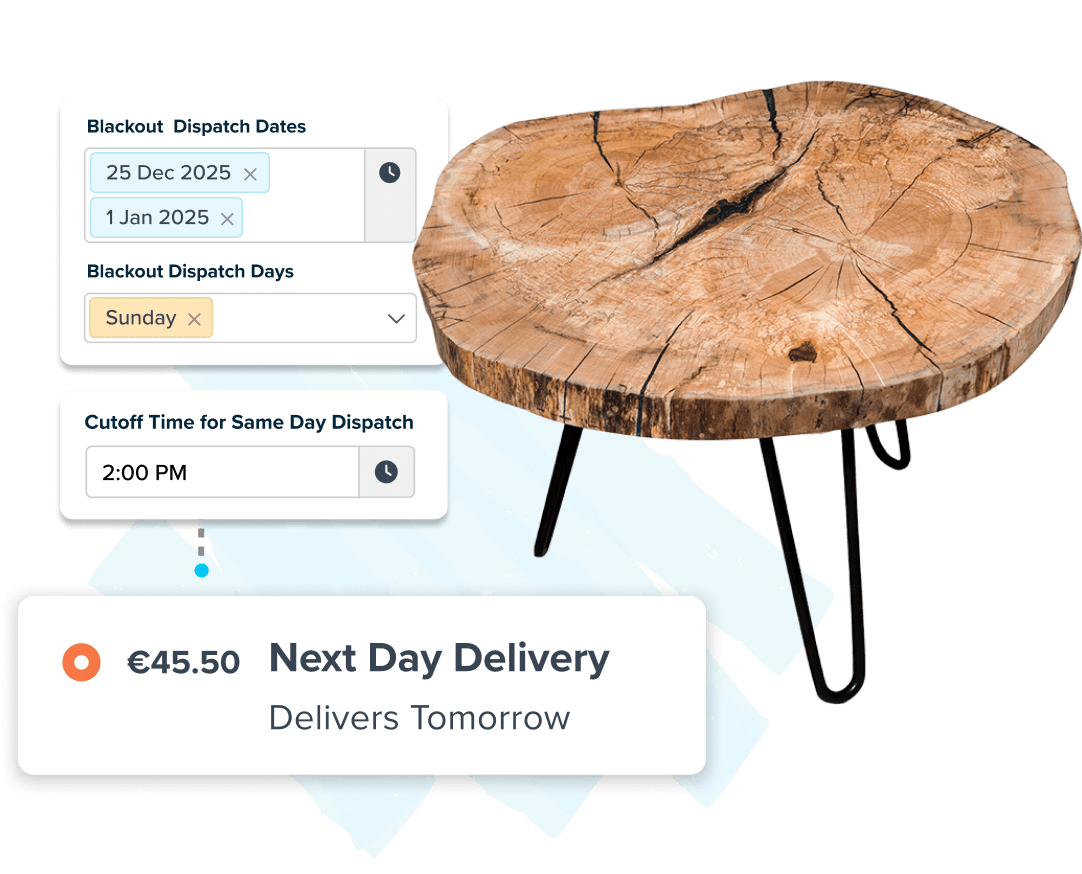
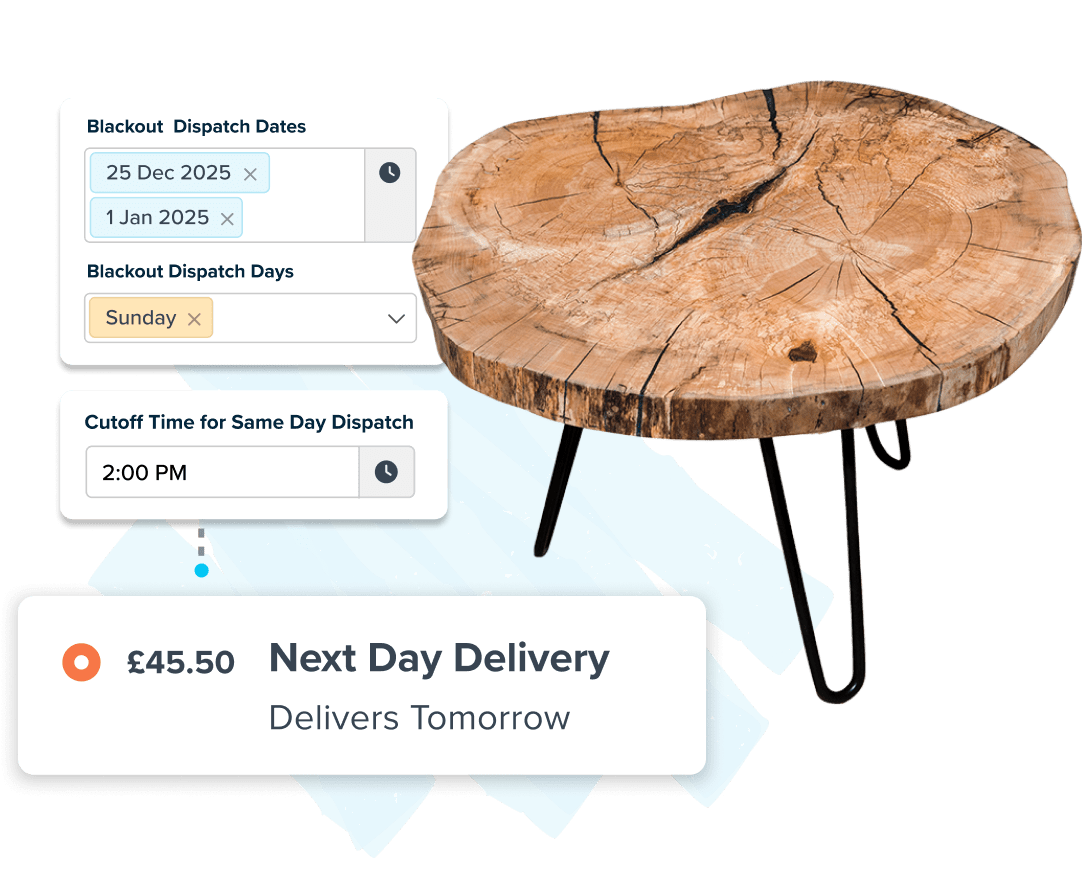
“It's crucial to show our customer the estimated delivery day at checkout, which is dynamically displayed based on MY business's shipping rules (same-day shipping cut off, blackout days, day of the week they order, etc) coupled with the carrier's real-time API.”
FullWell

Increase delivery date transparency
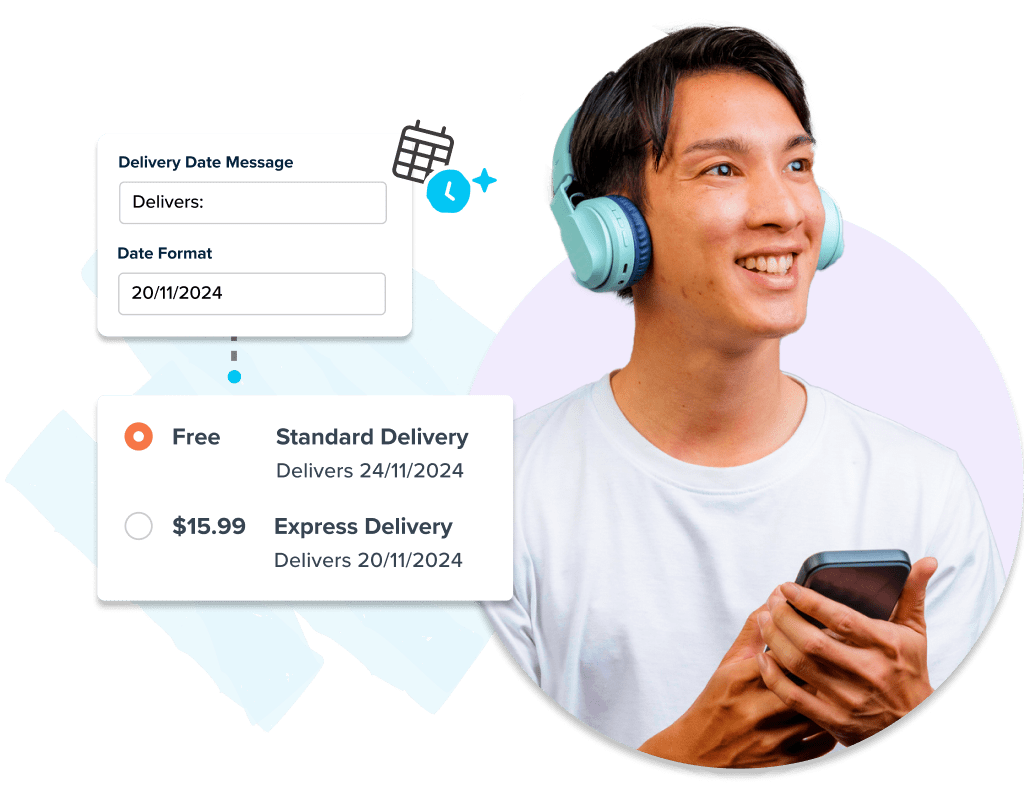
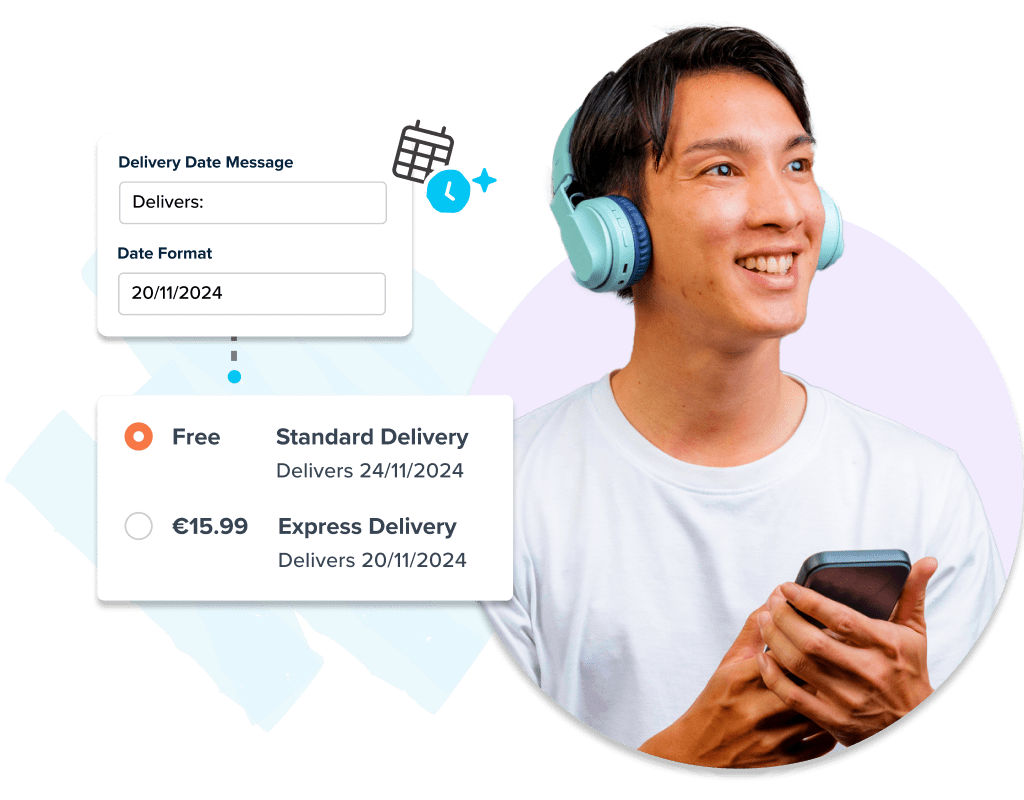
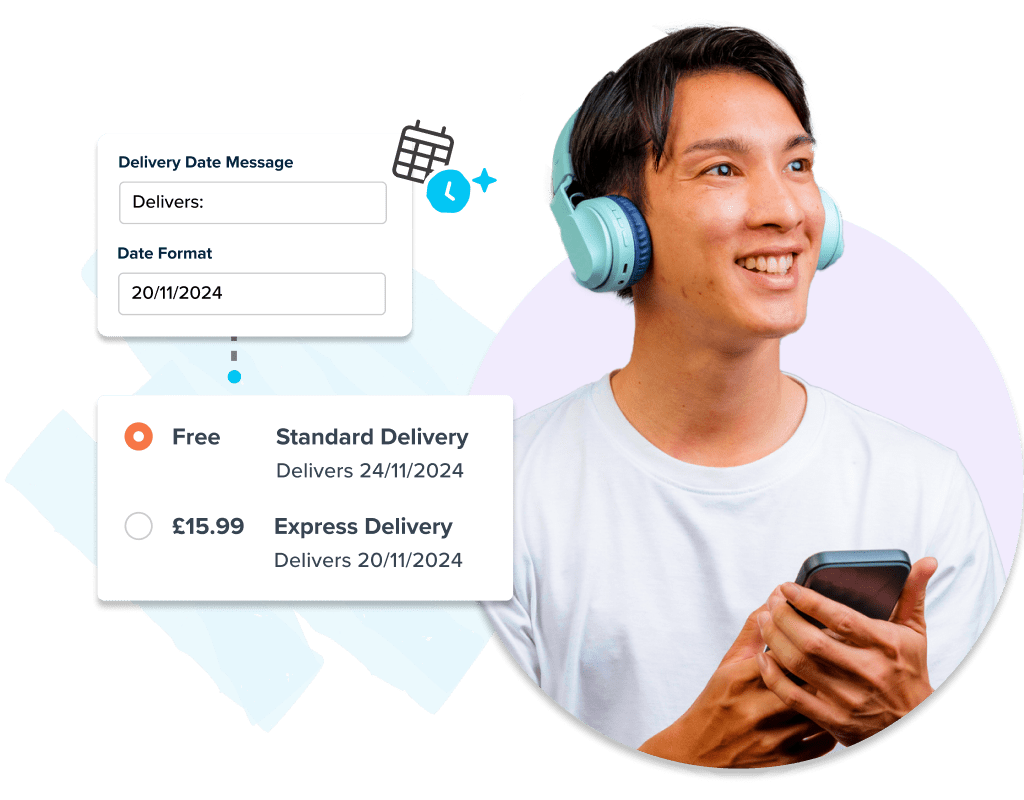
Customers want to know when their order will arrive. To increase conversion and reduce customer service inquiries, provide transparent delivery dates and shipping dates at checkout.
Start free trial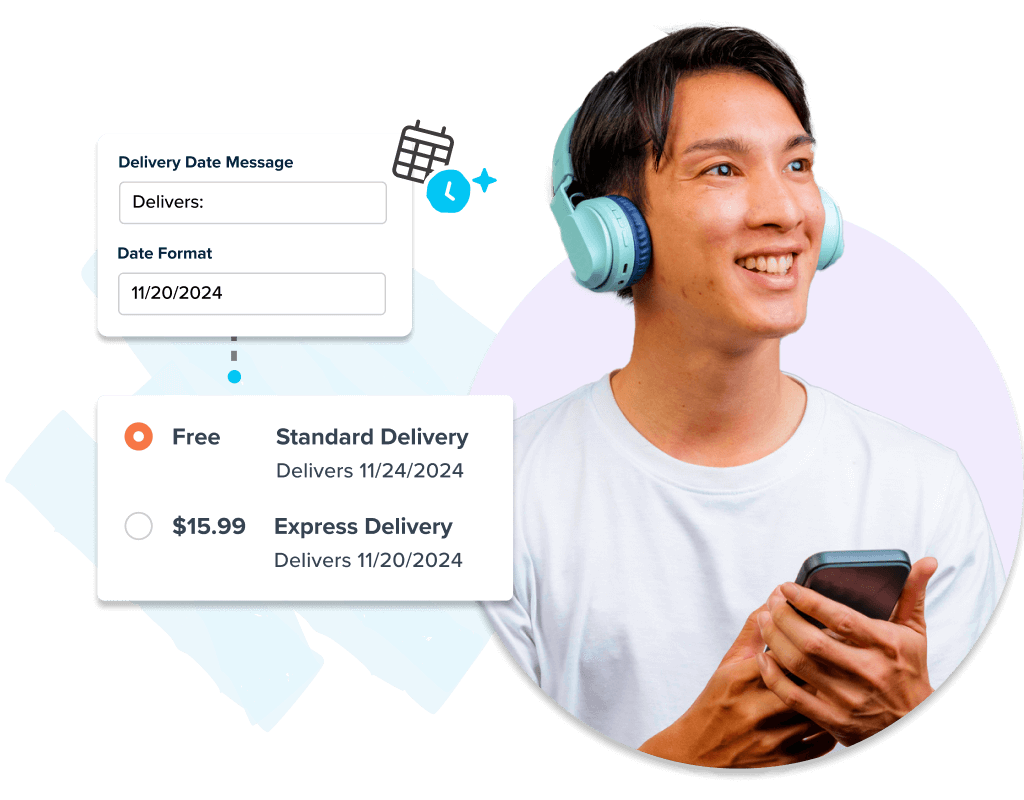
“ShipperHQ was the perfect medium between Shopify and Shipstation to provide transparency in the shipping process. The day we plugged ShipperHQ into our website, it cut our customer service tickets in half. We had less customers reaching out asking where a shipment was, when a shipment was going to be delivered, and if it was going to be safe when it got there.”
Jason Nista, CEO, Clean Eatz Kitchen

Ship perishable goods without spoilage
Set max transit times and provide customers with accurate arrival times to avoid spoilage. Feel confident that perishables will arrive fresh.
Learn more about Shipping Perishables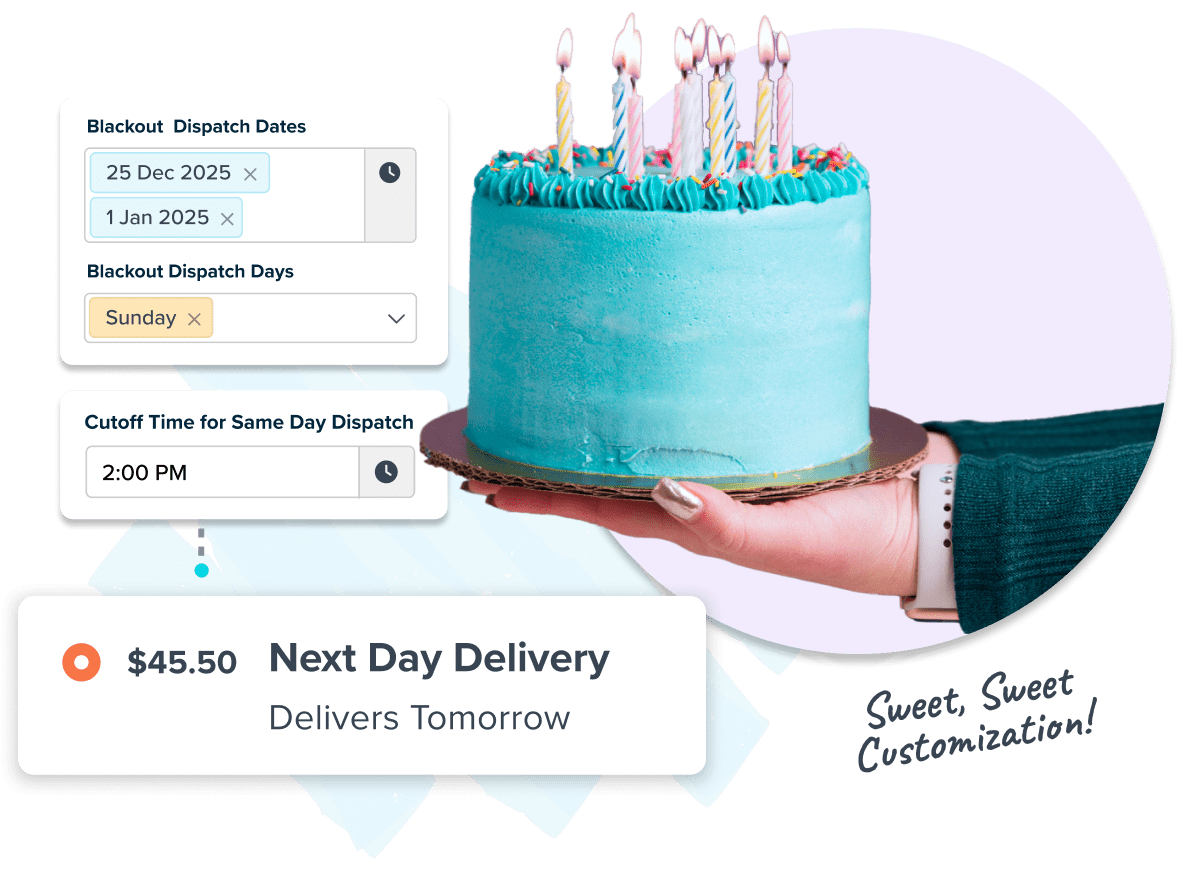

FAQs
How can I show accurate delivery dates at checkout for my online store?
ShipperHQ’s Delivery Date & Time feature lets you show accurate delivery dates and timelines at checkout by factoring in lead times, carrier transit times, blackout dates, cutoff times, and your fulfillment rules.
This gives customers a clear expectation of when their order will arrive, rather than vague timeframes like "5 to 7 business days."
How does ShipperHQ’s Date & Time feature calculate delivery dates and which carriers does it support?
ShipperHQ’s Date & Time feature lets you control how estimated delivery dates are shown at checkout by applying custom rules based on your specific logistics and fulfillment setup.
You can adjust delivery dates based on multiple factors like:
- Lead times: Set prep time based on origin, product group, or carrier
- Cutoff times: Define daily order cutoff times by location
- Blackout dates: Block non-production or non-shipping days like holidays
- Max transit time: Limit how long a shipment can be in transit (helpful for perishables)
The platform supports live rates from 50+ parcel and LTL freight carriers, including UPS, FedEx, USPS, and Canada Post, as well as custom table rates.
What are the benefits of showing estimated delivery dates (EDDs) at checkout?
Showing estimated delivery dates gives customers clarity on when their order will arrive, which builds trust and improves the overall shopping experience.
Here’s why it matters:
- Fewer support tickets: Clear delivery info reduces “Where’s my order?” questions
- Higher conversions: 62% of shoppers care more about when their order will arrive than how fast it ships
- Better handling of perishables: Set time-in-transit limits to ensure fresh delivery
- Stronger experience: Accurate delivery dates give your checkout the polish shoppers expect from top-tier retailers
Can I show reliable delivery dates for same-day or time-sensitive shipments with ShipperHQ?
Yes. ShipperHQ lets you set cutoff times, lead times, and blackout dates for each carrier and fulfillment location. This allows you to show accurate same-day or time-sensitive delivery dates at checkout that match your real-world operations.
For example, Clean Eatz Kitchen uses ShipperHQ to provide dependable delivery estimates for perishable meal shipments. By setting time-in-transit limits and aligning delivery windows with fulfillment cutoffs, they ensure food arrives fresh and on schedule. This helped them save $200K on product resends and boosted customer retention by 25%.
Can I display delivery dates when using table rate shipping carriers?
Yes. You can assign lead times to your custom table rate methods so ShipperHQ can calculate delivery estimates for table rate carriers the same way it does for live carrier rates.
How can I offer UPS Saturday delivery using ShipperHQ's Date & Time feature?
You can offer UPS Saturday delivery by enabling the Date & Time feature in ShipperHQ and selecting eligible UPS methods like Next Day Air or 2nd Day Air. Set Saturday as the only delivery day in your carrier’s settings to ensure those options appear when available.
Note that Saturday delivery only shows at checkout if UPS supports it for the shipping address. For full setup instructions, see the UPS Saturday Delivery help doc.
What is the difference between estimated shipment date and estimated delivery date?
The estimated shipment date is the date your order is expected to leave the warehouse or fulfillment center.
The estimated delivery date is when the order is expected to arrive at the customer’s address.
In other words:
- Estimated shipment date = when the order is packed and handed off to the carrier
- Estimated delivery date = when the order is expected to reach the customer
The time between these dates depends on factors like order processing time, carrier service level, destination, and any holidays or blackout dates.