



Selling Alcohol Online? Then Your Checkout Better Be Compliant
Between state regulations, age restrictions, and carrier limitations, shipping alcohol is anything but simple. ShipperHQ gives you the alcohol shipping software you need to stay compliant, cut costs, and give your customers the delivery experience they expect.
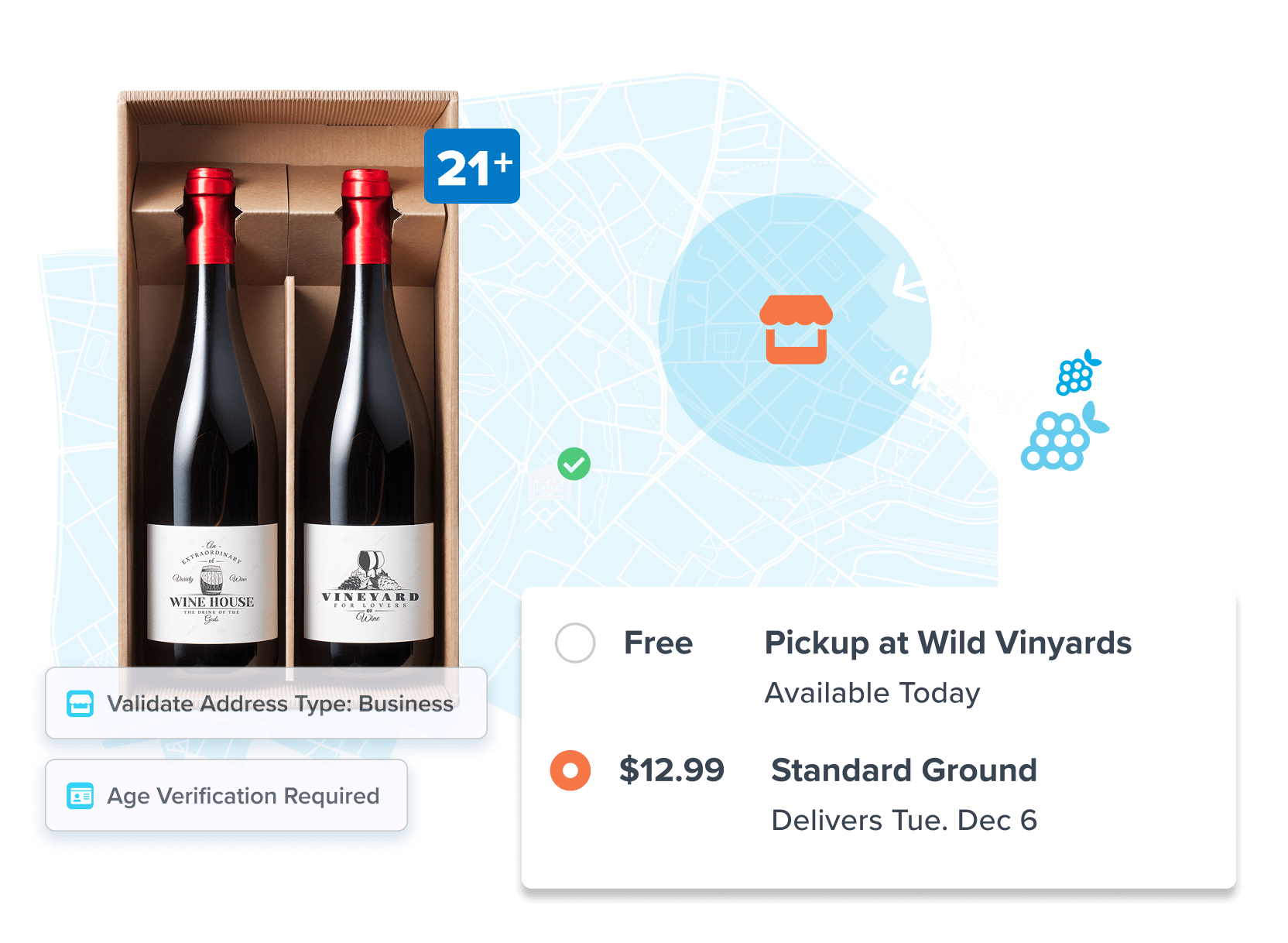
Ship Alcohol Legally – Without the Custom Code
Built-in compliance logic keeps you legal across the globe.
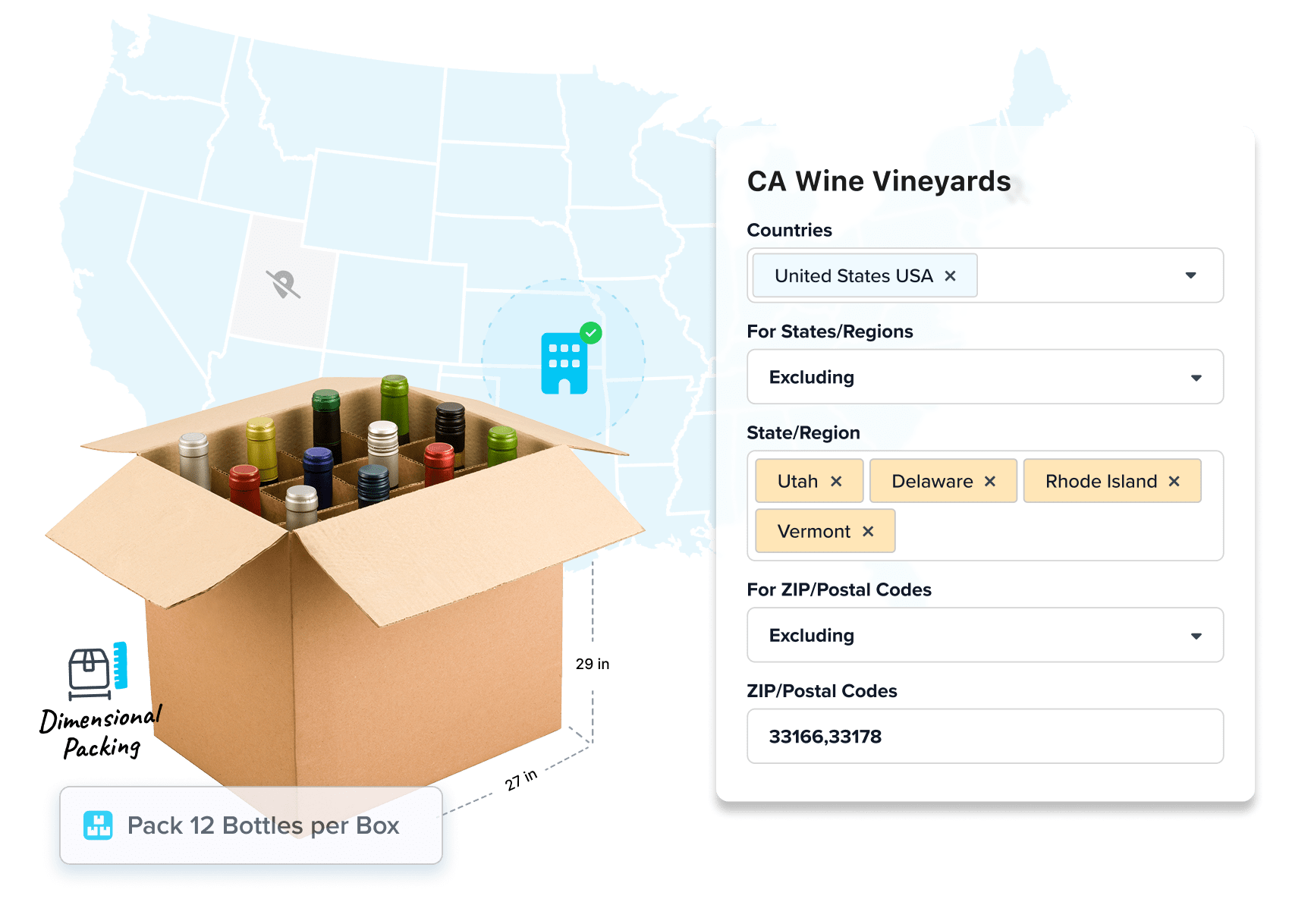
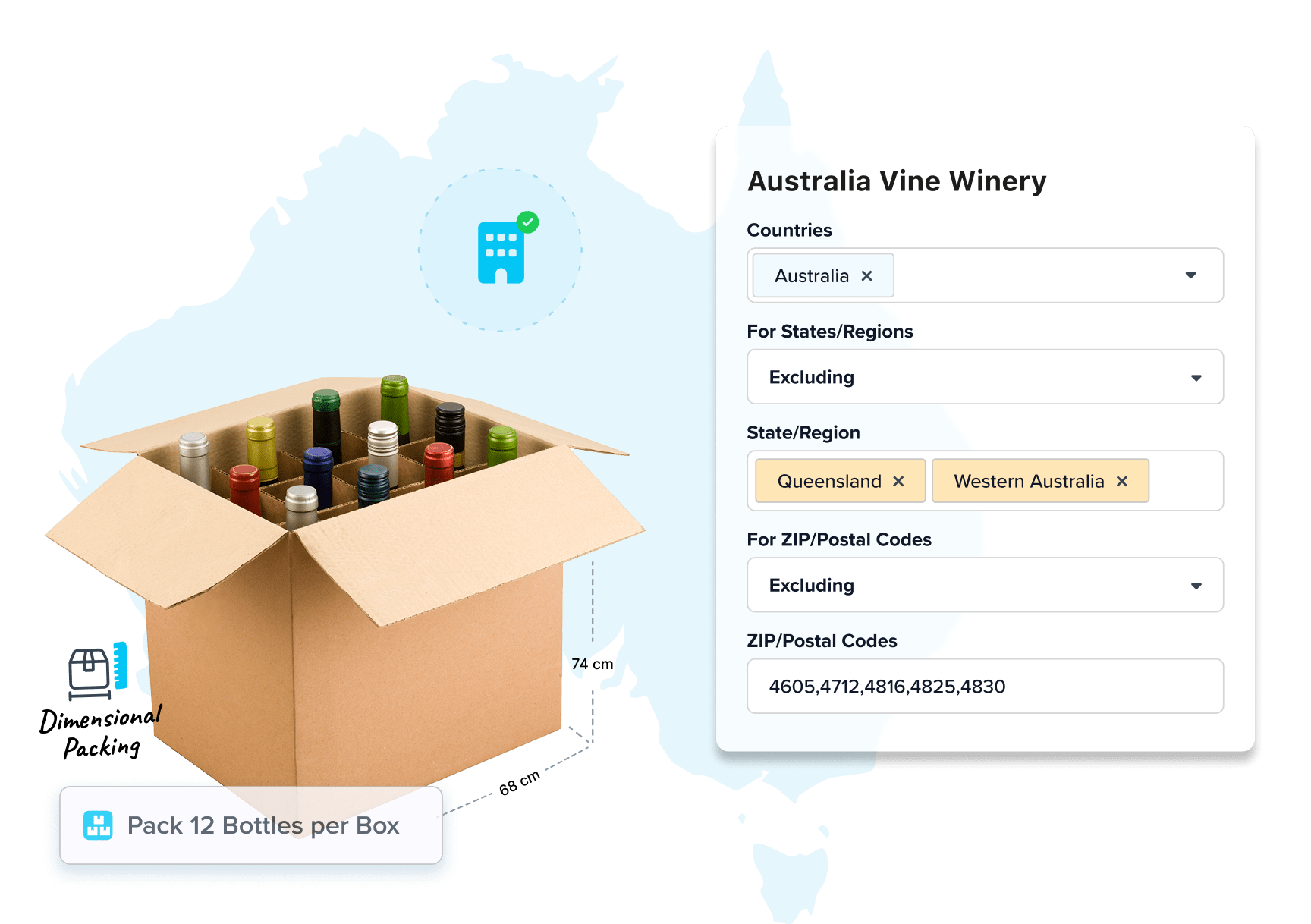
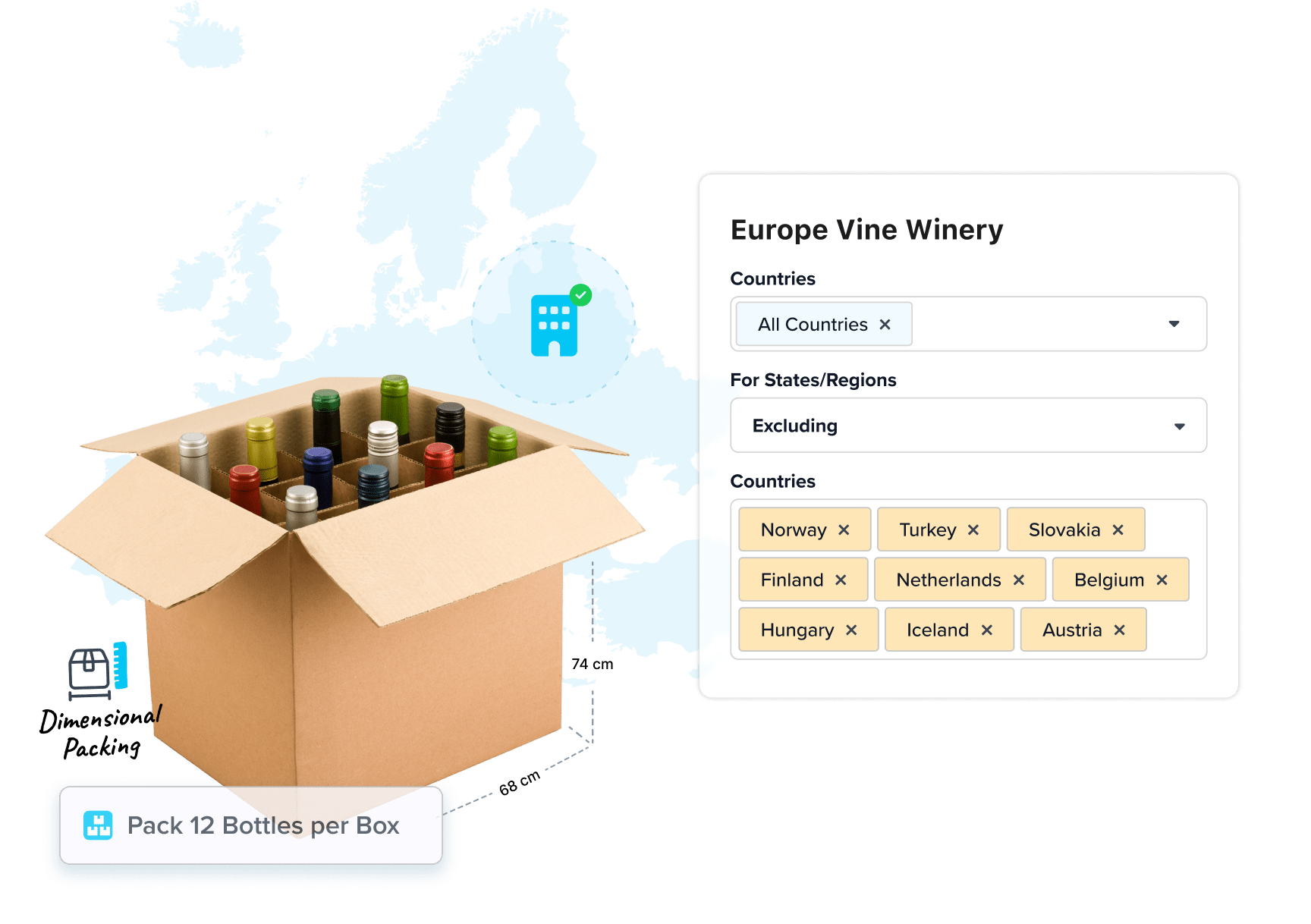
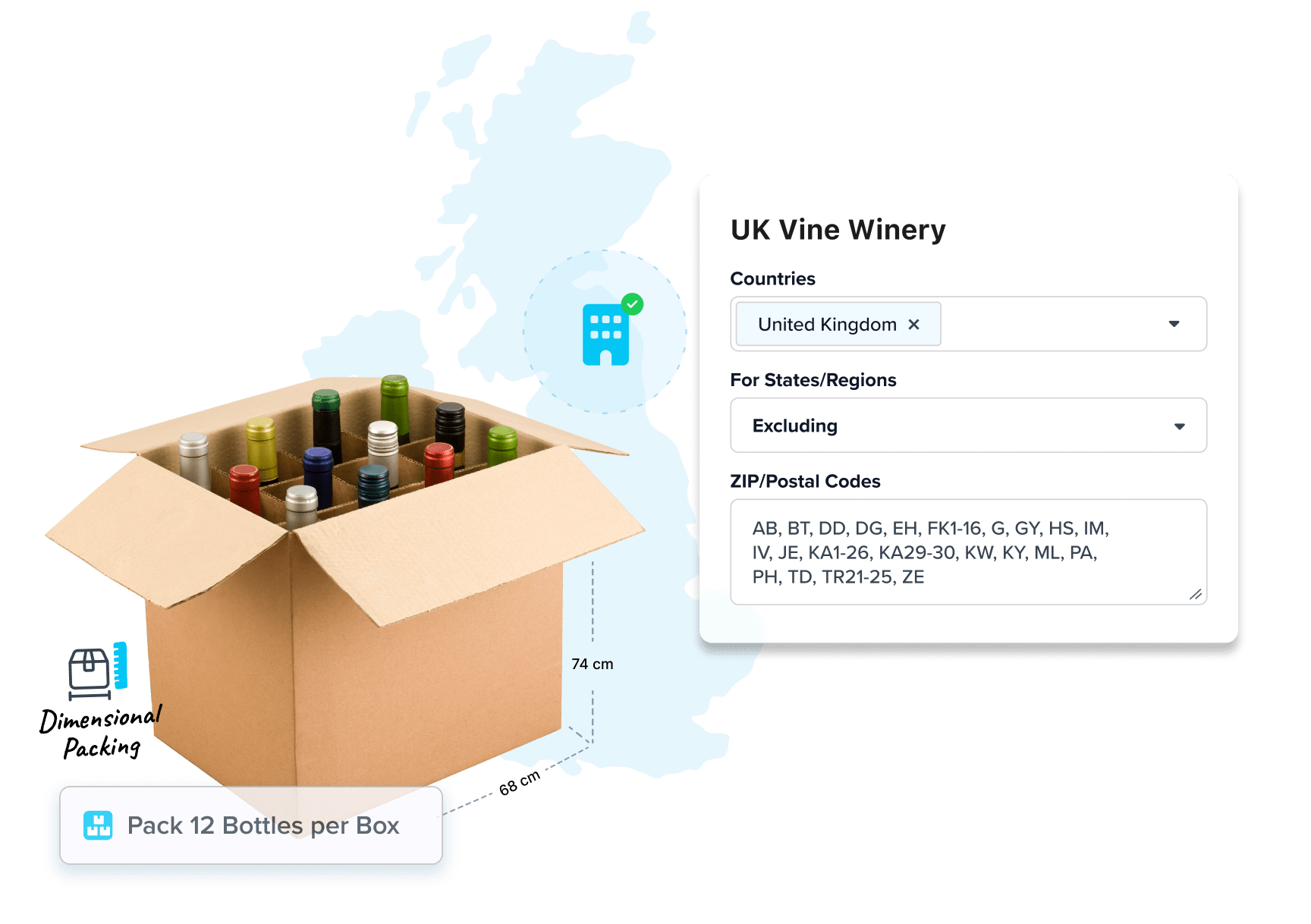
 Restrict shipments by state, zip code, product type, or customer group
- Enforce quantity limits per region or cart
- Block prohibited items or item combos at checkout
 Customize rules by SKU, category, or warehouse location
- All configured without developer help
Offer Pickup or Delivery Without Compromising Compliance
Whether you’re DTC, subscription, or retail hybrid – flexibility drives conversions.
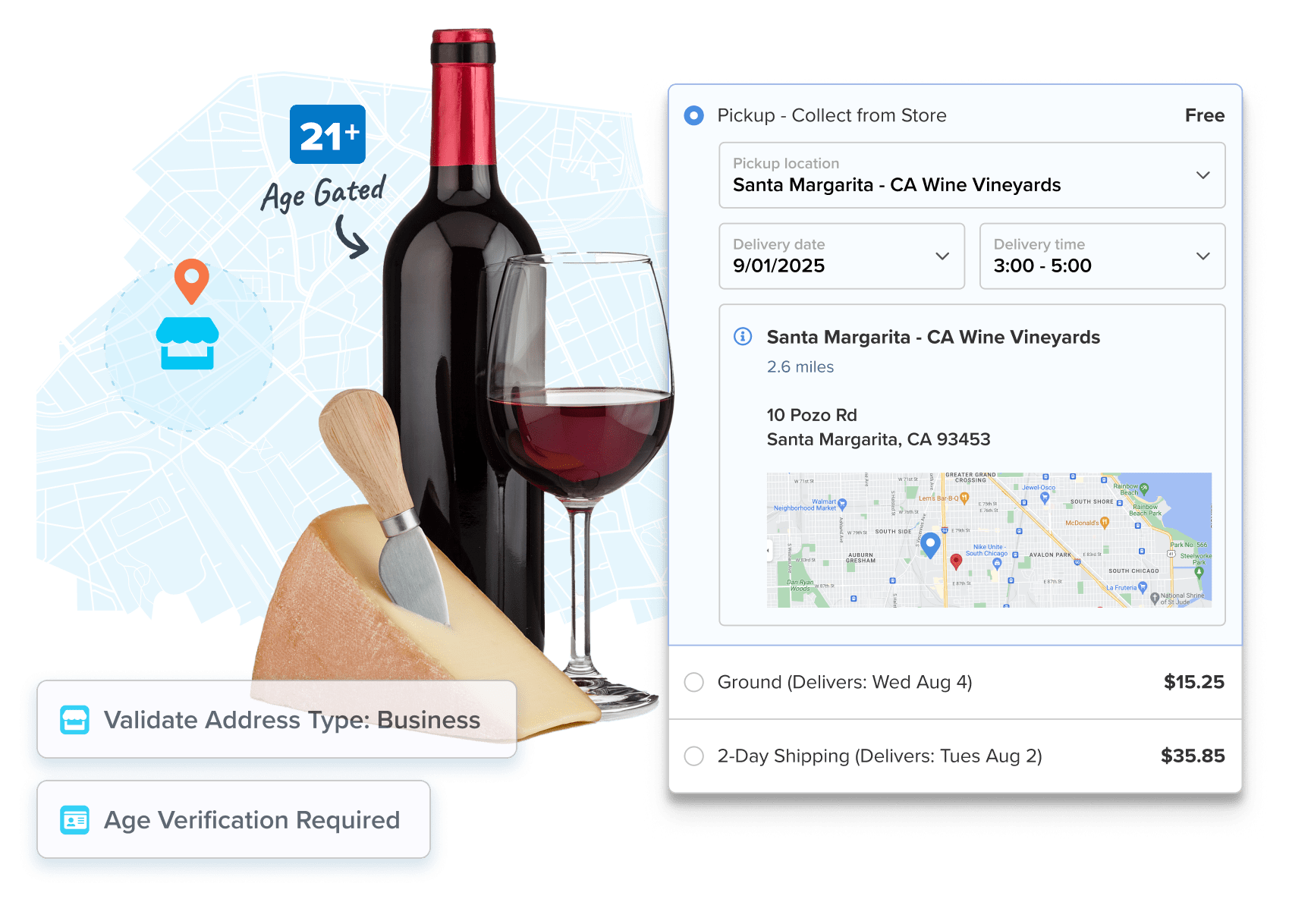
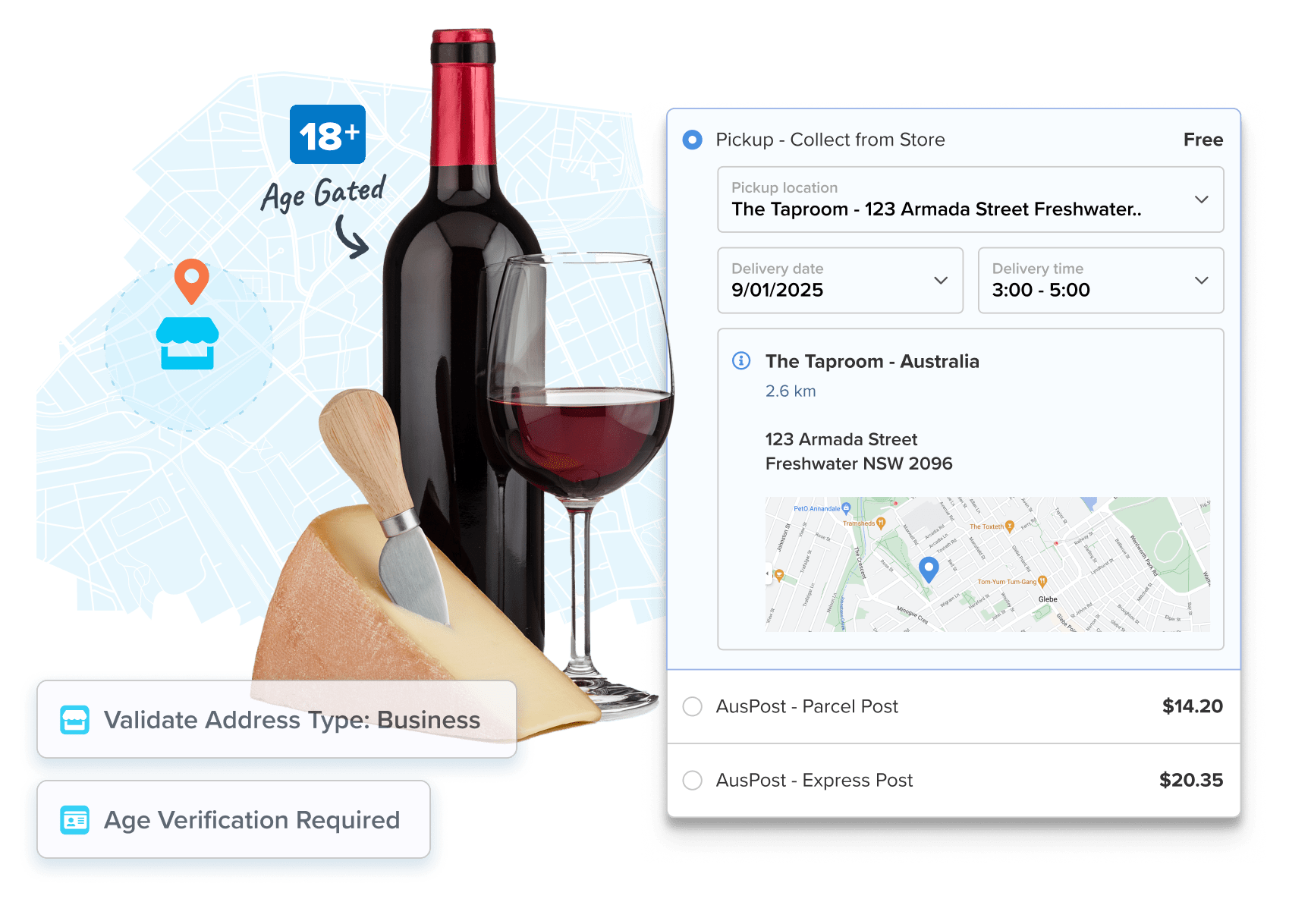
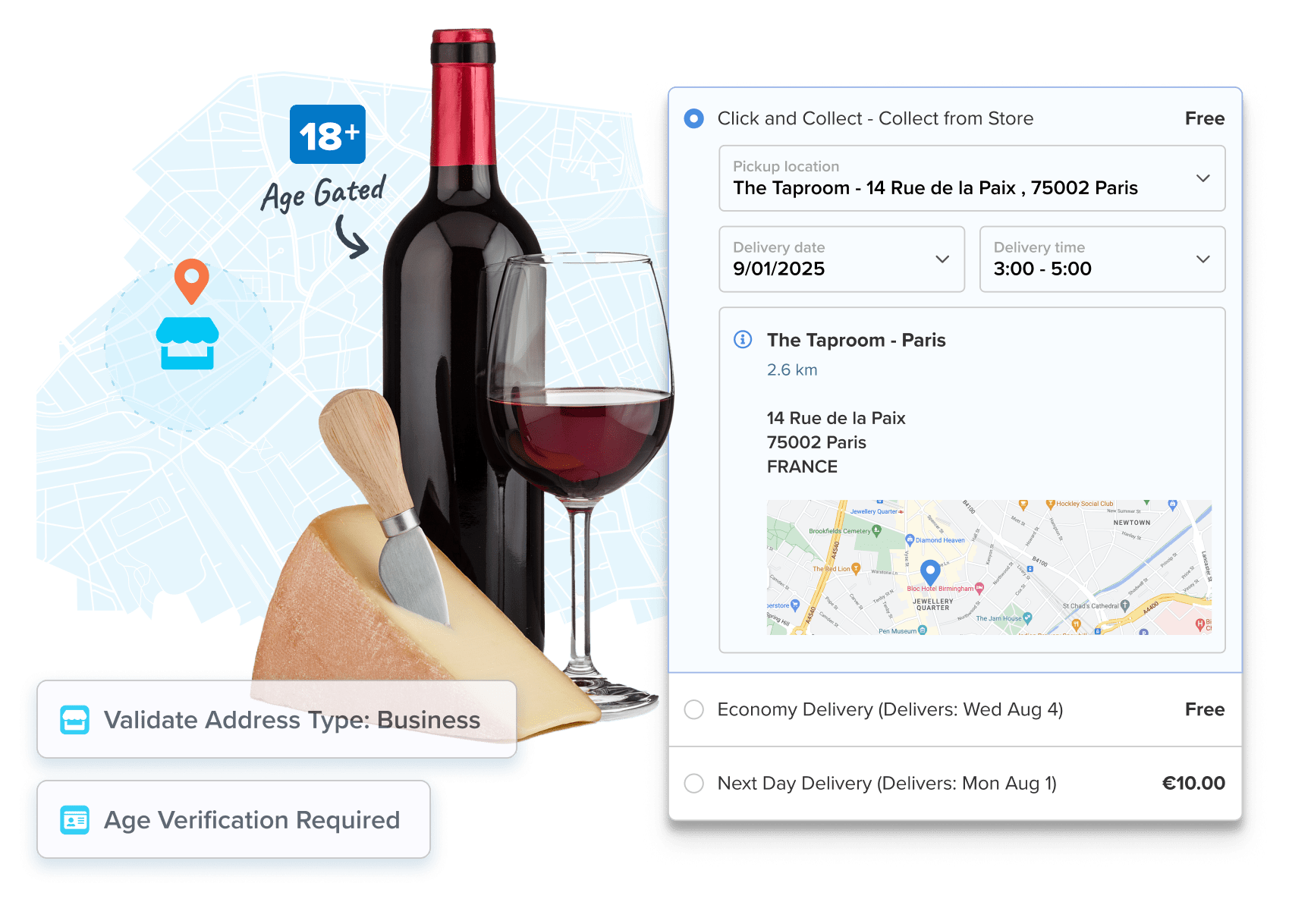
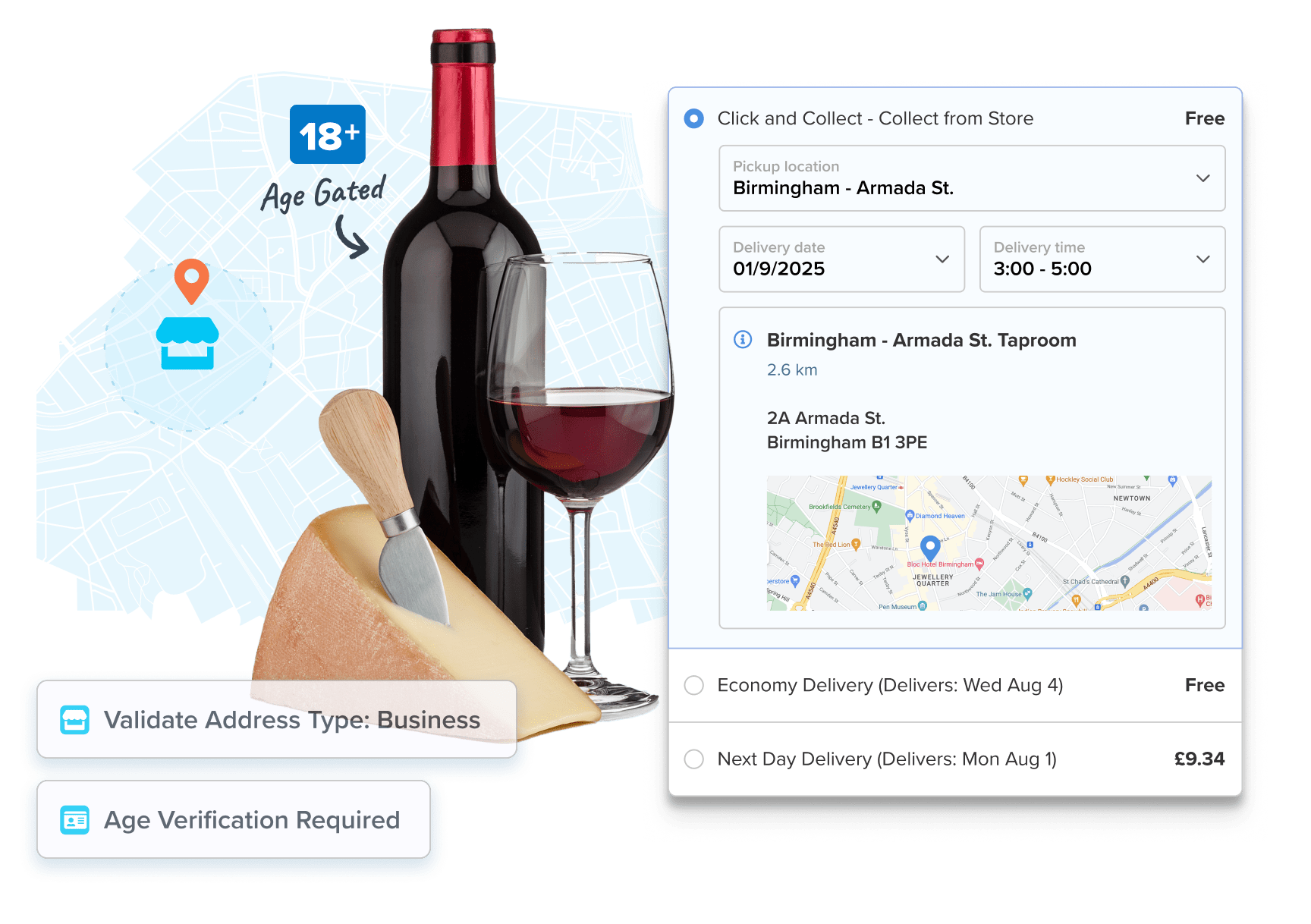
- Offer in-store, tasting room, or retail pickup based on location or distance
- Let customers choose delivery dates or time windows (when supported)
- Sync delivery options to age-restricted SKUs or customer segments
- Restrict delivery zones based on internal rules or carrier availability
- Account for lead times and blackout dates for accurate ETAs
Control Costs on Heavy, Fragile, Regulated Products
Shipping glass and liquid is hard enough – don’t overpay doing it.
- Rate shop in real time across 100+ carriers
- Set custom shipping logic like “Free Shipping on 6 Bottles” or “$10 Local Delivery”
- Use dimensional packing to reduce overcharges on bottles, cans, and multi-case orders
- Apply handling fees and surcharges automatically based on weight, distance, or delivery type
- Separate or group shipments to reduce breakage and simplify fulfillment
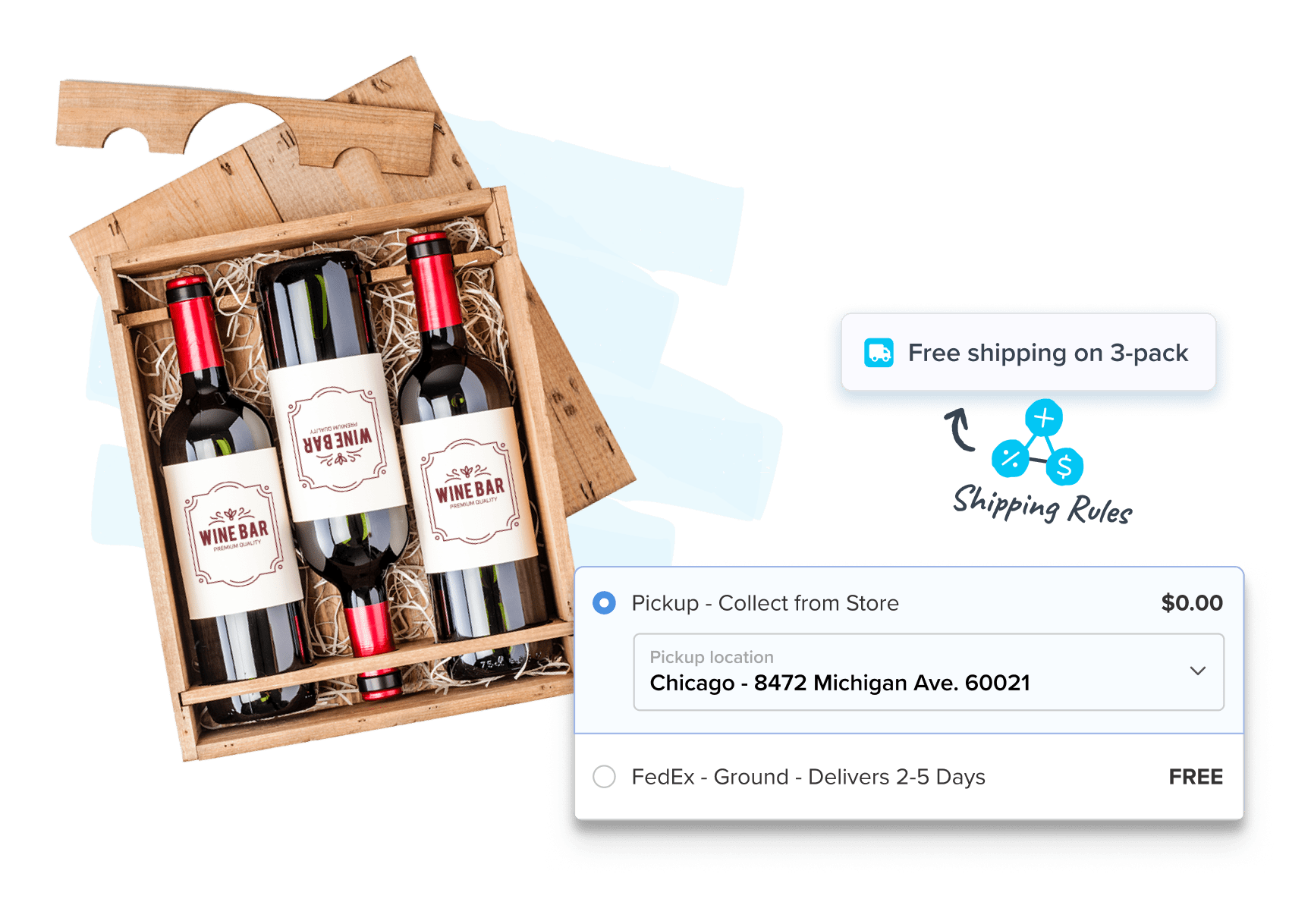
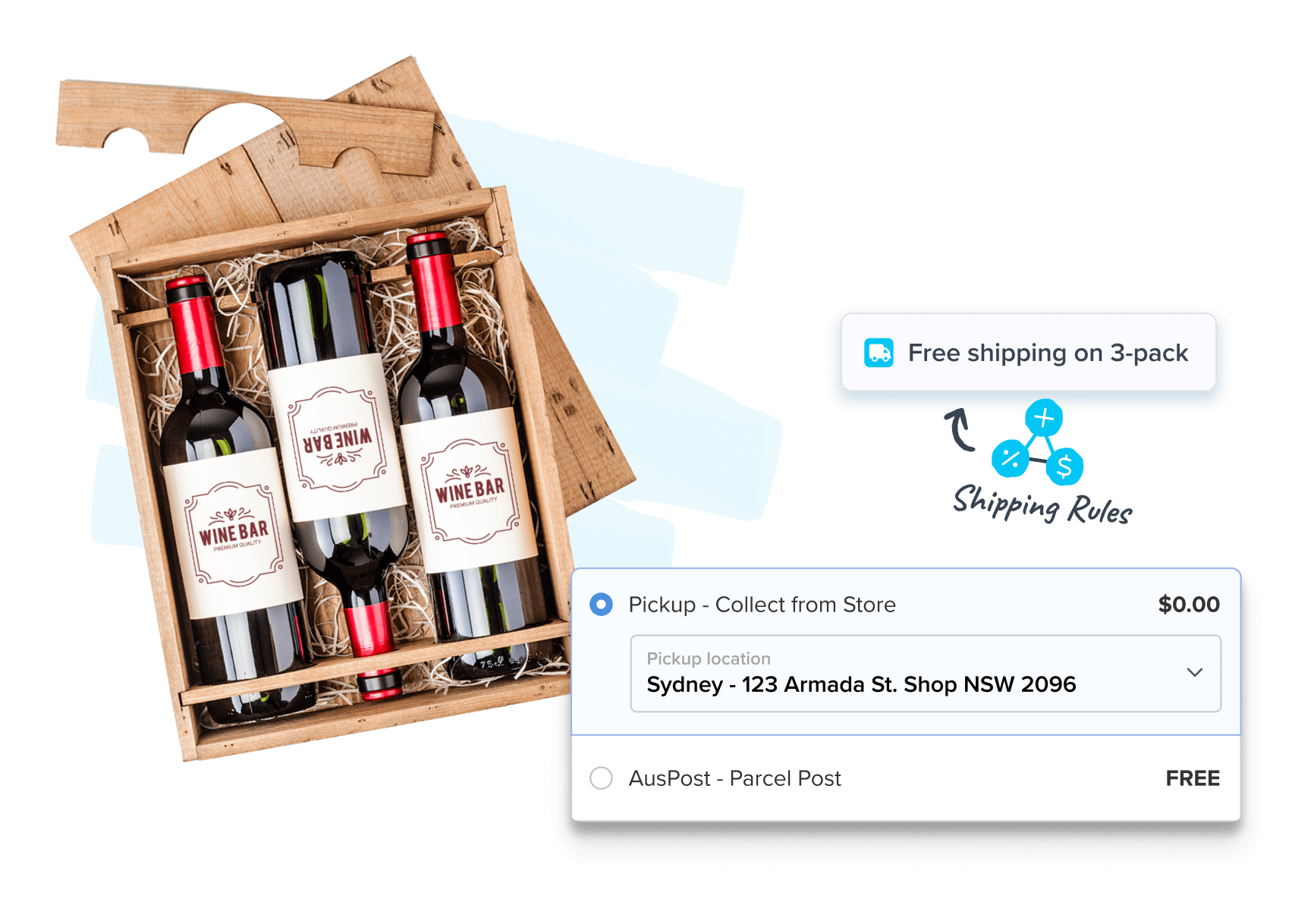
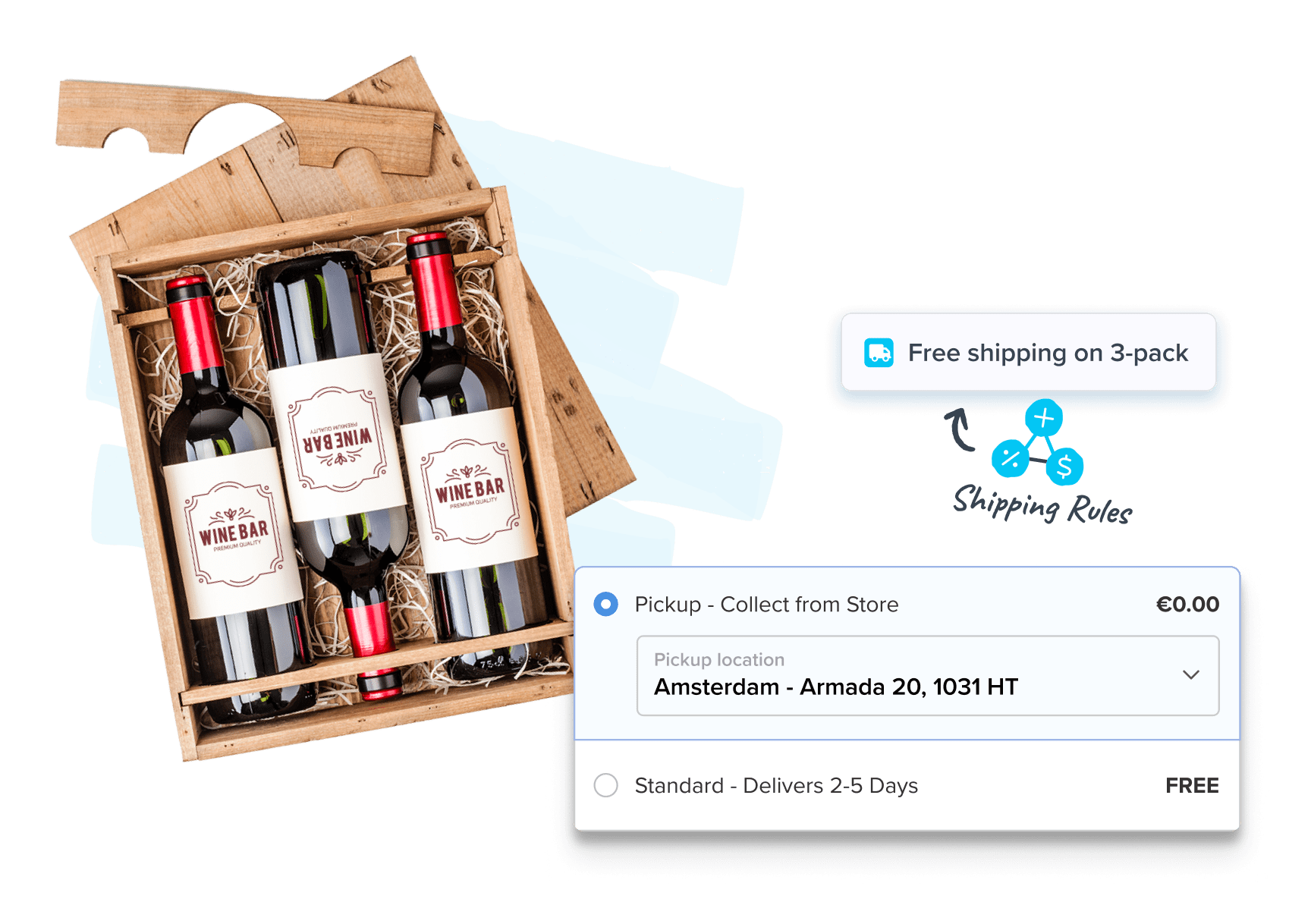
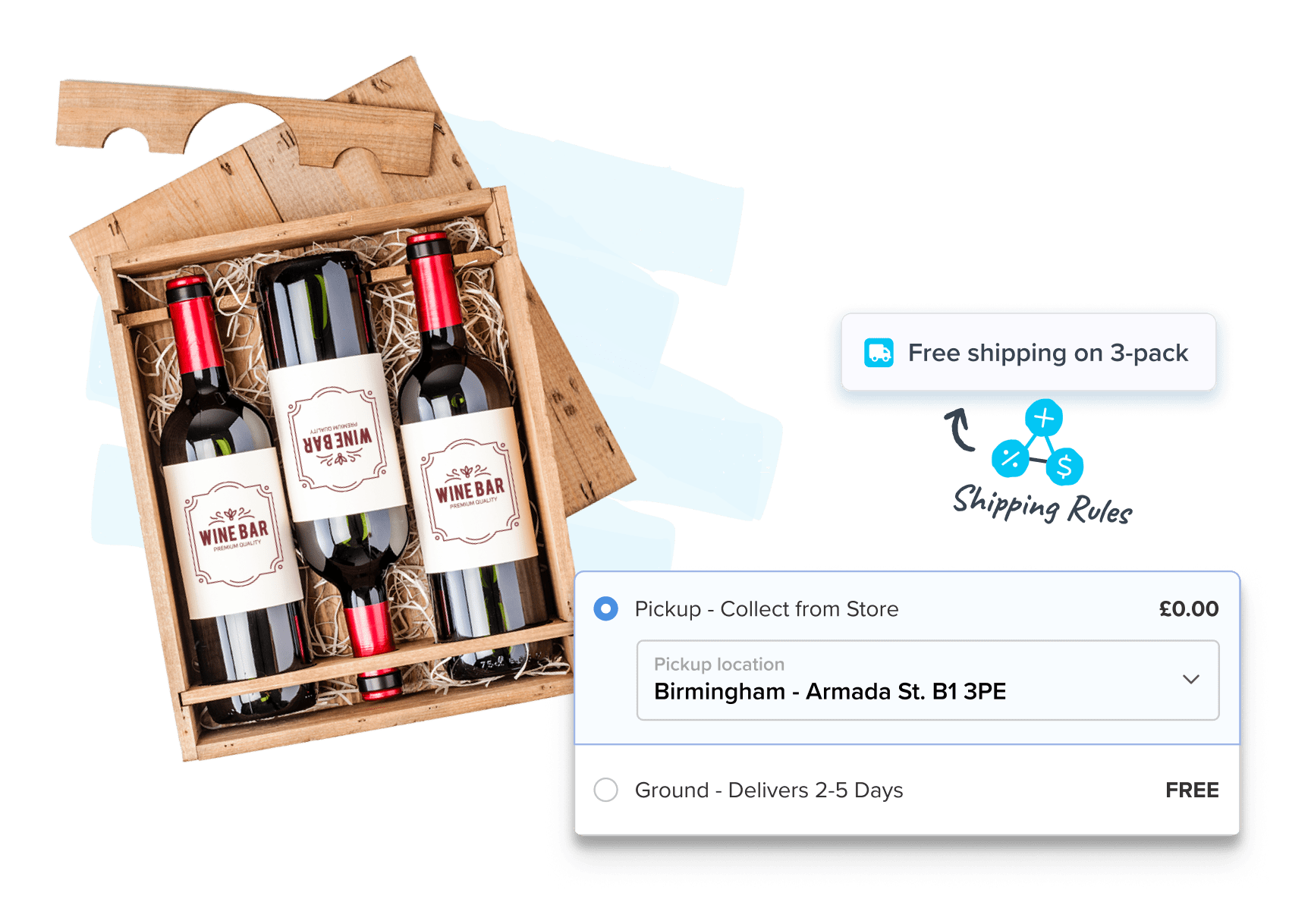

Shipping Rules by Region
Block shipments by state or zip code to follow the law—no dev time needed.

Smart Dimensional Packing
Calculate exact rates using real product dimensions and custom packing logic.

Pickup & Delivery Scheduling
Offer in-store or taproom pickup, or let customers choose a delivery window at checkout.

Total Cost Transparency
Display taxes, duties, and fees before payment—no surprises, no cart abandonment.

Address Type Detection
Auto-detect residential vs. commercial addresses to avoid failed deliveries and unexpected surcharges.

Real-Time Rate Shopping
Compare rates from 100+ carriers and offer the best mix of price and speed.
Over 6,000 eCommerce Brands Optimize Their Checkouts with ShipperHQ










FAQs
How do I let customers know why they can't ship alcohol to their state instead of just showing no options?
With ShipperHQ, you can configure shipping rules to display a custom message at checkout when no shipping methods are available for a restricted destination. Rather than leaving customers with a blank shipping step and no explanation, you can show a clear message explaining that delivery is not available in their state and suggesting an alternative such as in-store pickup or contacting your team.
This gives customers a better experience and reduces abandoned carts caused by confusion at checkout. Messages are configured in the dashboard alongside your shipping rules and take effect immediately.
Shipping rules in ShipperHQHow do I make sure alcohol orders are dispatched on time to avoid failed deliveries?
With the Advanced Shipment Details feature in ShipperHQ, your fulfillment team can see the required dispatch date for each order alongside the carrier selected and packing breakdown. This means your team knows exactly when an order needs to leave to meet the delivery date the customer saw at checkout.
For alcohol shipments where a missed window can mean a failed adult signature attempt or a re-delivery cost, having that dispatch visibility at the fulfillment stage removes the guesswork.
Advanced Shipment Details in ShipperHQHow do I block alcohol shipments to restricted states and dry counties at checkout?
ShipperHQ can enforce country, state, city, and ZIP-level alcohol shipping restrictions in real time at checkout using Shipping Rules. Orders to prohibited states are blocked before checkout completes, so customers never see invalid shipping options.
You can assign products to groups like Wine, Beer, or Spirits and apply destination state or ZIP-level restrictions to each independently. Rules can hide all shipping methods when a product is not allowed at a destination, including sub-state restrictions like dry counties. Mixed carts are handled correctly: only options valid for all items in the cart are shown.
Rules can be updated quickly in the dashboard with no code required. ShipperHQ controls checkout logic and rate display. Licensing and compliance requirements are managed outside the platform.
Can I ensure an Adult Signature method is required for all alcohol deliveries?
ShipperHQ gives you the ability to set up shipping methods that require an adult signature and make those the only options available when alcohol is in the cart.
You can also add the carrier's signature fee directly to the shipping cost so it shows up clearly at checkout. Combined with state and ZIP restrictions, you can build a checkout experience that only offers options your business can actually fulfill legally.
Shipping rules in ShipperHQHow do I enforce quantity volume caps for alcohol shipments based on the destination state?
With ShipperHQ, you can set quantity limits by product group and destination so checkout only offers shipping options when the order is within the allowed threshold. You can configure different limits for wine, beer, and spirits, and apply different rules per state. Mixed carts are evaluated per product type so each group follows its own limit.
When a quantity limit is exceeded, you can configure checkout to show no available shipping methods, preventing the order from proceeding. Limits are set in the dashboard with no code required and can be updated quickly as regulations change
Shipping rules in ShipperHQHow do I stop overpaying for shipping on bulky wine and spirits cases?
With Dimensional Packing, ShipperHQ calculates shipping rates using actual case dimensions, not just weight, so checkout pricing matches carrier dimensional weight charges for wine and spirits.
You define box sizes like single-bottle shippers, 6-bottle cases, and 12-bottle cases, and ShipperHQ selects the correct packaging and sends dimensions to carriers like UPS and FedEx. This prevents underquoting caused by weight-only estimates or one-size-fits-all default package assumptions that compound across hundreds of monthly orders.
Packing rules can enforce standard case configurations or isolate large-format bottles like magnums that must ship in dedicated packaging regardless of other items in the cart. Dimensional Packing is most accurate when your box library is fully defined, but simply enabling the feature will automatically improve rate accuracy based on available packing information such as product dimensions and max weights by carrier.
Can customers schedule a delivery date so an adult is home to sign for the alcohol?
Yes. ShipperHQ's Enhanced Checkout feature lets customers select a specific delivery date in a calendar at checkout, helping ensure an adult is available to sign for alcohol deliveries.
Dates are calculated using your lead times, cutoff times, carrier transit data, and blackout days so only realistic delivery dates are shown. This reduces failed delivery attempts and re-delivery costs.
Time window selection is supported for delivery or store pickup.
How can I offer tasting room or in-store pickup as a compliant alternative to shipping?
ShipperHQ lets alcohol brands offer tasting room or in-store pickup at checkout, showing locations based on the customer's proximity. This provides a compliant alternative when shipping is restricted by state.
You can configure pickup locations and use rules to show only pickup when alcohol cannot ship to a destination. Distance-based filtering ensures customers only see locations within a serviceable radius. Ship-to-store is also supported, with rates calculated to the store address
Flat-rate or free pickup without time slot selection is also supported.
In-store pickup in ShipperHQHow does ShipperHQ work alongside compliance tools like Sovos ShipCompliant?
ShipperHQ handles shipping logic at checkout, while Sovos ShipCompliant manages licensing, tax compliance, and regulatory reporting. The two platforms operate at different layers and can be used simultaneously.
ShipperHQ controls carrier rates, state restrictions, carrier eligibility by product type, adult signature methods, dimensional packing, delivery dates, and store pickup. Sovos manages DTC shipping licenses, excise tax calculation, automated compliance reporting, and regulatory workflows.
ShipperHQ does not integrate directly with Sovos and does not provide legal guidance. Merchants are responsible for maintaining accurate rules as license status and regulations change.