


How to Build an Amazon-Like Checkout Experience for Your Store
Imagine you’re hosting a dinner party this Saturday. For the occasion, you order a set of engraved steak knives and toss a cast-iron skillet into your cart, too. (Apparently, a dinner party is the perfect time to try your hand at cooking.)
The skillet ships immediately, but the knives need three days for engraving.
On Amazon, you can see exactly when each item will arrive. You can choose faster shipping for the knives while keeping free shipping for the skillet. Or you can choose to hold off on the skillet until the knives are ready to reduce packaging. Done. Your dinner party is saved.
On many other websites, however, there’s often only one option: “Standard Shipping (3–7 business days) – $12.95.”
Will the knives arrive by Saturday? Does that timeframe already account for the engraving process? Should you pick up some steak knives at the dollar store just to be safe?
Who knows?
For most customers, merely listing shipping costs falls short of their expectations. Shoppers want (and need) transparent, trustworthy delivery details to make a confident decision.
This is where Amazon comes in.
Customers have come to expect an Amazon-style checkout. Before they buy, they want to know which items will ship separately, when each product will arrive, and what delivery options are available for each before they pay.
Here’s the good news: You don’t need Amazon’s logistics network to do this.
With ShipperHQ's Enhanced Checkout, you can add features like split shipments, a delivery date calendar, and maps to select pickup locations directly into your checkout process.
Learn how Amazon’s checkout process works and how you can incorporate these features into your own online store.
Key Findings
- 48% of leading ecommerce sites still don't show a delivery date for each shipping option, and 92% of shoppers weigh delivery windows before they buy.
- Amazon's checkout works because every shipment gets its own delivery date, its own speed options, and a pickup alternative.
- ShipperHQ’s Enhanced Checkout adds an Amazon-like delivery date calendar, local pickup map, and split-shipping options to ecommerce stores.
What Amazon’s Checkout Process Looks Like
Amazon’s checkout has many moving parts. The shipping section can be broken down into four essential steps.
Step 1: Each shipment is displayed separately.
When items are shipped from different warehouses or at different times, Amazon groups them into separate shipments. Customers can see exactly which items are included in each shipment.
Step 2: Each shipment has its own delivery options.
Customers can choose faster shipping for one shipment while opting for free delivery on another. This ensures users only pay for expedited delivery when they want it.
Step 3: Every option shows a real delivery date.
Amazon provides a definitive delivery date rather than vague estimates like “5–7 business days.” This saves customers from estimating the date themselves or wondering whether weekends count.
Step 4: Alternatives to home delivery are available.
Pickup locations and lockers give customers delivery options when no one will be home, or when they'd rather grab the package on their way somewhere.
None of these steps is complicated on its own. But taken together, they answer the question every customer asks at checkout: "When will my order arrive?"
Why Most Store Checkouts Fall Short
Most e-commerce platforms present shipping options as a simple list. Each method is assigned a name, a price, and, in some cases, an estimated delivery timeframe.
That works fine when you ship a single item from a single warehouse or have a single product in the box, but as soon as the shopping cart gets more complex, this model hits its limits.
On most platforms, split orders appear as one combined rate, so customers can't see when each item arrives. Items with longer lead times, such as engraved knives, get the same delivery estimate as products that ship the same day. And when in-store pickup is offered at all, it's usually just another item on the list.
Even major retailers miss these opportunities. A Baymard Institute study found that 48% of stores fail to show specific delivery dates for shipping options. Additionally, 52% don't offer alternative fulfillment options, such as in-store pickup. (Baymard Institute: Checkout UX Best Practices).
And this is real revenue lost. According to Capital One Shopping Research, 92% of consumers consider delivery timeframes when making a purchase.
If you would like a more comprehensive overview of what can slow down the checkout process, take a look at our guide to checkout optimization.
How to Apply the Amazon Checkout Flow to Your Store
ShipperHQ gives you two ways to improve that experience: enhance your existing shipping section or replace it entirely.
Enhance your standard checkout. ShipperHQ works within your platform's existing shipping section, providing live carrier rates based on your shipping rules, along with estimated delivery dates.
Replace it with Enhanced Checkout. Enhanced Checkout replaces the default shipping section with an interactive experience that lets customers select delivery dates, choose pickup locations, and select shipping options for each shipment.
Here's how Enhanced Checkout brings each of Amazon's checkout steps to your store.
Steps 1 and 2: Show each shipment with its own dates and delivery options
With split shipping in Enhanced Checkout, customers can see specific shipping options, costs, and delivery dates for each individual shipment before completing their purchase.
Back to the dinner party. The pan is shipped the same day via standard (free) shipping. But the knives are dispatched only after engraving. Seeing this, the customer chooses to upgrade that shipment to ensure it arrives by Saturday.
Shipments can split by origin or by product rules. This covers scenarios where items in a single shopping cart are shipped from multiple warehouses (multi-origin shipping), as well as carts containing a mix of pre-order items and products that are in stock and available immediately. Customers can even choose to pick up some items in-store while having the rest delivered.
Step 3: Let customers pick a specific delivery date
Enhanced Checkout adds a delivery-date calendar to checkout, and it shows only dates you can actually meet.
ShipperHQ's Delivery Date & Time builds those dates based on your processing times, order cut-off times, maximum transit duration, and any specified blackout dates. You can configure these parameters individually for each warehouse, product, shipping carrier, or shipping method.
So if the knives need three days of engraving and your warehouse closes on Sundays, the calendar won't offer a date you can't hit.
You can also:
- Pre-select the date with the most cost-effective rate.
- Limit how far out customers can book.
- Offer delivery time slots, like noon to 2 PM, for table-rate shipping methods.
Time slots matter most for orders where someone has to be home: perishables, flowers, and high-value or big-ticket items.
For more on how the dates themselves get calculated, see our guide to accurate estimated delivery dates.
Step 4: Offer pickup with a map and time slots
Enhanced Checkout shows pickup customers a map of your locations, with store hours and contact info, and lets them book a pickup time.
With ShipperHQ's In-Store Pickup, you can limit pickup locations by distance or show all of them. Customers choose a date and time slot based on your hours and lead times.
No storefront? You can still offer pickup at FedEx Hold at Location and UPS Access Point locations.
The step Amazon customers never see: shipping on time
A delivery date is a promise. Keeping it is a warehouse problem.
Turning on Enhanced Checkout also turns on Advanced Shipment Details, which gives your team the checkout data behind every order. That includes:
- The delivery date the customer selected and the date the order must ship by.
- The carrier, method, and cost chosen at checkout, so you can compare them against the label.
- Which items go in which box.
You can find those details in your ecommerce platform, or connect them to your ERP or fulfillment system through the Advanced Shipment Details API.
Which Platforms Support Enhanced Checkout?
|
Platform |
What Enhanced Checkout adds |
|---|---|
|
Shopify Plus |
Delivery date calendar, time slots for delivery and pickup, pickup map; works with Shopify's split shipping |
|
Adobe Commerce and Magento 2 |
Delivery date calendar, time slots, pickup map, split shipments |
|
BigCommerce |
Delivery date calendar, time slots, pickup map |
Enhanced Checkout is available on the ShipperHQ Enterprise plan. On Shopify Plus, it's added through Shopify's checkout editor, works with Shop Pay, and requires a unique SKU for every product and variant (ShipperHQ Docs: Enhanced Checkout on Shopify).
How ShipperHQ Powers an Amazon-Like Checkout
An Amazon-like checkout needs more than a nicer shipping section. The rates and dates behind it have to be right.
Enhanced Checkout runs on the full ShipperHQ platform:
- Live rates from 100+ carriers, including 30+ LTL freight carriers, for parcel and freight in the same checkout.
- Dimensional Packing so each shipment is rated in the boxes you'll actually use.
- Shipping Rules to control which options, dates, and prices each customer sees.
That's what keeps a calendar date from becoming a missed delivery, or a split shipment from becoming a surprise charge. If you want to see how those rates come together, here's how a shipping calculator actually works.
How Solent Plastics Cut Cart Abandonment 25% With Delivery Options at Checkout
Solent Plastics, a UK supplier of industrial storage, used to take online orders as inquiries. Every order needed a phone call to confirm delivery costs. On busy days, the team was contacted by 50 to 100 customers just to finalize orders.
With ShipperHQ on Magento, customers now see accurate rates, real delivery dates, and delivery options at checkout. They saw a 25% reduction in cart abandonment and 8+ hours saved per day on quoting.
"The return on investment is fantastic," said Ben Butcher, COO and Director at Solent Plastics. "We're definitely seeing an increase in smaller orders, which is really good because our old process was putting people off."
Book a demo or start a free trial to see Enhanced Checkout with your products.
Shoppers Expect Free Shipping. You Decide When They Get It.
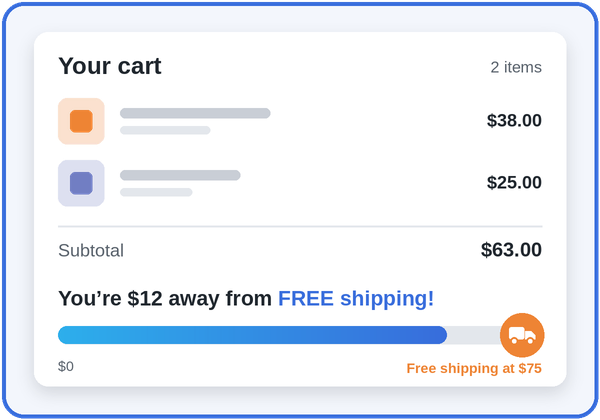
Free shipping over $75? Only on ground, only in the lower 48? Set the rules once and ShipperHQ handles it on every order.

Share this article
Related Articles
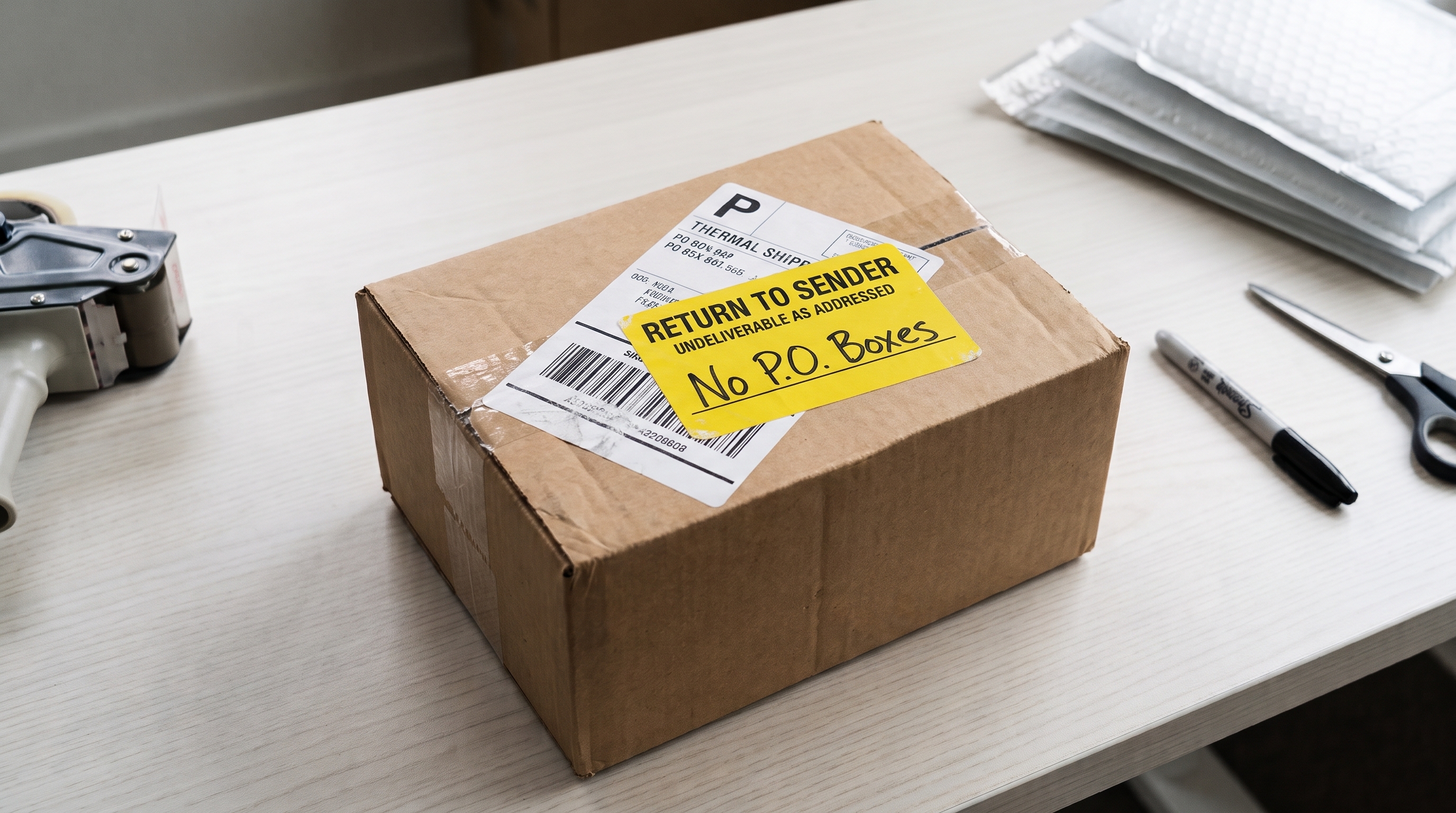
How to Block P.O. Box Addresses at Shopify Checkout
The order came in just like any other. Payment went through, the customer picked a shipping method, and everything ...
How Does a Shipping Calculator Actually Work?
Losing $2 on a shipment is annoying. Losing $24,000 a year is a real problem.
Accurate Estimated Delivery Dates on Shopify: A Guide for Complex Orders
Customers tend to read a delivery date as a promise.If your checkout says “Arrives Friday,” your customers expect it to ...