


Accurate Estimated Delivery Dates on Shopify: A Guide for Complex Orders
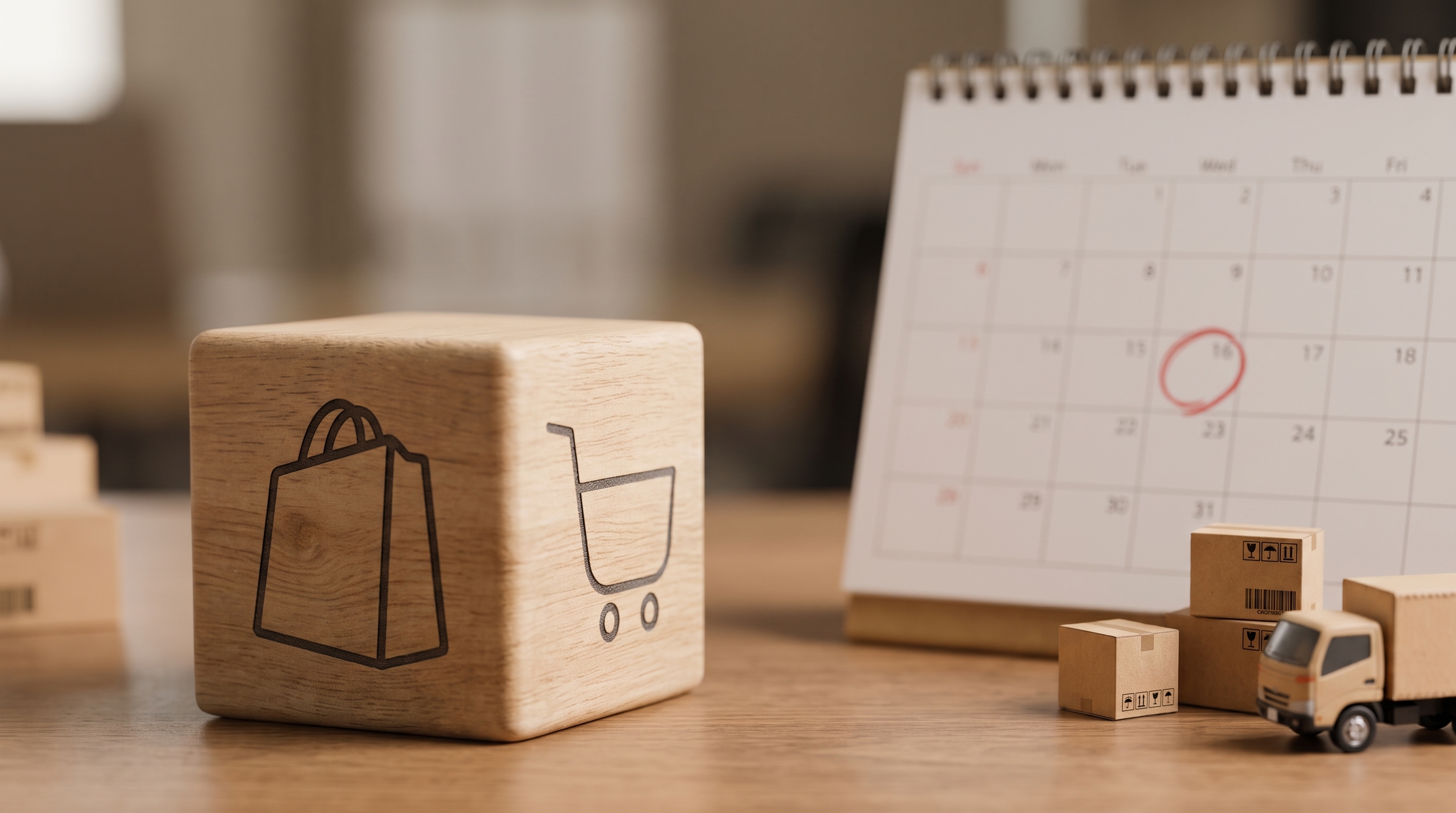
Customers tend to read a delivery date as a promise.If your checkout says “Arrives Friday,” your customers expect it to arrive... wait for it... Friday. Who would’ve thought?
Here’s the catch: that promise is easy to make and a lot harder to keep. One warehouse, one product, standard ground? Sure, no problem. But add a second ship-from location, a freight item, or a product that needs a few extra days of prep, and “Friday” starts looking less like a promise and more like a hopeful guess.
Most stores miss the mark. In Stord’s 2025 Mystery Shopping study, only 1% of the ecommerce brands reviewed showed customers a clear estimated delivery date. 45% offered a fuzzy range of days, and 40% didn’t commit to a delivery date at all.
Meanwhile, 58% of shoppers say they want an exact delivery date before they buy. That’s a pretty big gap between what customers want and what most checkouts give them.
Putting a date on the page is easy. Making sure that date right is the hard part, because it has to reflect how (and when!) the order will actually be fulfilled.
This article covers why delivery dates get tricky on complex Shopify orders, where Shopify’s native tools tap out, and how to show a date that matches how the order really ships.
What Is a Delivery Promise on Shopify?
A delivery promise is the date and timeframe you give a customer for when their order should arrive.
On the Shopify native platform, delivery dates can be calculated automatically using past fulfillment data or set manually by the merchant. Both approaches can provide a general estimate, but they don't always account for the details that affect when it will actually arrive.
That means accounting for details like origin, lead time, carrier service, and shipment type, not to mention peak season delays, multiple fulfillment locations, and freight. There are dozens of factors that can drastically change a delivery date and customer experience.
Yet many checkouts boil it down to just one estimated date.
The goal of setting a delivery promise is to set an expectation you can meet. If the promise is too broad, it gives the customer little confidence. If it is too aggressive, you risk missing the date you gave them.
Why Do Delivery Date Estimates Break Down on Complex Shopify Orders?
Delivery date estimates on Shopify can become inaccurate when they don't account for how an order will actually be fulfilled and shipped. The more complex the order, the harder it is to predict when everything will arrive.
A few things that can throw off the date:
- Different shipping methods: Parcel, expedited, and LTL freight all move on different timelines.
- Split fulfillment: Products shipping from different locations need separate origin and transit calculations.
- Different preparation times: In-stock, made-to-order, and special-handling products may not be ready on the same day.
Here's a simple example: A lamp and rug may ship by parcel, while a bookshelf in the same cart needs freight. To the customer, it's one order. But behind the scenes, it might be several shipments from different warehouses, each with its own delivery timeline.
Shopify supports split shipping at checkout, letting customers see separate shipments and choose a shipping method for each. It can also show estimated delivery times for each shipment. But that doesn't mean every shipment will have a delivery date that reflects its specific fulfillment requirements.
For example, if checkout includes both eligible and ineligible shipping rates for Shopify's manual delivery dates, Shopify hides those dates for eligible rates too.
Even when Shopify shows a delivery date, it may not reflect all the specifics of that shipment. Automated dates rely on fulfillment history, while manual dates use configured fulfillment and transit times. If an order ships from a different origin, needs extra prep time, or uses a different shipping method, those estimates may not match the actual delivery timeline.
With Multi-Origin routing, Dimensional Packing, and configurable delivery dates, ShipperHQ lets you build delivery promises around how complex orders will actually ship.
Where Does Shopify's Native Delivery Date Feature Fall Short?
Shopify's native delivery dates can fall short when the order does not match the assumptions behind the estimate. A date can come from a rate setting or your store's fulfillment history. Meanwhile, the actual order might ship from another location, use a different shipping method, or take longer to prepare.
Automated delivery dates
Shopify's automated delivery dates use your store's fulfillment history to predict when an order will arrive.
But not every order qualifies. Products must be in stock and ready for immediate fulfillment, and predictions are limited to five days for US orders and four days for European orders. For orders outside those windows, Shopify falls back to manual delivery dates.
These requirements create challenges for merchants selling made-to-order products, freight-eligible items, or orders that require additional preparation.
Shopify can show separate shipments at checkout, but its automated delivery date feature doesn't give merchants the same control over shipment-specific lead times, carrier services, and freight requirements.
So even when Shopify shows a date, it may not match how that order will actually be fulfilled.
Manual delivery dates
Shopify's manual delivery dates combine your configured fulfillment time with the transit time for a specific shipping rate.
That fulfillment time is set at the store level, so it may not reflect products that need different amounts of prep time.
There are also limits around which rates can show delivery dates. Third-party app-provided rates and some negotiated carrier rates are excluded.
If checkout includes both eligible and ineligible rates, Shopify hides native manual delivery dates for the eligible rates too.
That becomes a bigger issue when freight, third-party rates, or multiple shipping methods are part of the same order.
How Can You Get More Accurate Delivery Dates on Shopify?
ShipperHQ can help you get more accurate delivery dates on Shopify by calculating them from each shipment's details. It factors in the fulfillment origin, shipping method, carrier transit time, and product lead time. This helps show a date that better reflects when the order will actually arrive.
That means you can:
- Use real carrier transit times: Show dates based on the actual carrier method selected at checkout.
- Account for product prep time: Add extra lead time for made-to-order, backordered, or special-handling products.
- Handle mixed parcel and freight carts: Use the right delivery logic for each shipment, including LTL freight.
- Calculate dates across multiple origins: Base each delivery date on the actual fulfillment location.
ShipperHQ uses those shipment details to show delivery dates and times that better match how the order will actually be fulfilled.
trueCABLE Replaced an Unreliable Delivery Date App With Accurate Dates for Every Shipping Method
trueCABLE, a Shopify Plus retailer, sells everything from lightweight tools to full pallets of Ethernet cable. A small tool ships by USPS, a 40-pound cable reel goes UPS, and a full pallet needs LTL freight. The first Shopify app they tried for delivery dates was clunky to configure, unreliable, and couldn’t tell carrier types apart at checkout. With ShipperHQ, trueCABLE now shows specific arrival dates and ship-by dates for every shipping method, from parcel to LTL freight.
As Chief Revenue Officer Jessica Floyd explains:
“It seems like a small detail, but we’ve learned that shipping really matters to our customers. If we can make the customer experience as seamless and easy as possible on the website, that increases conversion rates and lowers abandoned cart rates.”
Accurate delivery and ship-by dates at checkout also let trueCABLE highlight its same-day shipping cutoff and significantly reduce customer support inquiries. Customers no longer need to call to ask when their order will arrive or how it will ship.
For trueCABLE, more accurate delivery dates mean customers can complete their orders on their own at any hour, while the team can scale without adding headcount.
Book a demo to see how it would work for your store, or explore Delivery Date & Time.
Frequently Asked Questions
How can I get more accurate delivery dates on Shopify?
For simple, single-warehouse orders, Shopify's native automated delivery dates are often enough. Once orders split across locations, mix parcel and freight, or have different preparation times, accuracy depends on calculating the date from the specific shipment rather than relying on a general estimate. That's what a shipment-aware tool like ShipperHQ is built to do, using real carrier transit data, configurable lead times, and cutoff and blackout settings.
Why are my Shopify delivery dates wrong on multi-item or freight orders?
Shopify supports split shipping at checkout, but showing separate shipments doesn't guarantee delivery dates that reflect every fulfillment requirement. A multi-item order that splits across warehouses, or a cart mixing parcel items with freight-eligible products, needs calculations that account for each shipment's origin, preparation time, and carrier service. ShipperHQ builds delivery dates around those shipment-specific details rather than relying on general estimates.
What's the best Shopify app for delivery dates?
The right choice depends on how you actually ship orders. A single-location store shipping uniform parcels can often get by with Shopify's native automated delivery dates. Once orders split across locations, mix parcel and freight, or carry different preparation times, a shipment-aware tool like ShipperHQ can deliver more accurate dates by calculating them from the specific order rather than a store-wide average.
Can Shopify automate delivery dates for complex or multi-item orders?
Shopify can automatically predict delivery dates from fulfillment history and display estimated delivery times for separate shipments at checkout. However, its native automated delivery dates have eligibility limits, including requirements that products be in stock, ready for immediate fulfillment, and within supported delivery windows.
For complex orders that split across warehouses, mix parcel and freight, or require extra preparation, ShipperHQ calculates delivery dates using the actual shipment details, giving merchants more control over the promise shown at checkout.
Can Shopify calculate delivery dates in real time?
Shopify can display and update eligible delivery estimates at checkout, including estimates for separate shipments. But its native automated dates rely on fulfillment history, while manual dates use configured fulfillment and transit times.
For orders involving freight, multiple shipping origins, or different product lead times, ShipperHQ uses real carrier transit data and shipment-specific fulfillment rules to calculate delivery dates that better reflect how each order will ship.
What's the difference between a ship date and a delivery date?
A ship date is when an order leaves the warehouse or fulfillment center. A delivery date is when it's expected to reach the customer. Carrier transit time accounts for part of that gap, and on a complex order, longer preparation time or freight scheduling can also push the ship date back.

Share this article
Related Articles

How Does a Shipping Calculator Actually Work?
Losing $2 on a shipment is annoying. Losing $24,000 a year is a real problem.

How to Personalize the Shipping Experience for Ecommerce Customers
Maya orders coffee beans every few weeks from a small roaster in Portland. The first time she checked out, she saw the ...

The Auto Parts Shopify Stack: 5 Apps That Handle What the Platform Doesn't
Shopify is a good place to sell auto parts. It is not, out of the box, a good place to sell a 90-pound driveshaft next ...