



Shipping Rules that Work the Way You Do
Every business has unique shipping. Every cart has its own requirements. Build the exact shipping logic you need to scale your business. And build it fast.
Make Free Shipping Work on Your Terms
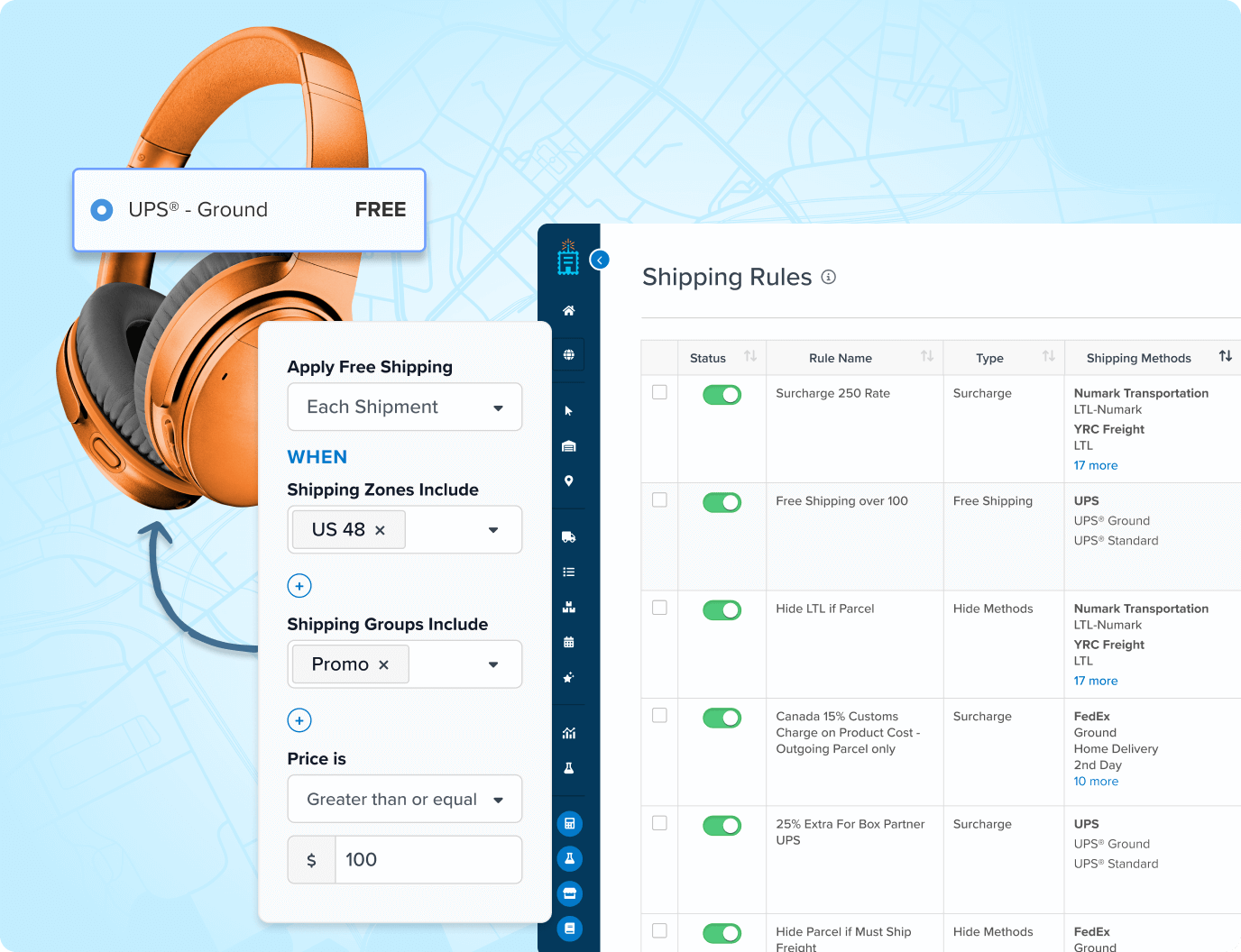
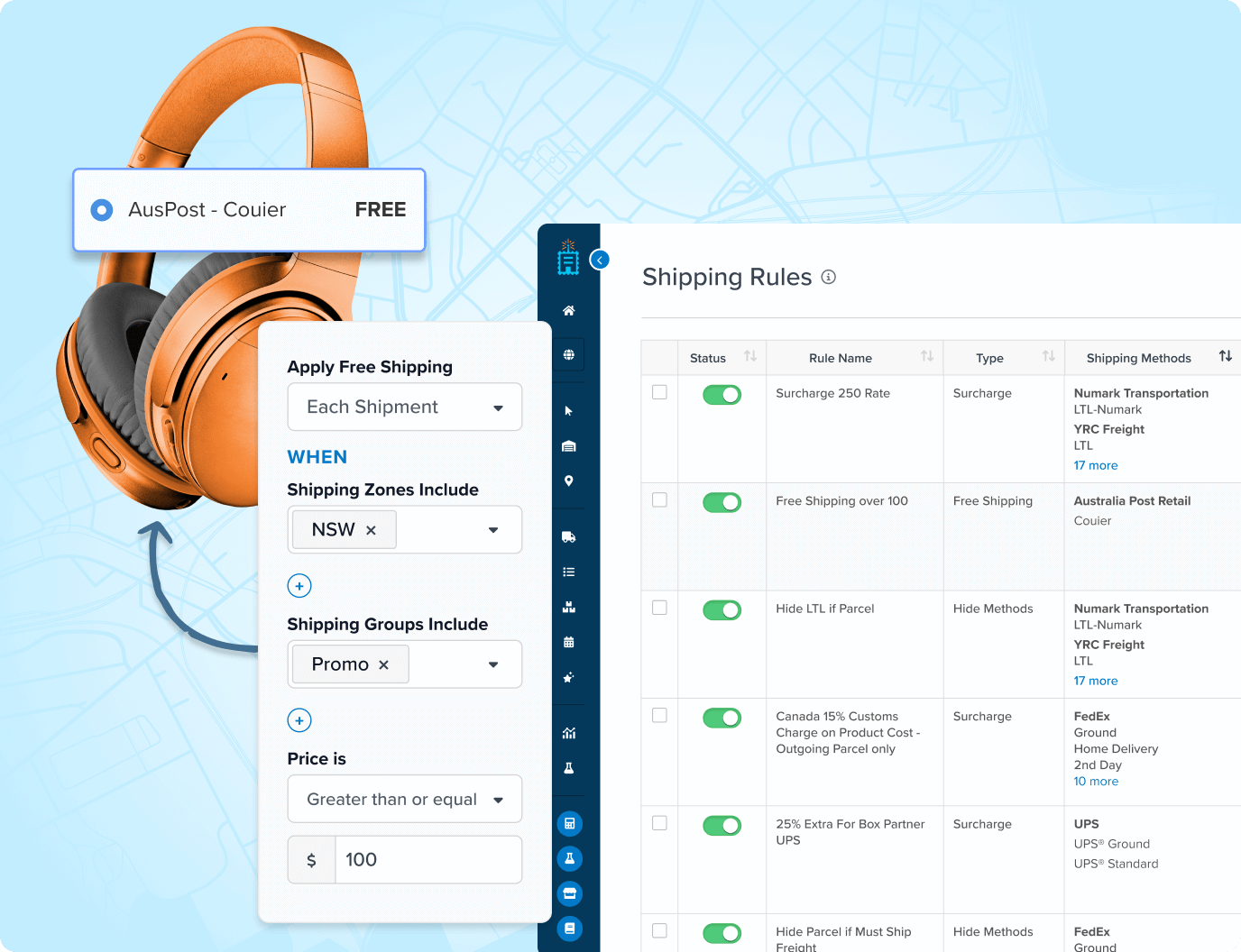
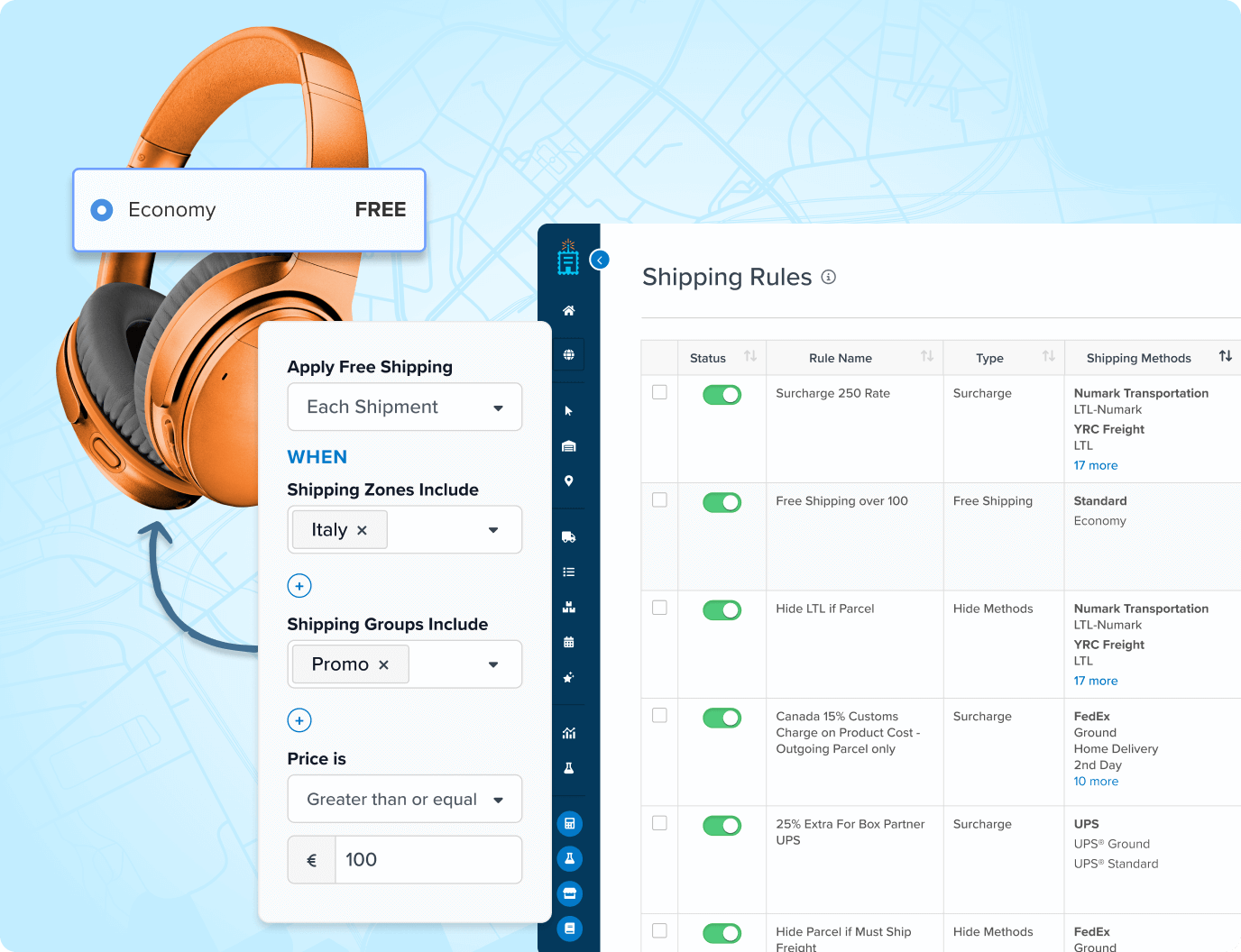
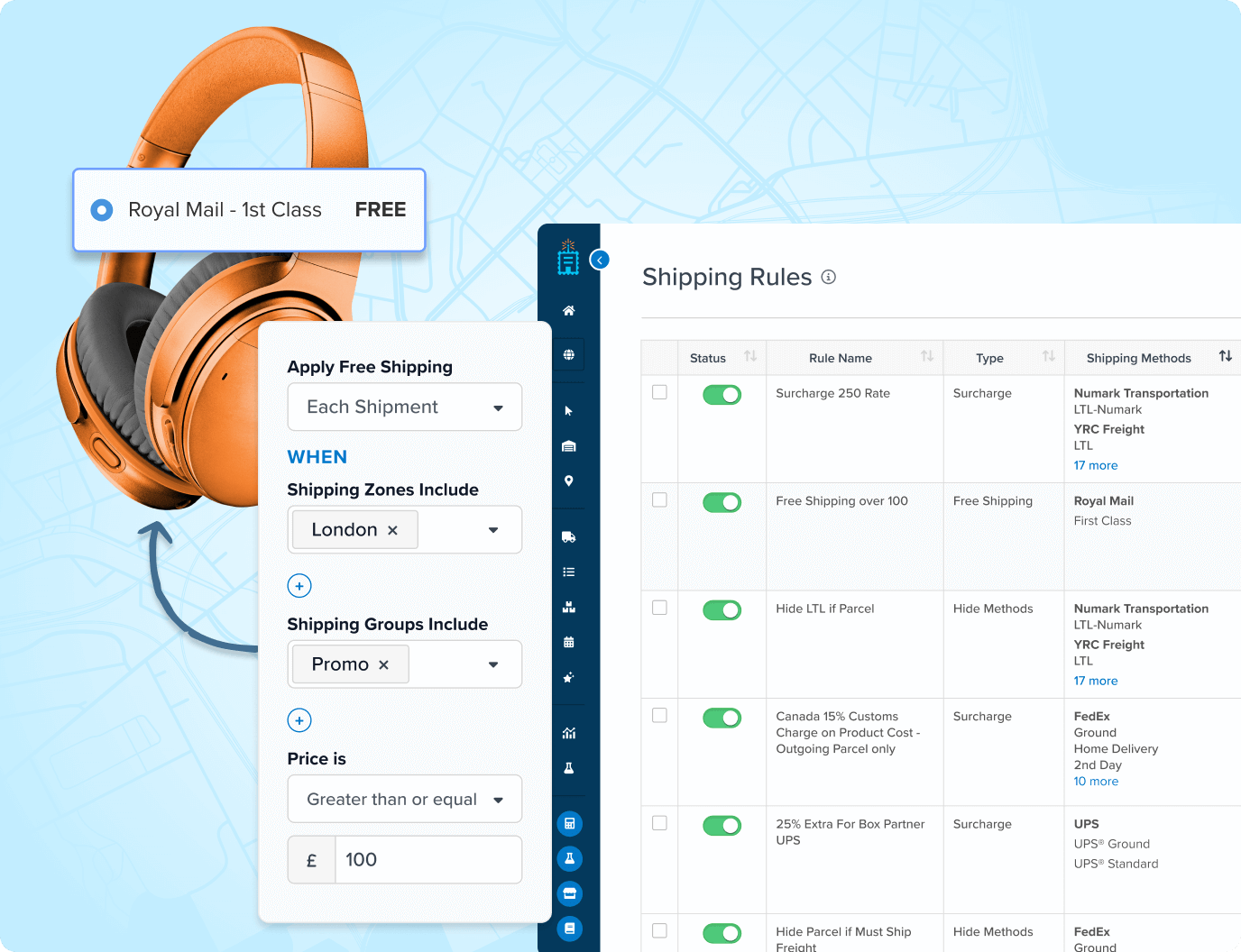
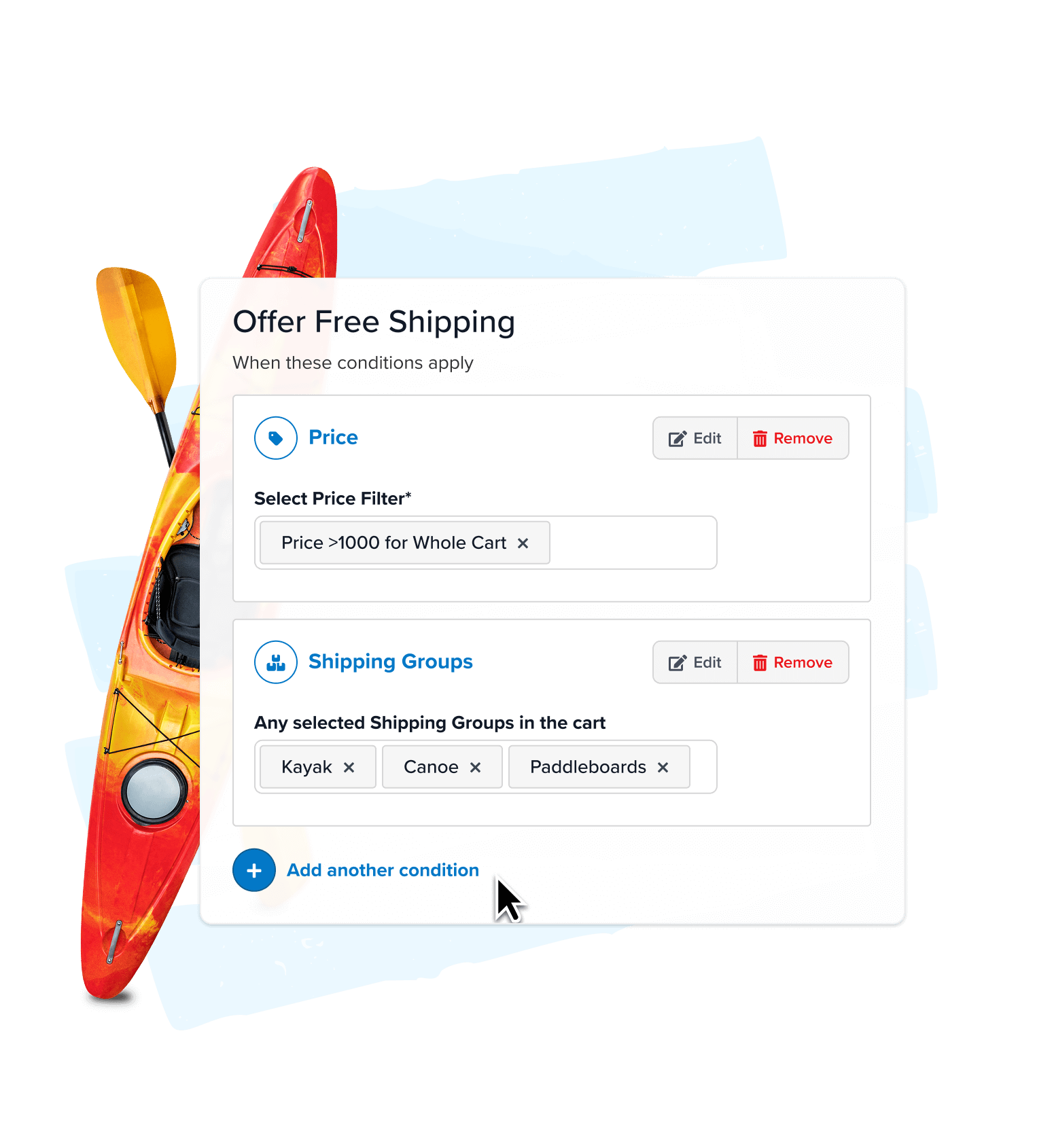
 Make free shipping make sense. Offer it based on cart value, location, products, customer groups, or shipping method – so free shipping works exactly how you want it to.
- Mix and match conditions. Stack multiple criteria, like providing free-shipping above a set threshold only when specific products are in the cart.
- Test and launch promos faster. Schedule free or discounted shipping for holidays and limited-time campaigns with pre-set start and stop dates.
Easily Adjust Rates to Fit Your Business & Customers
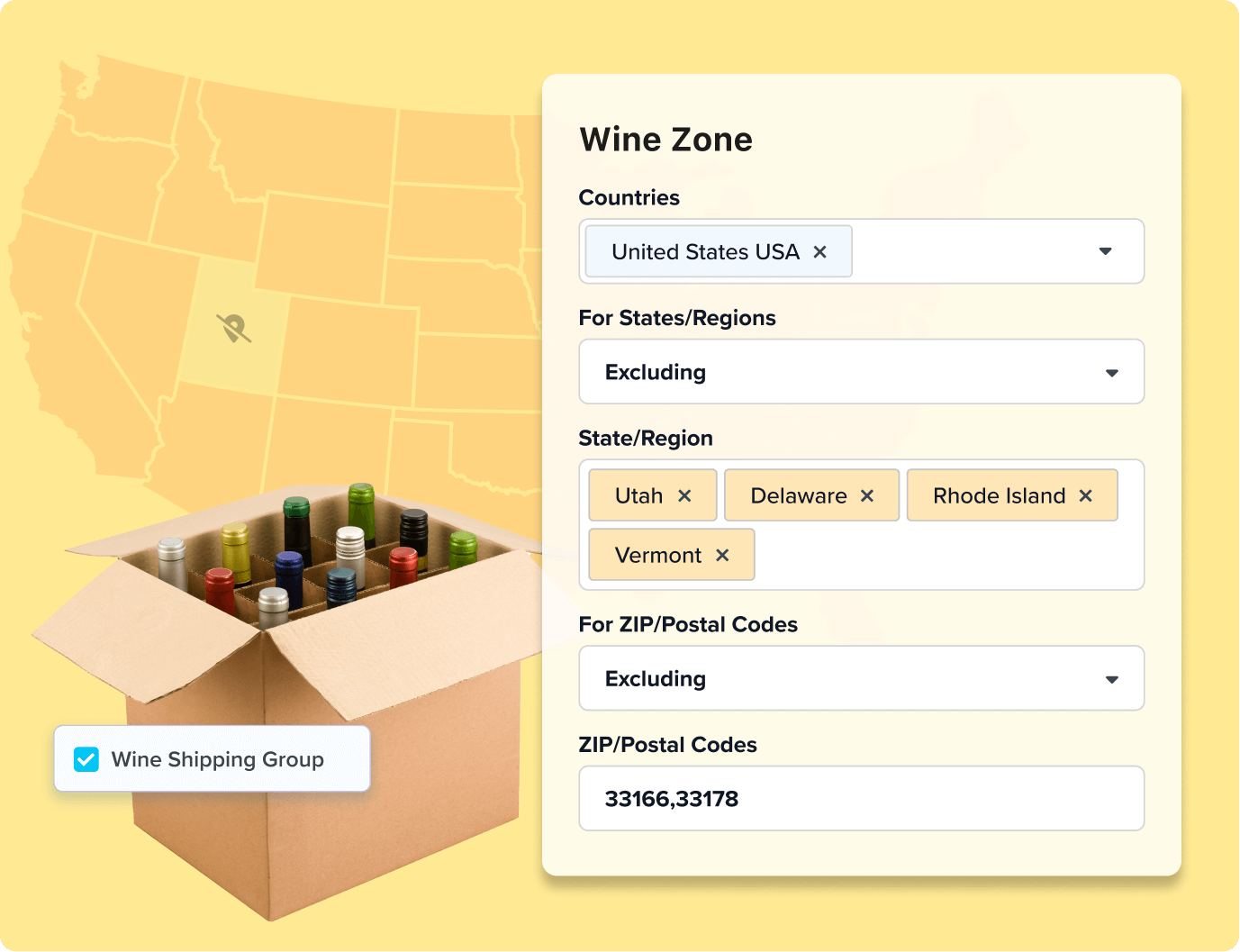
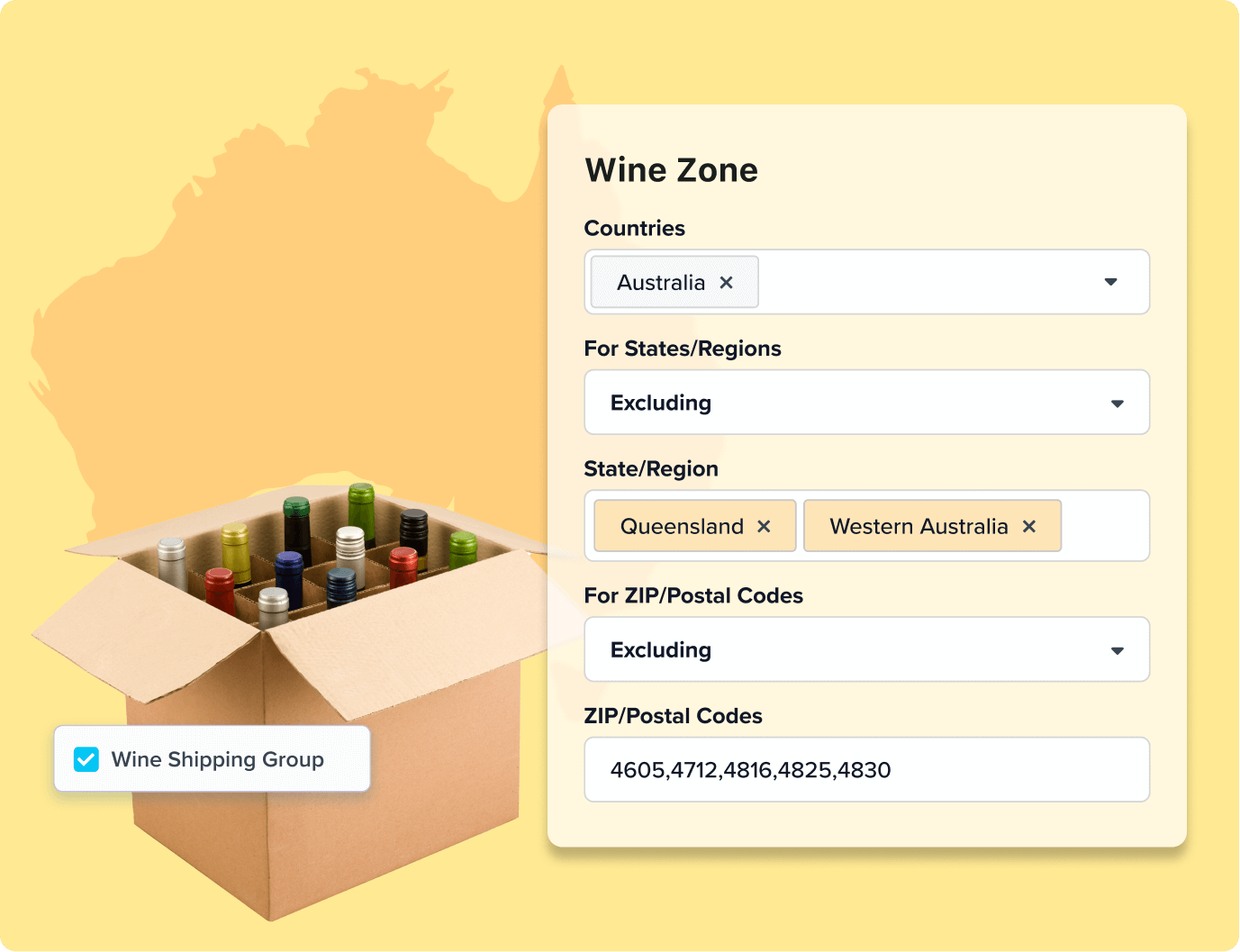
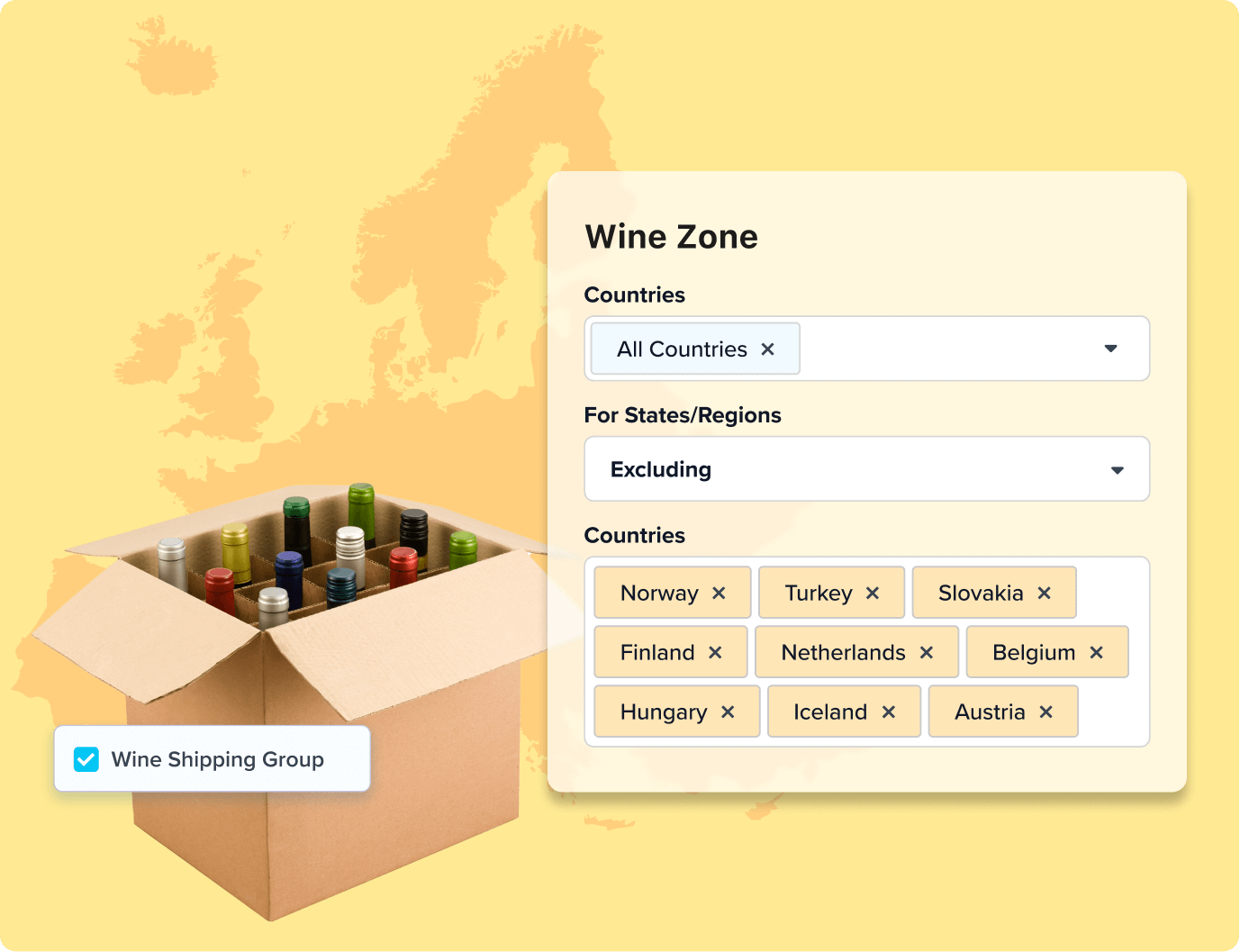
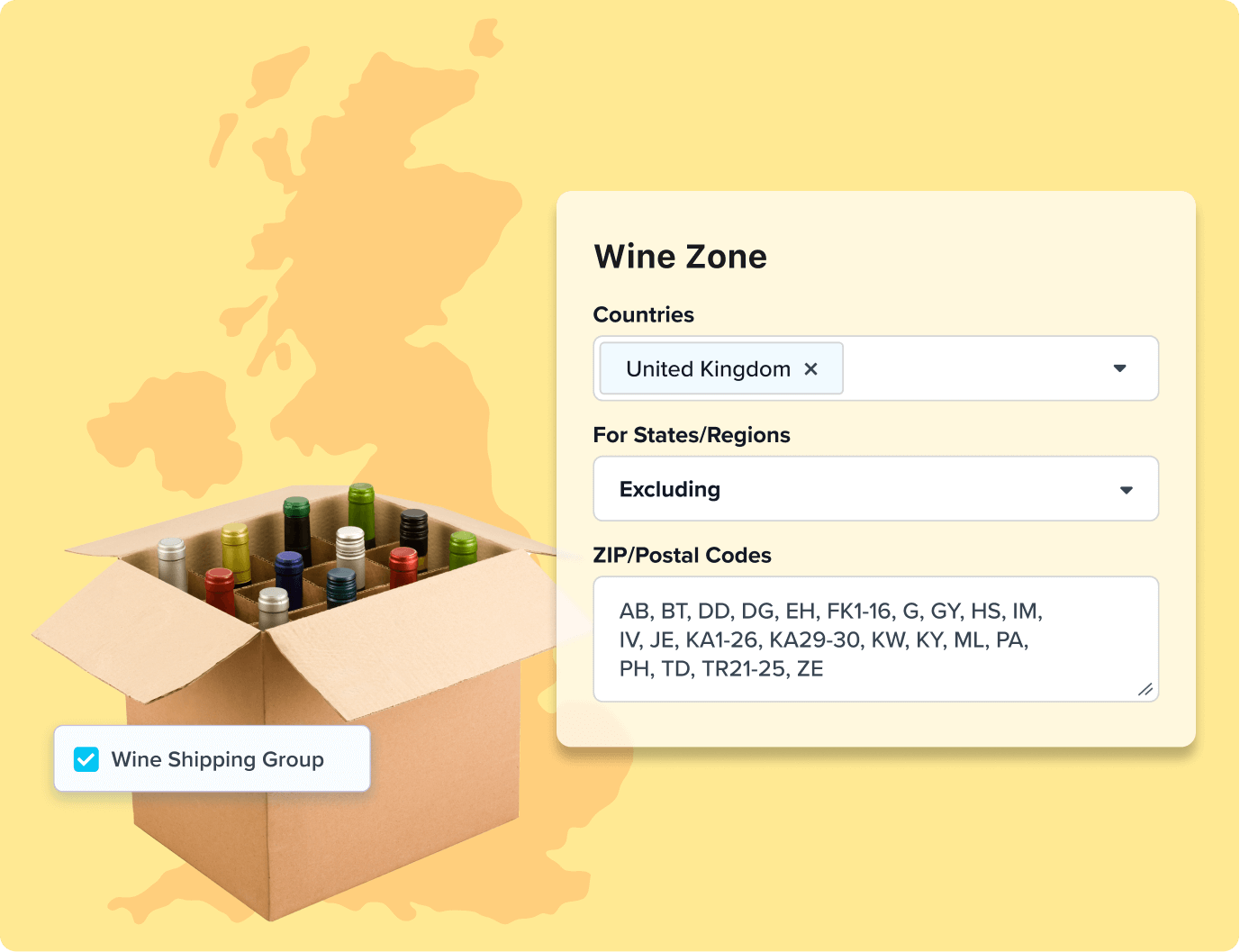
- Build zones that match how you ship. Define regions by country, state, city, or zip code to decide which rates or carriers show up for each location.
- Group products any way you want. Categorize items like oversized, perishable or fragile goods into shipping groups to easily scale rules across similar products.
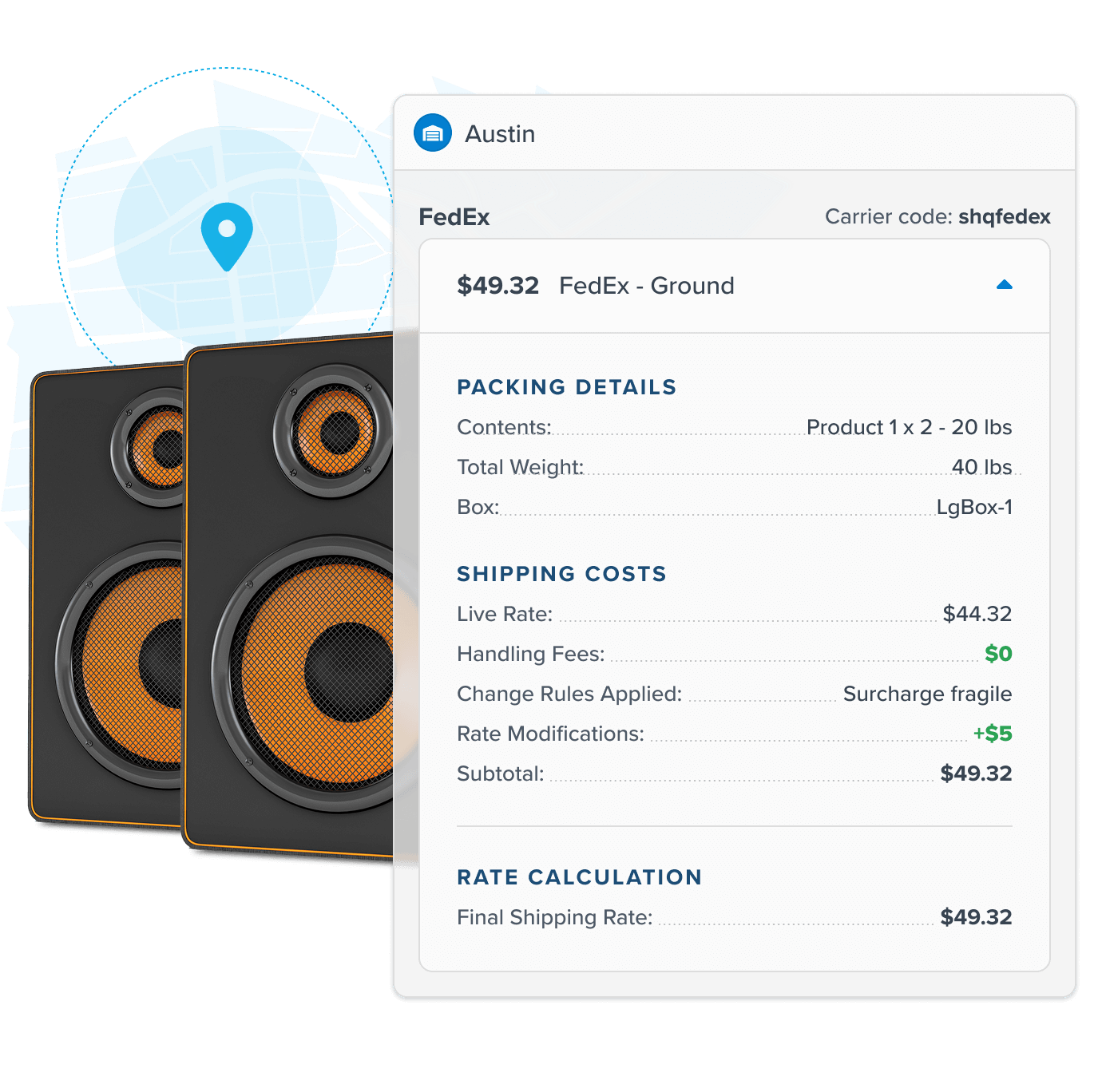
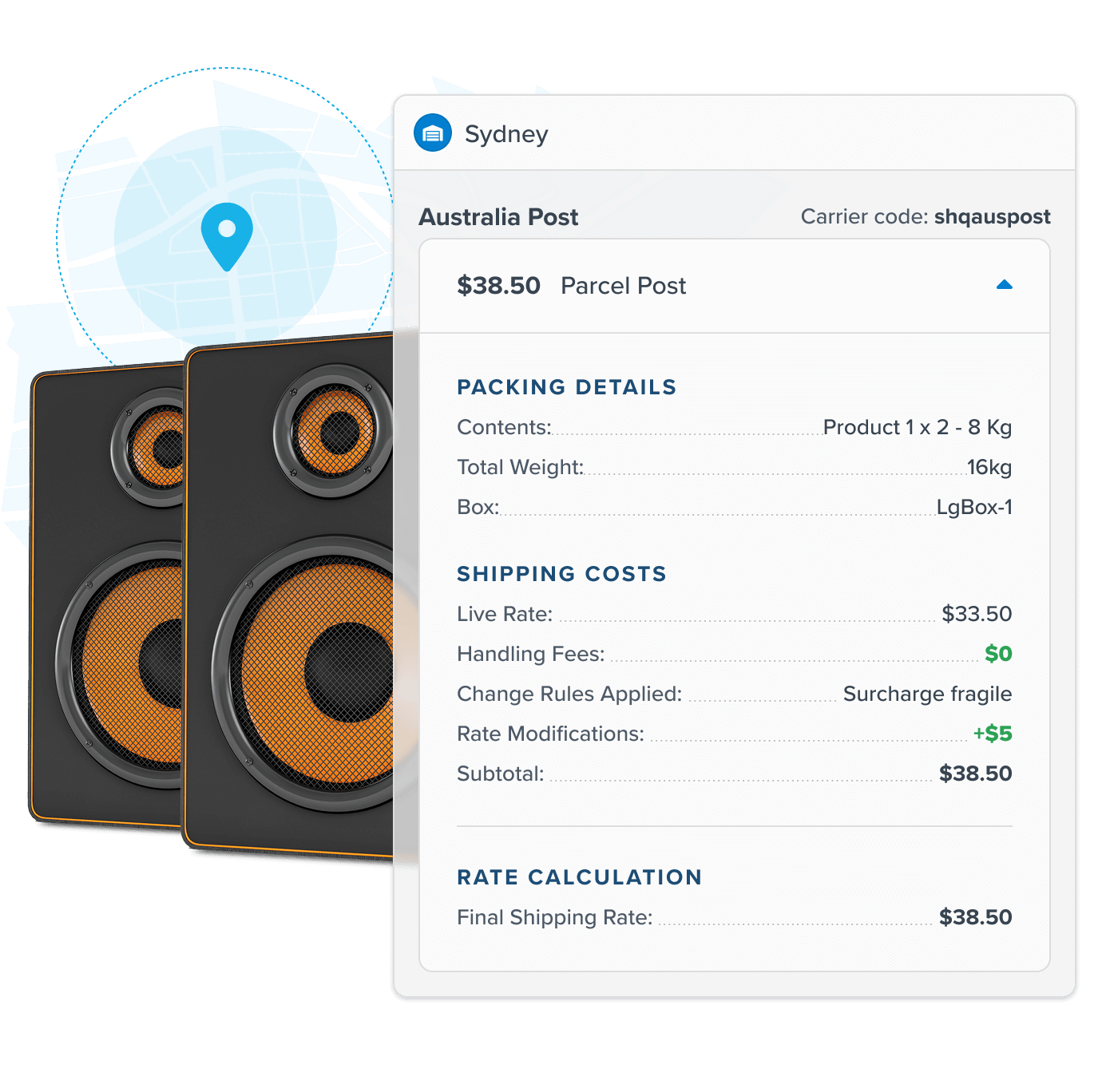
- Protect profit with custom surcharges. Whether it’s adding a surcharge to oversized packages or applying a tariff fee to specific countries, you can set flat-rate or percentage-based fees that fit your business.
- Stay competitive by capping high shipping costs. When total shipping costs hit your threshold, show a flat rate or percentage instead.
Stay Compliant and Ensure Safe, On-Time Delivery
- Restrict regulated shipments. Limit specific products or product groups to approved carriers, methods, or shipping zones.
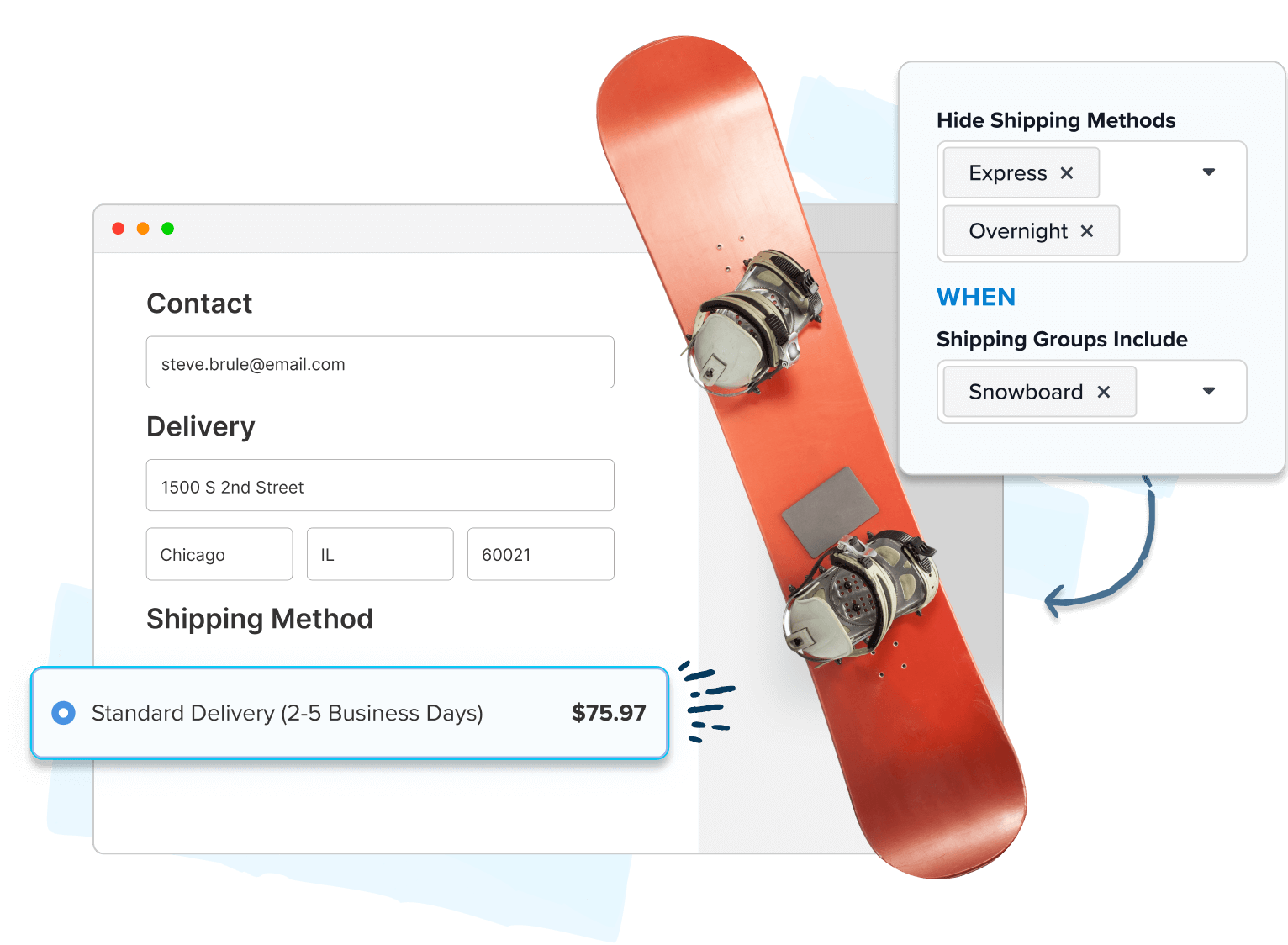
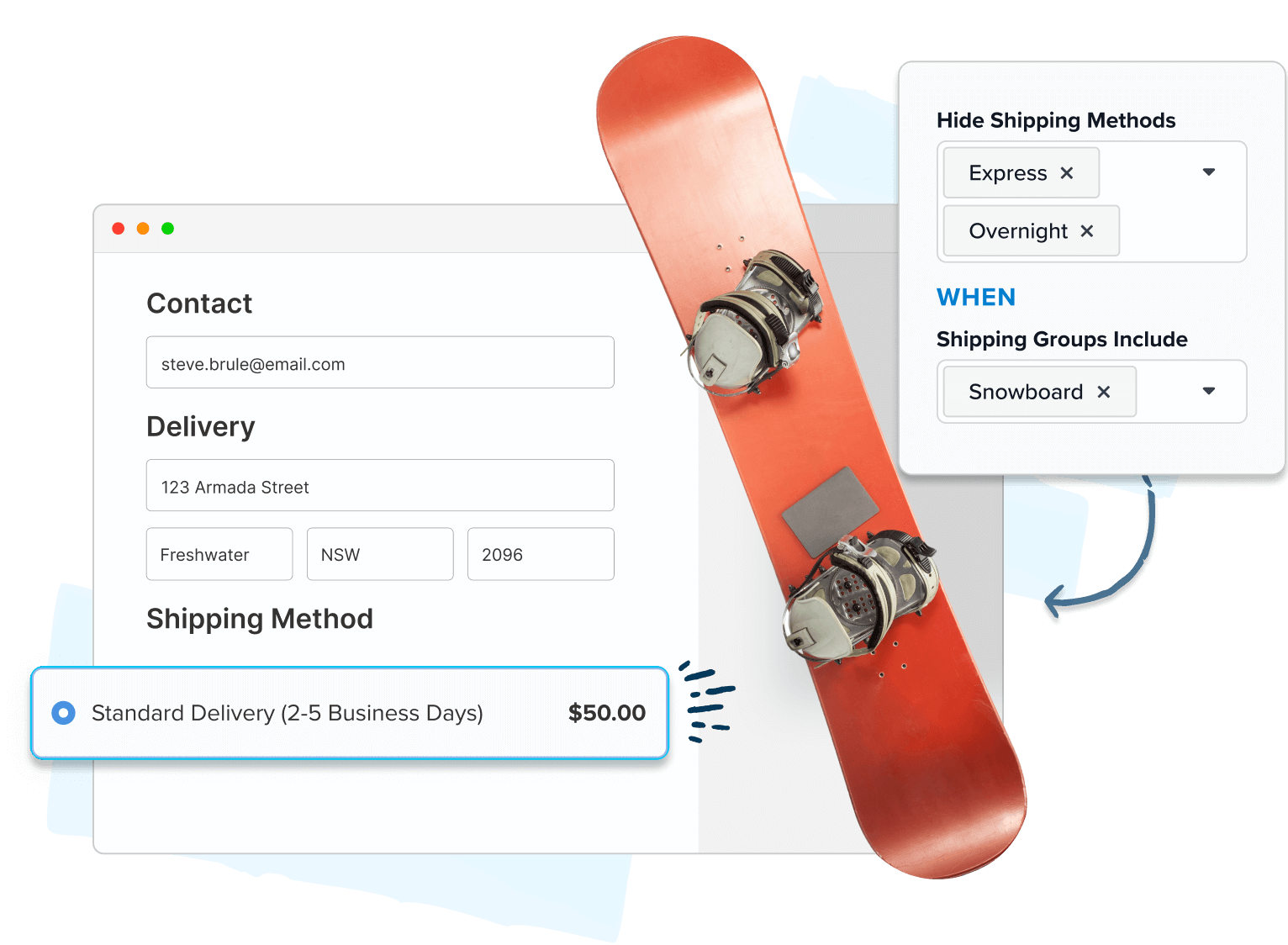
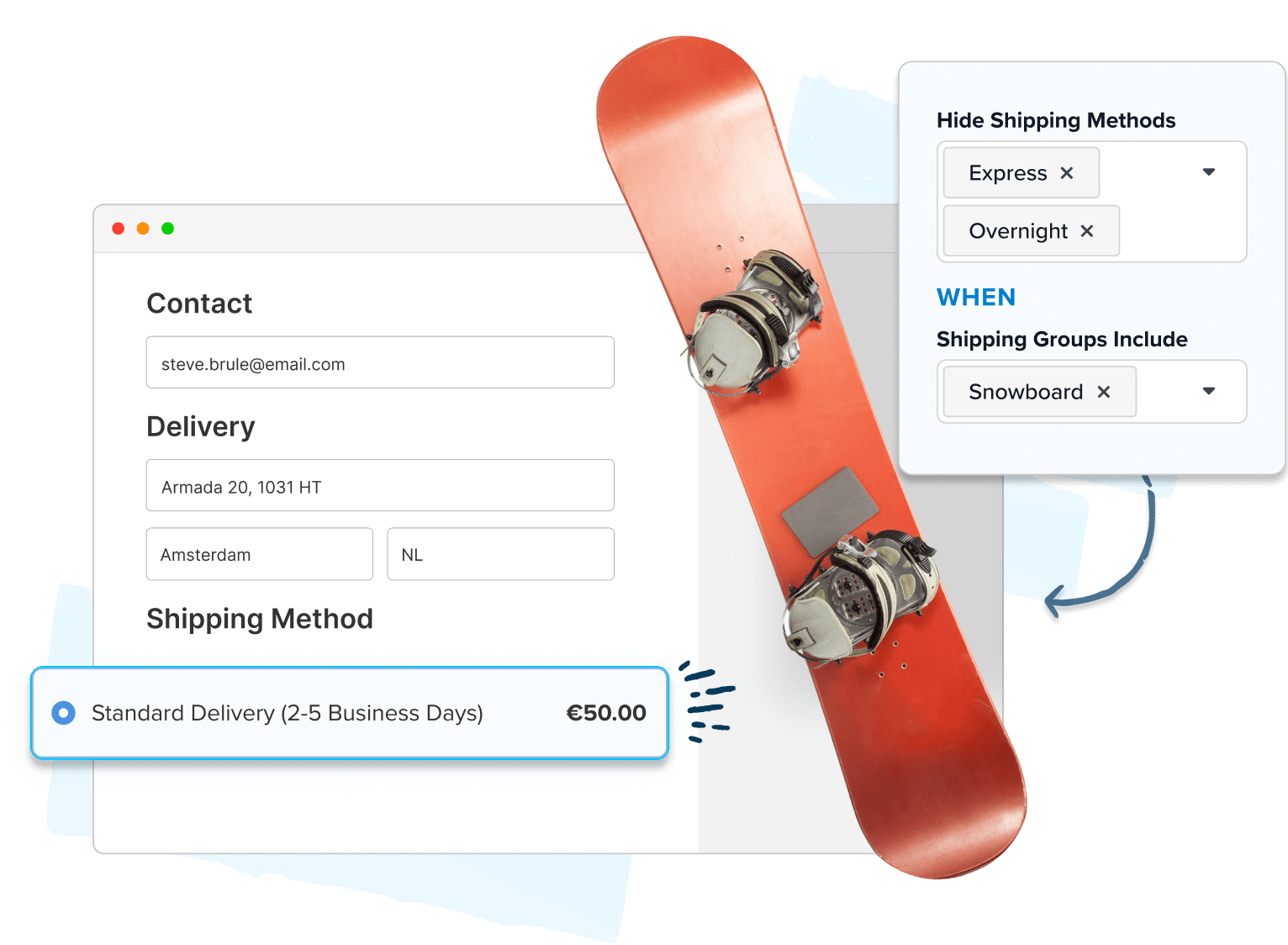
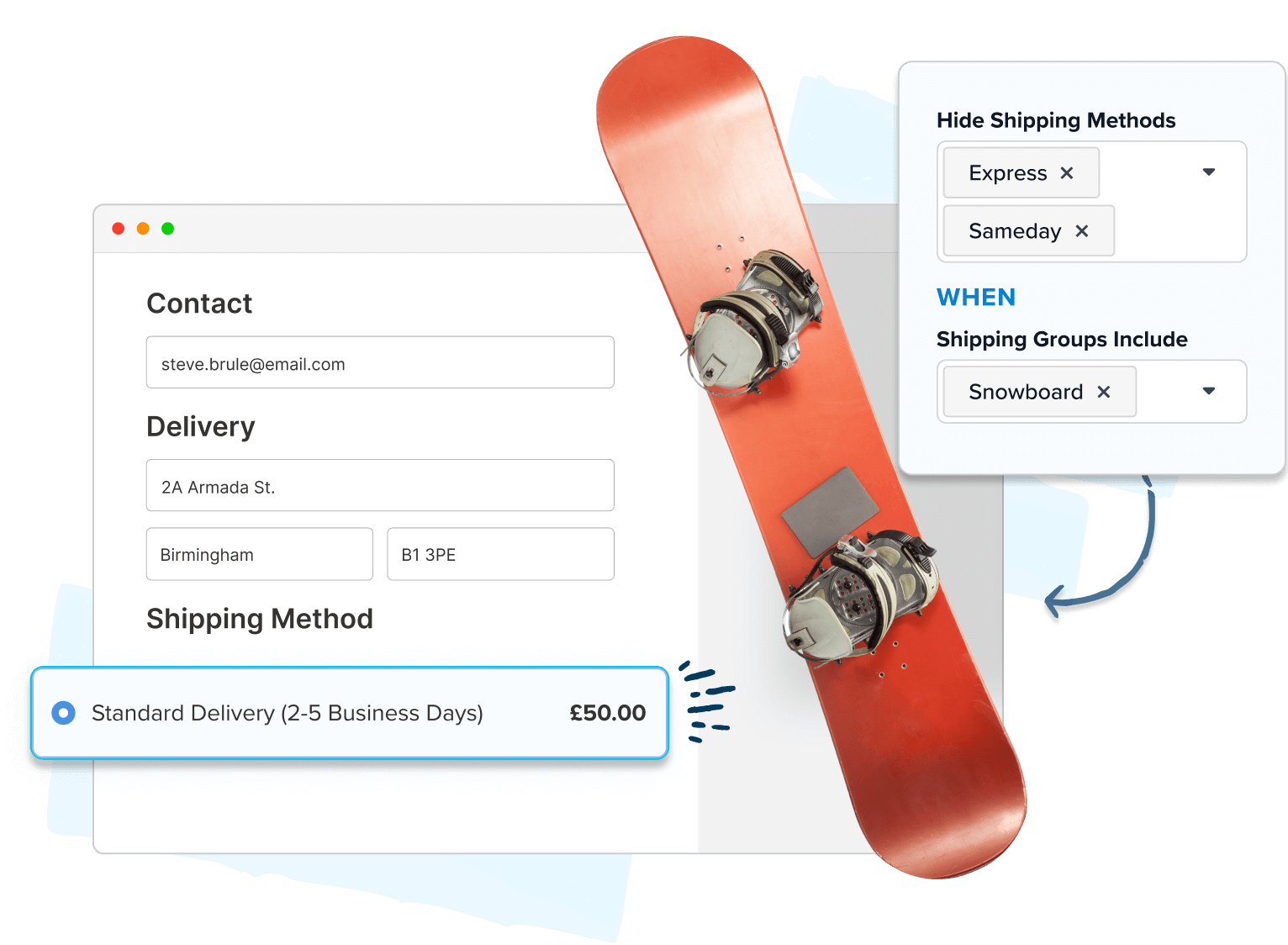
- Show the best shipping option for every cart. Specify or hide carriers and methods based on what’s in the cart — like blocking parcel rates for freight-only products.
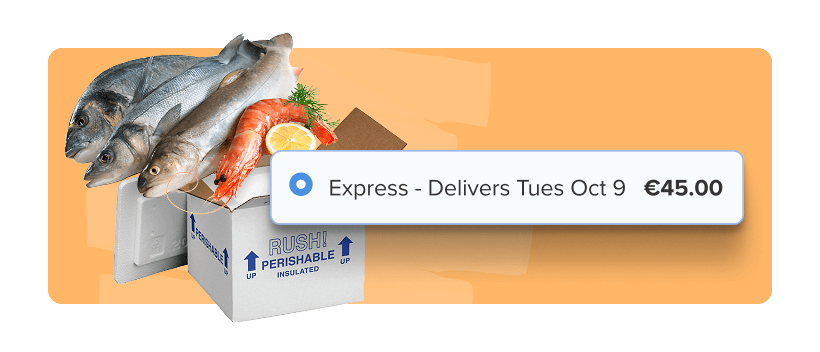
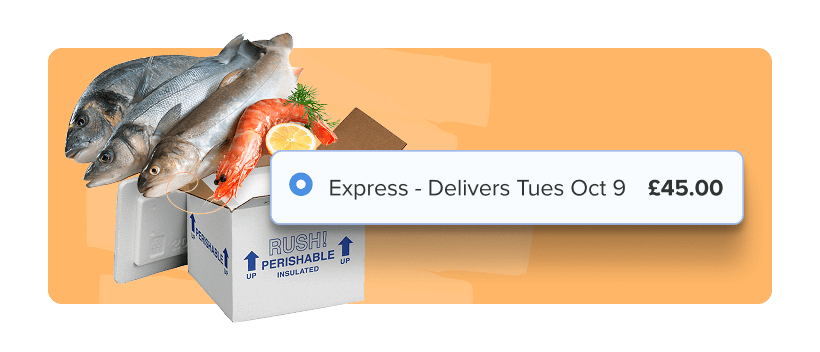
- Protect time-sensitive and high-value orders. From fresh foods to fine jewelry, ensure orders arrive on-time and safely by restricting them to express delivery. Allow local orders within a set radius to use standard shipping or local carriers.
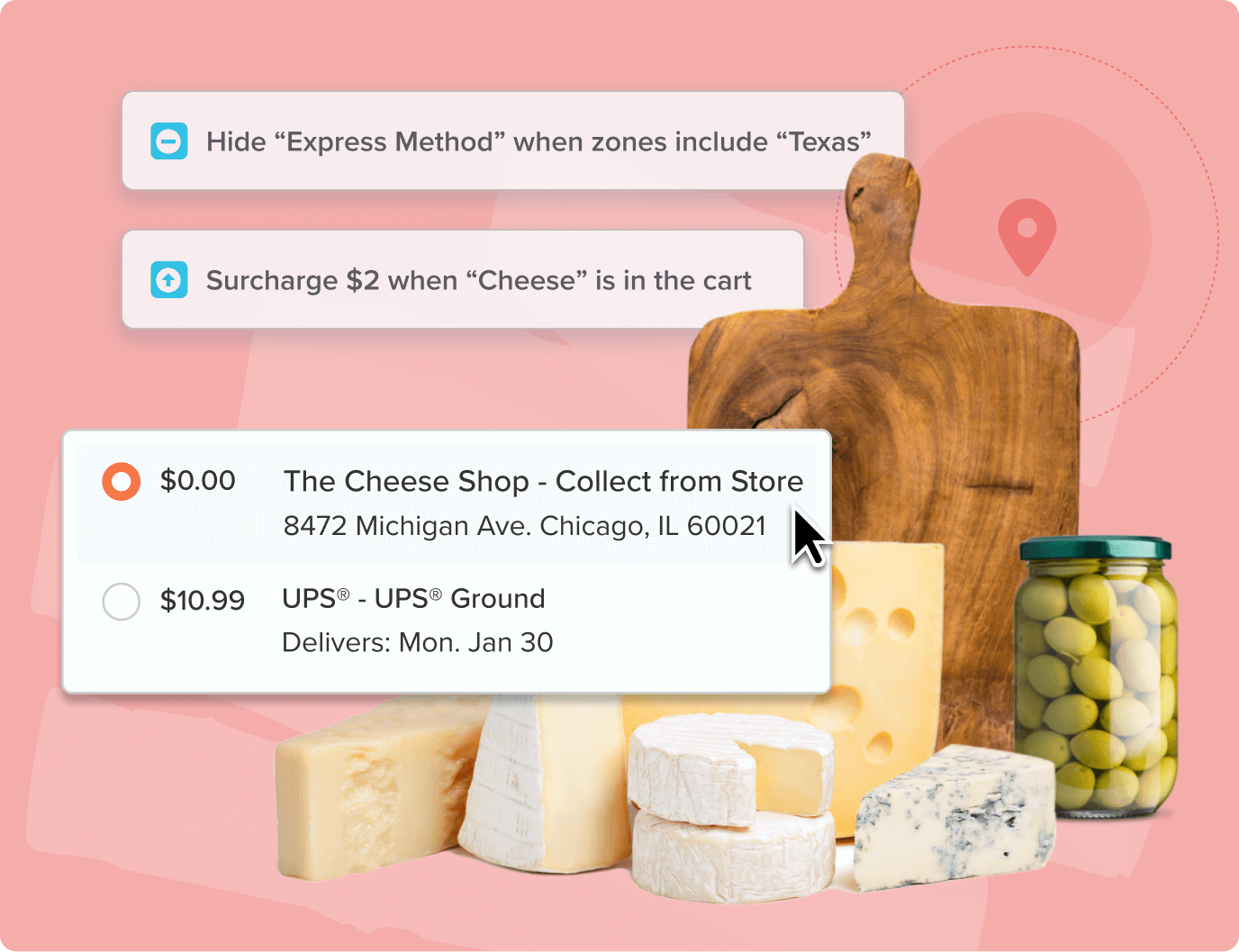
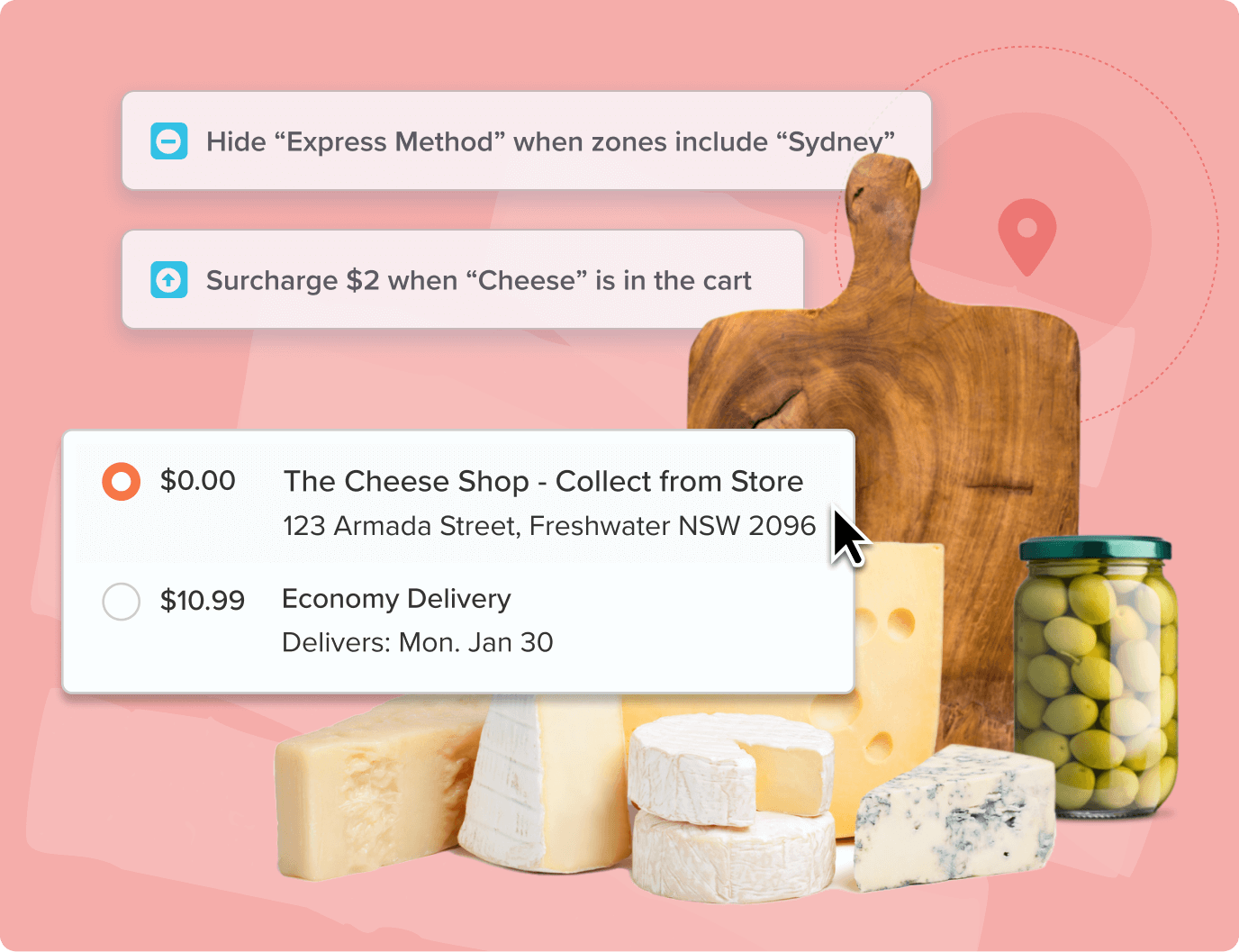
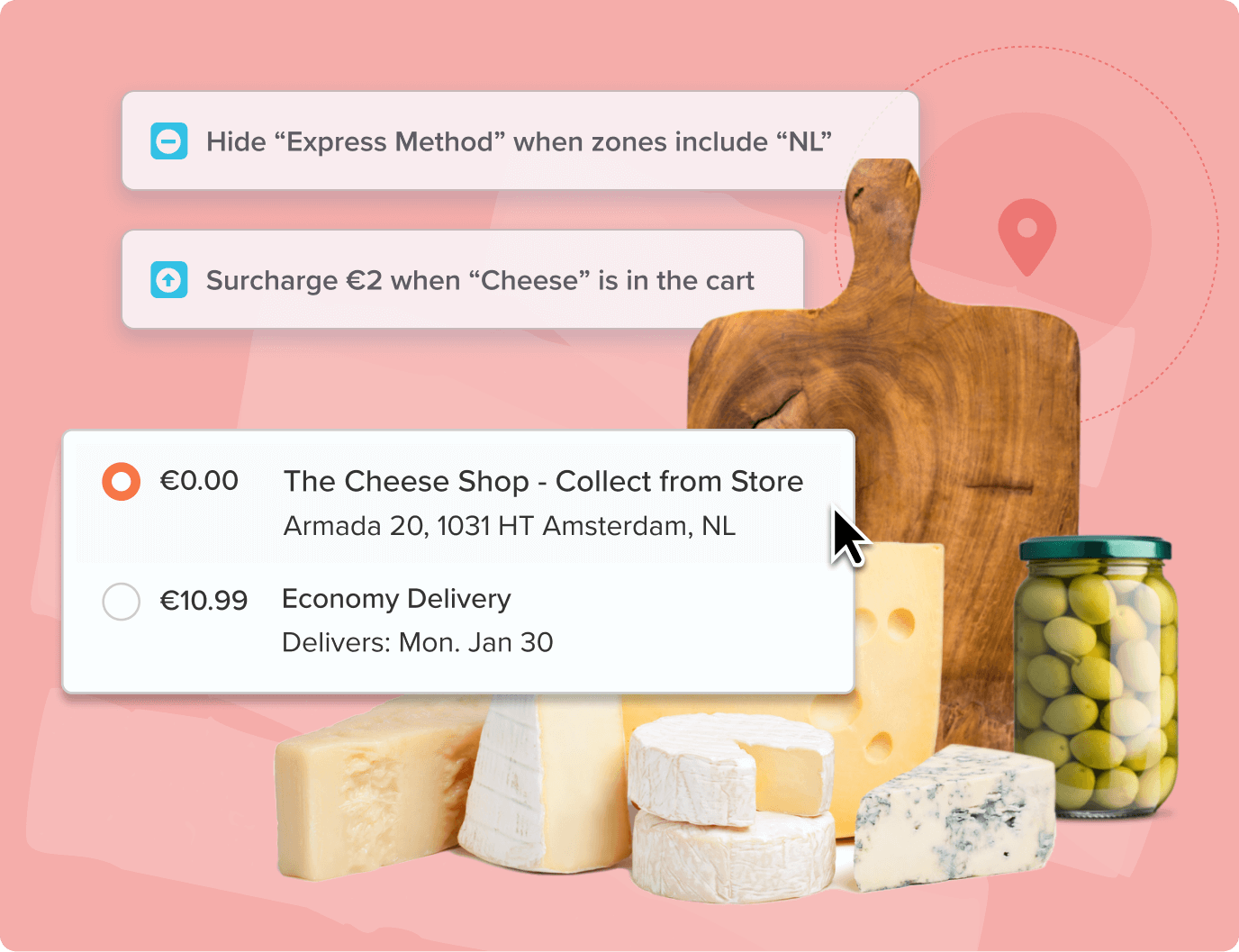
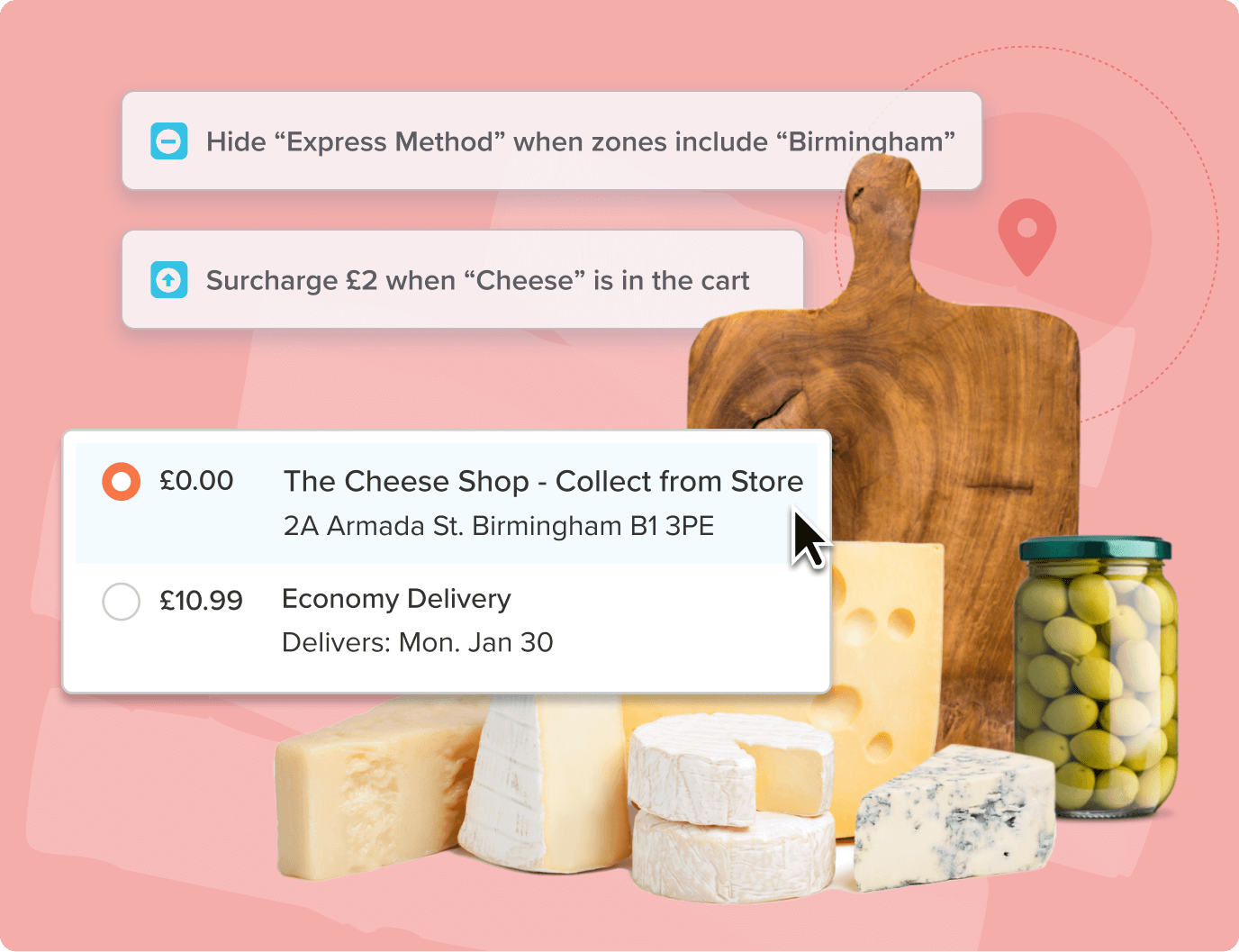




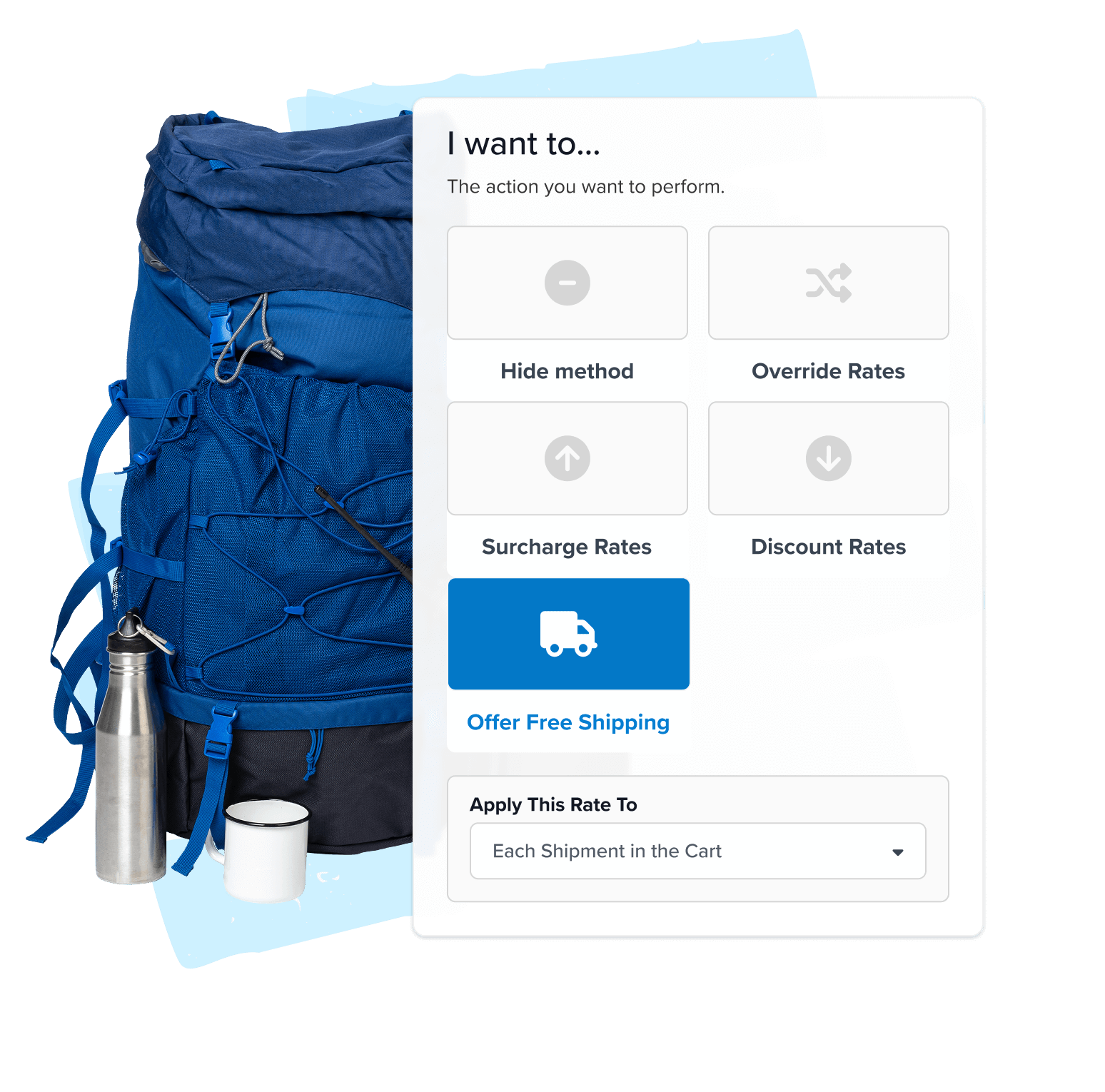
1. Choose an action
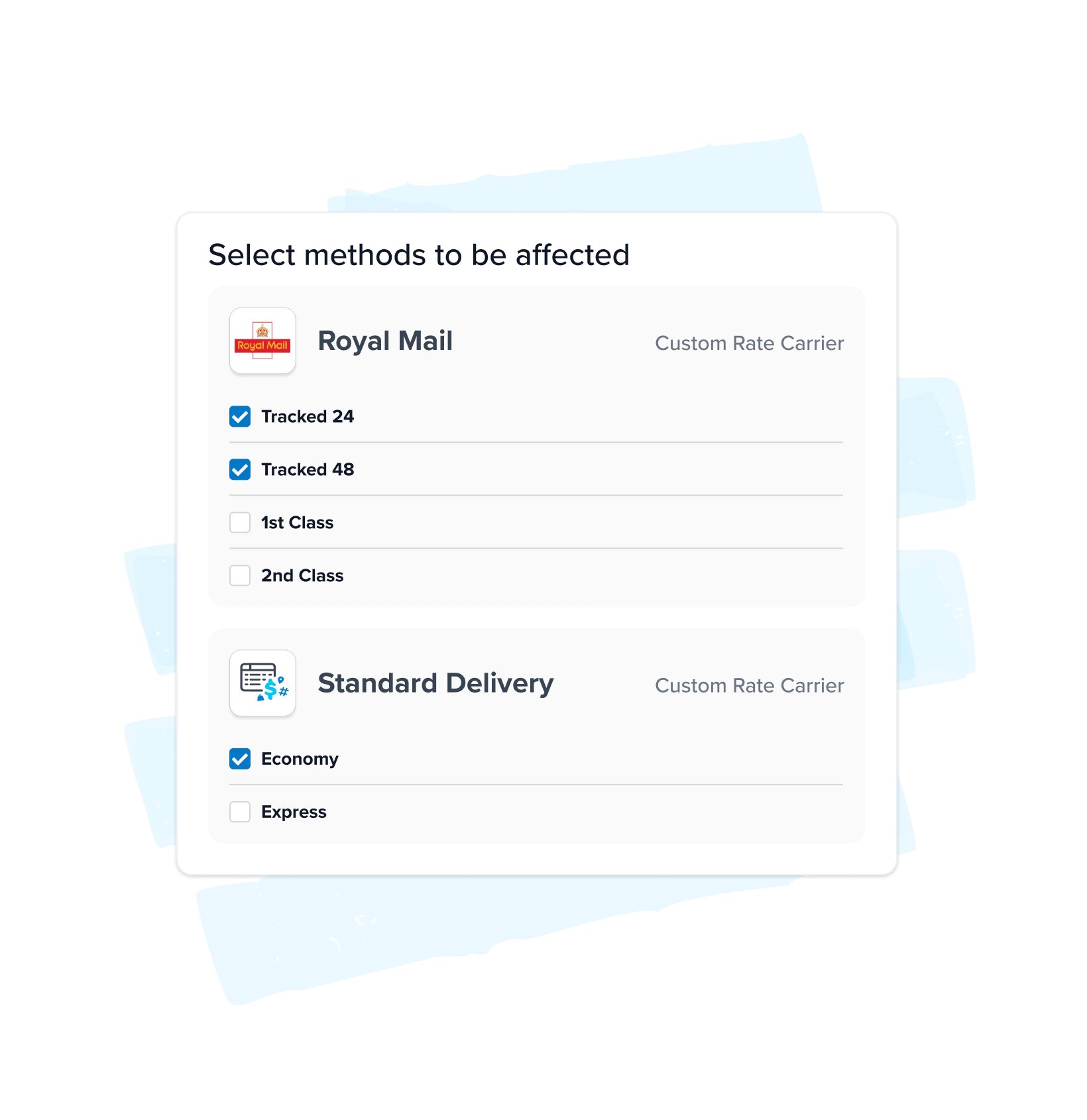
Hide shipping methods, offer free shipping, apply discounts/surcharges, or override rates. Choose whether to apply the rule to the whole cart, to a specific product or group of products, or to a particular warehouse.
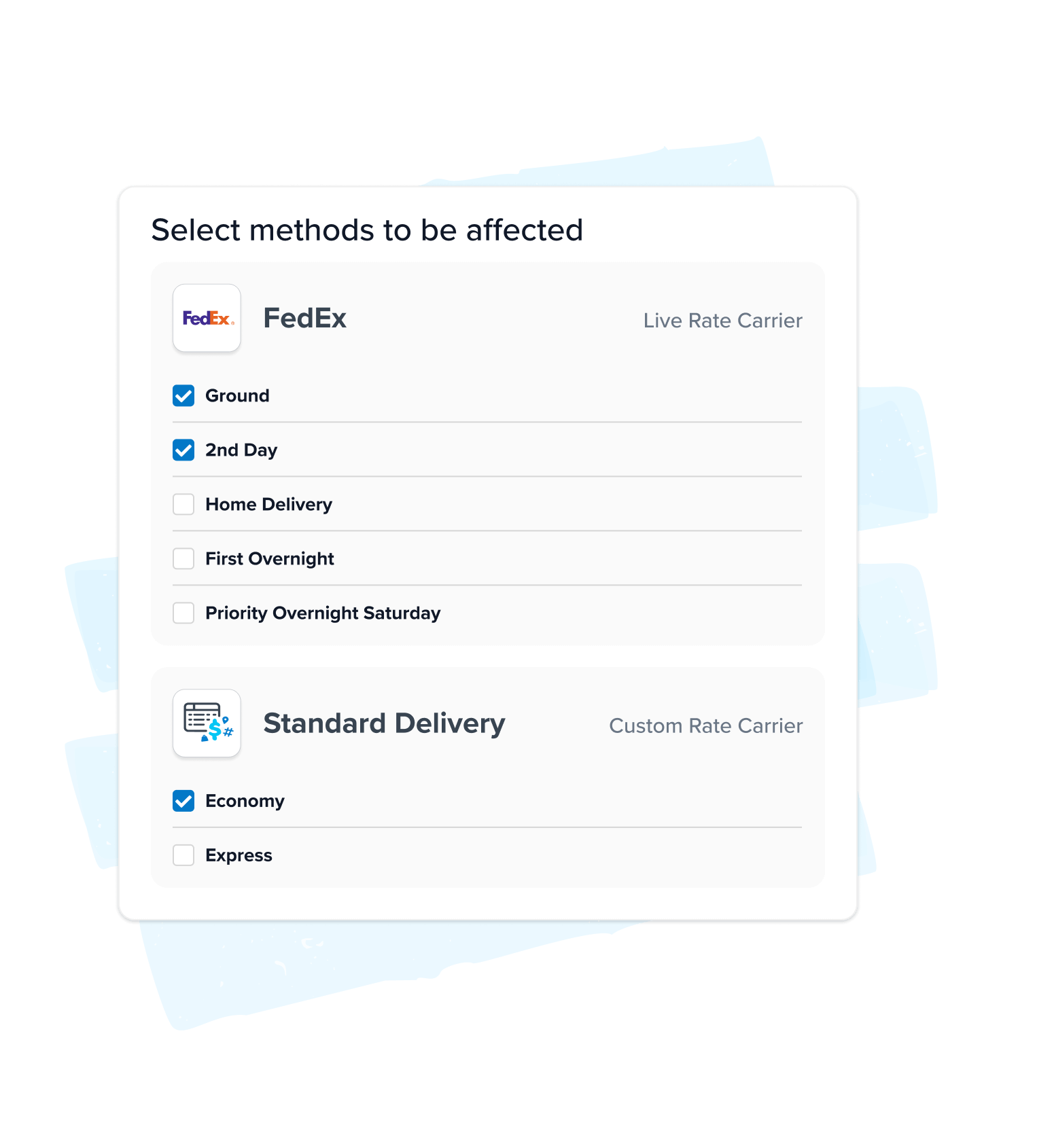
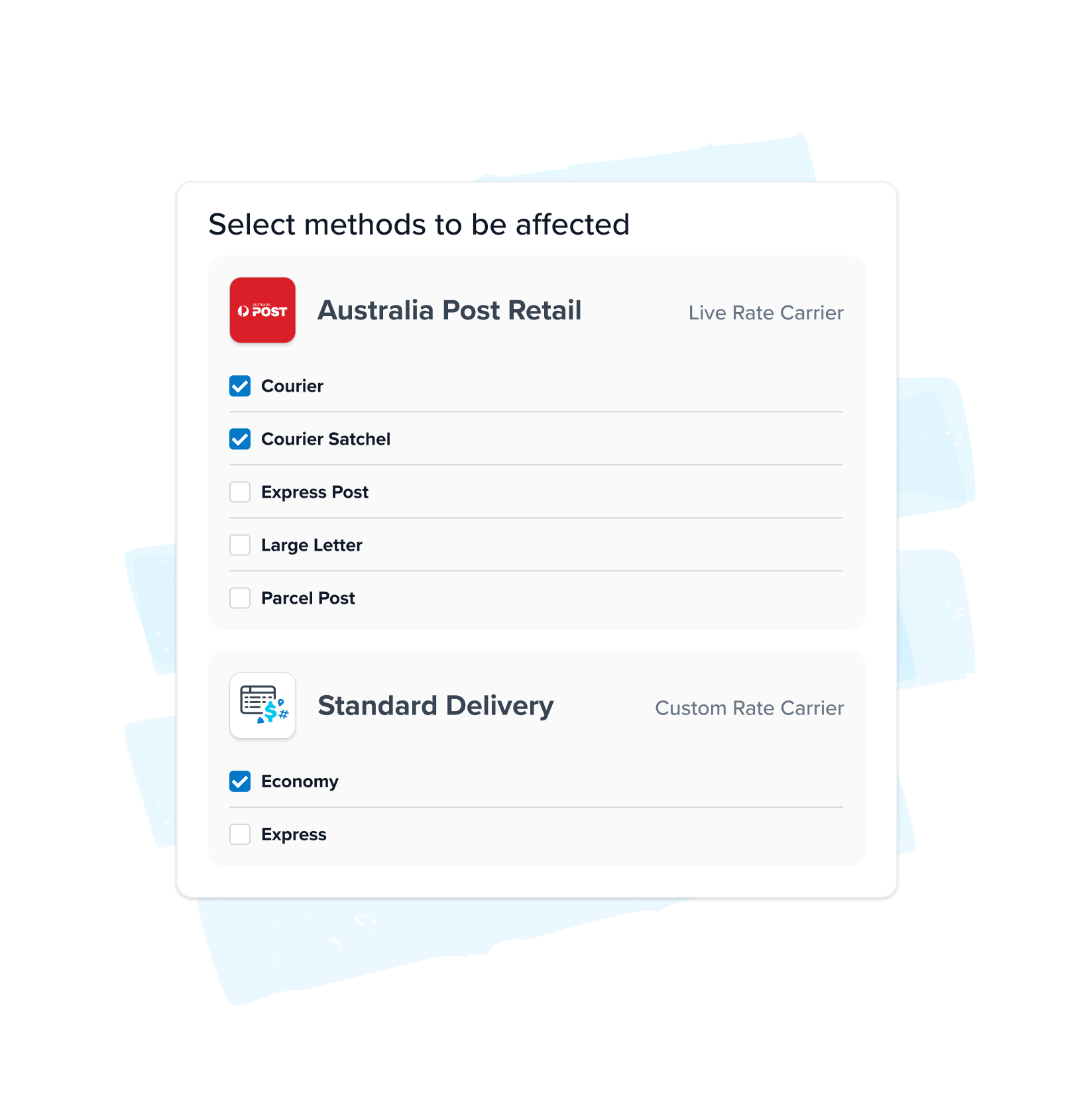
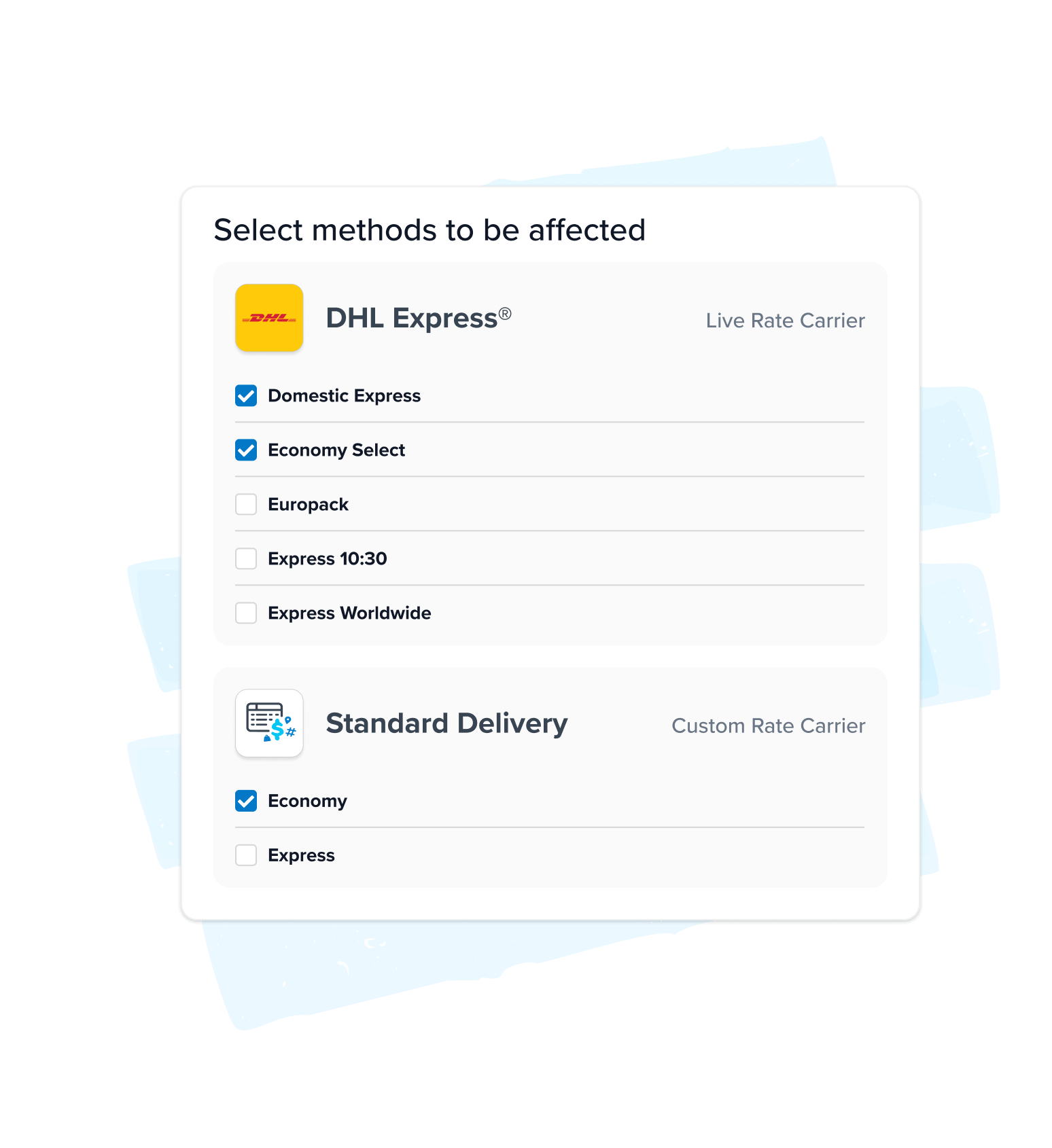
2. Select carriers and methods
Choose exactly which carriers and services your rule applies to.
3. Define rule conditions
Mix and match dozens of different variables:
- Min/max price, quantity, and weight
- Country, state, city, or zip code
- Product groups or specific SKUs
- Customer segments (i.e. VIPs, large accounts, return offenders)
- Box types
- Address types
- Days of the week
- Start and end dates
4. Test and launch
Simulate different cart scenarios to verify your rules work how you expect them to.
Multi-Origin Shipping
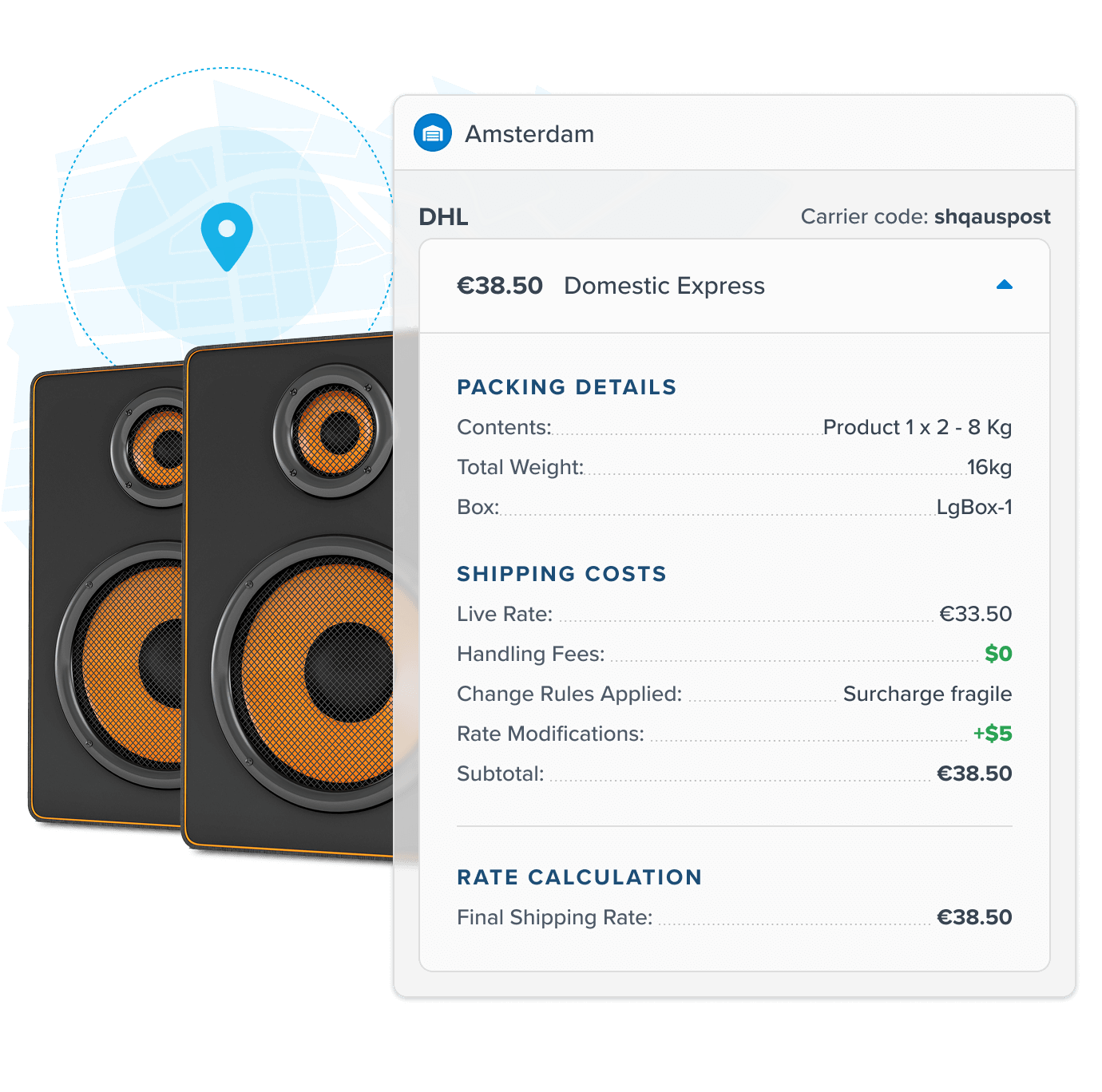
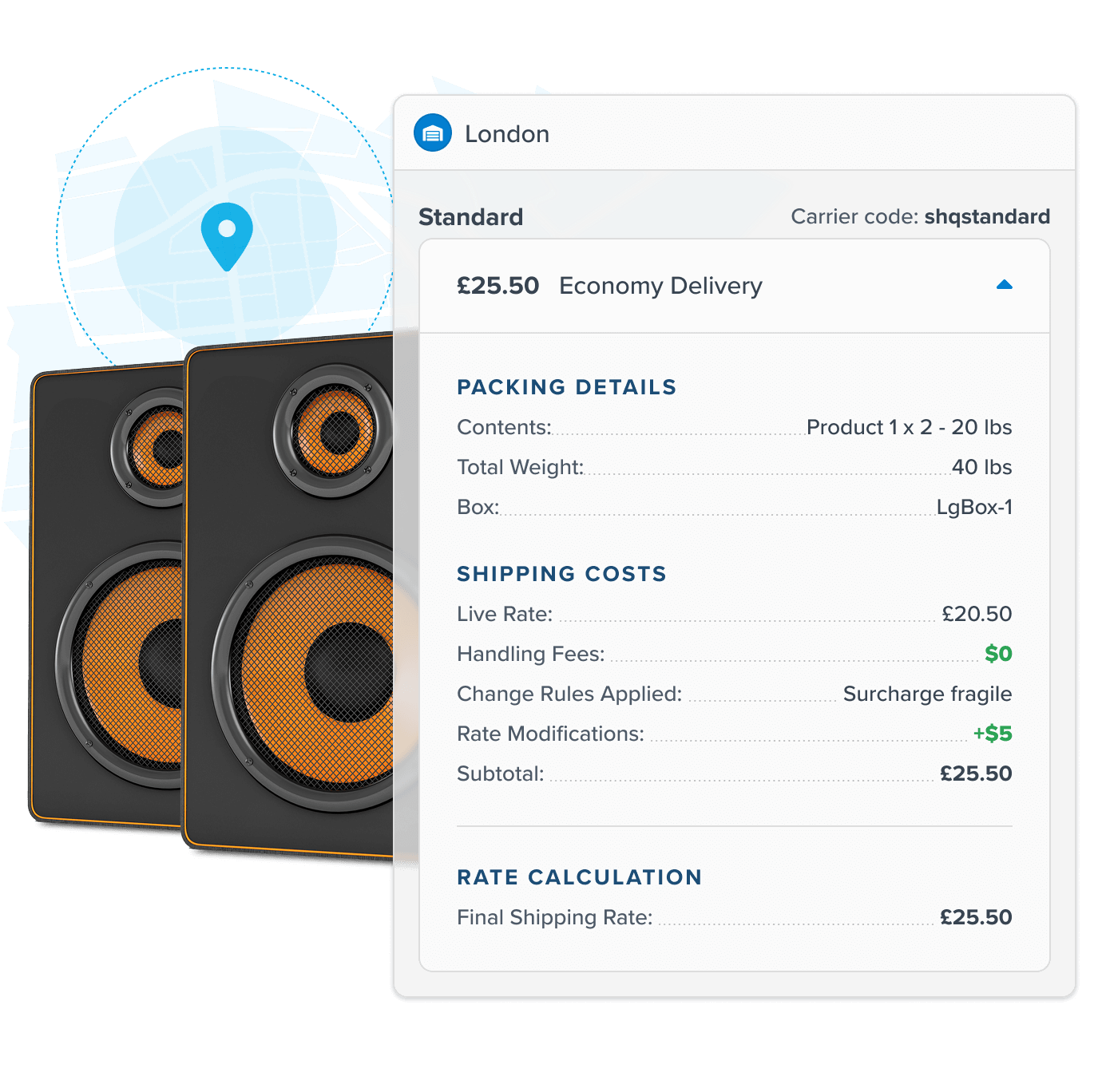
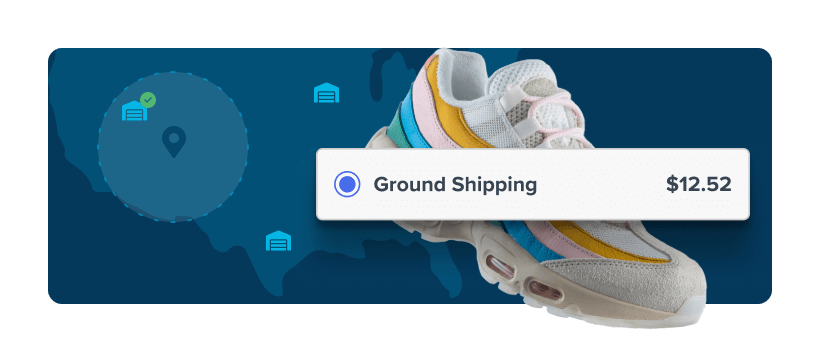
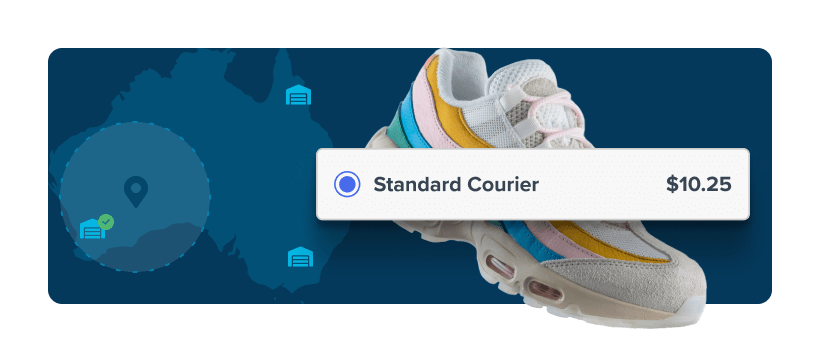
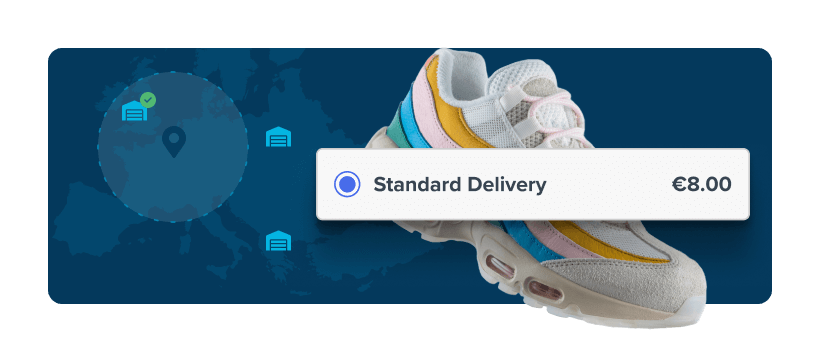
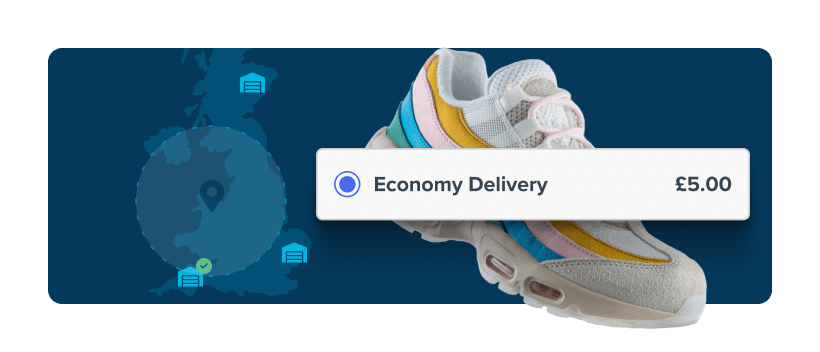
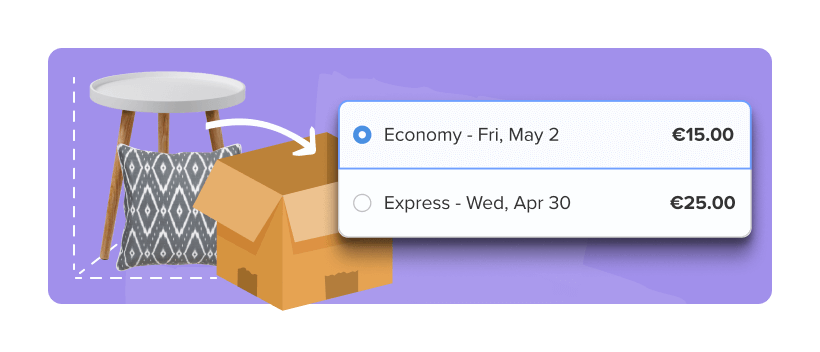
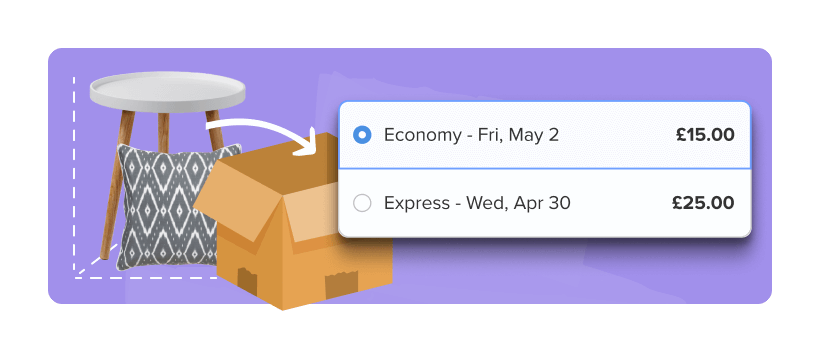
Set up rules for specific origins, like adding a surcharge when an order ships from a certain warehouse. Or combine multiple carriers or methods into a single rate, even when orders ship from different locations.
Dimensional Packing
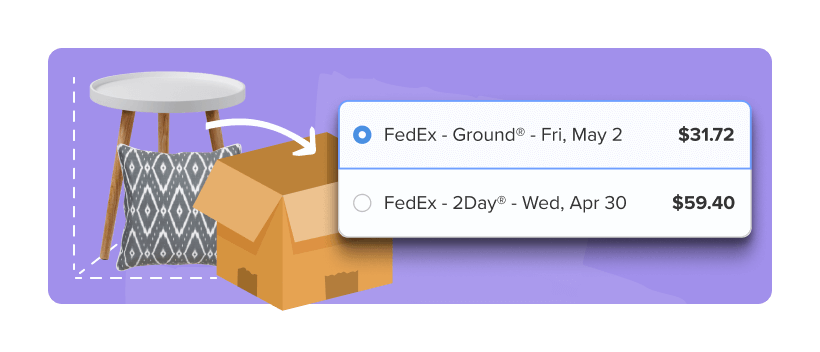
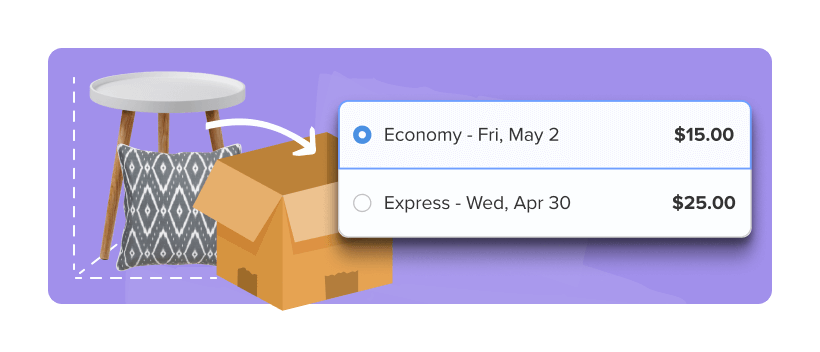
When Shipping Rules and Dimensional Packing work together, you can trigger rules based on how products are packed — like applying surcharges when oversized boxes are used.



LTL Freight
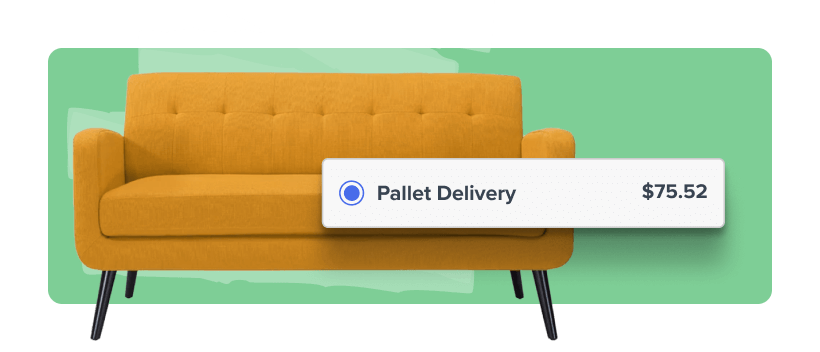
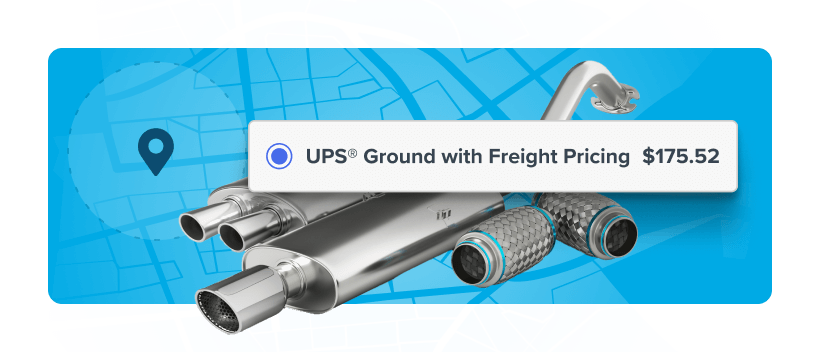
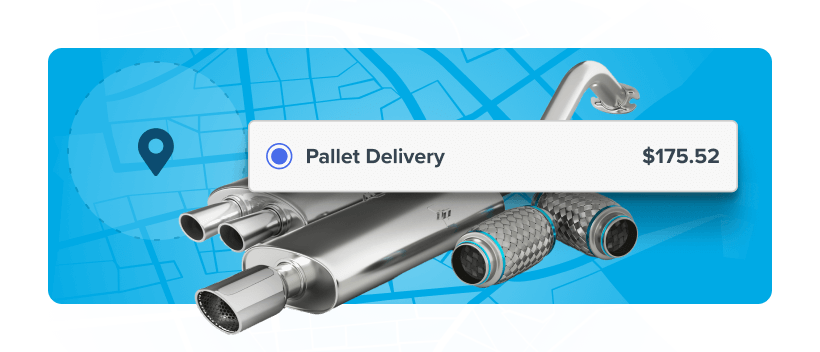
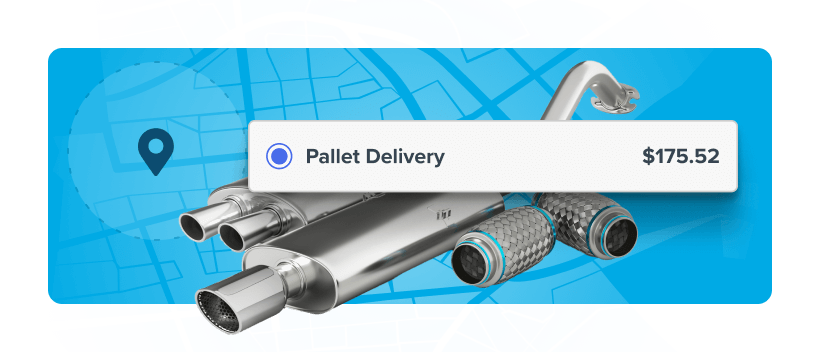
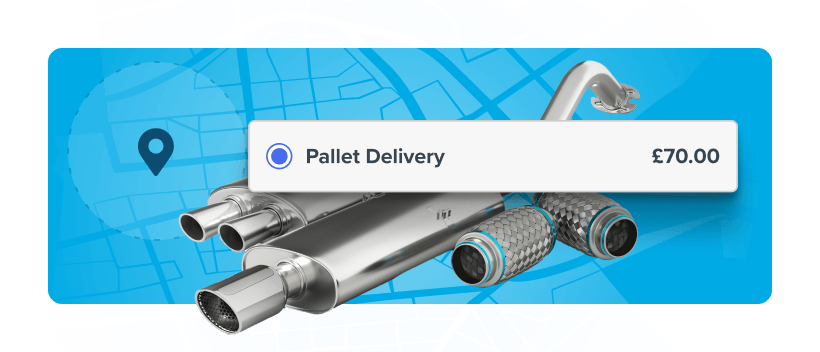
Use Shipping Rules to trigger LTL Freight when orders hit your size, weight, or product thresholds. Auto-apply liftgate or inside delivery fees, or hide parcel rates for freight-only items — all automatically.
Delivery Date & Time
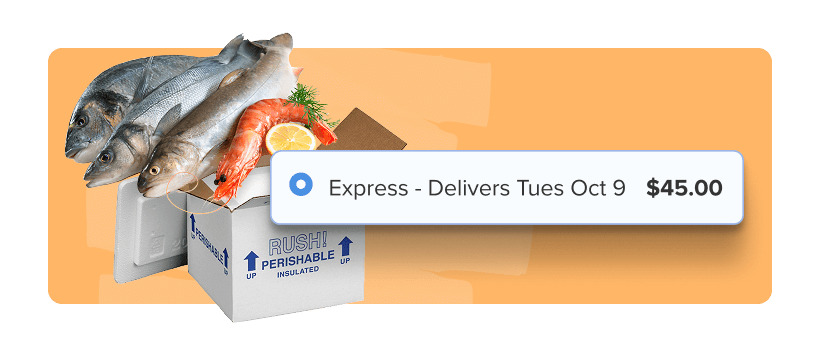
Pair your rules with Delivery Date & Time to display precise delivery estimates based on each warehouse’s cutoffs, lead times, and blackout days. Set clear expectations and boost conversion with transparent, reliable delivery dates.
Address Validation
Automatically determine address types to account for residential or commercial surcharges. Create shipping rules – such as a surcharge, discount, or restriction – based on address type.
Duties & Taxes
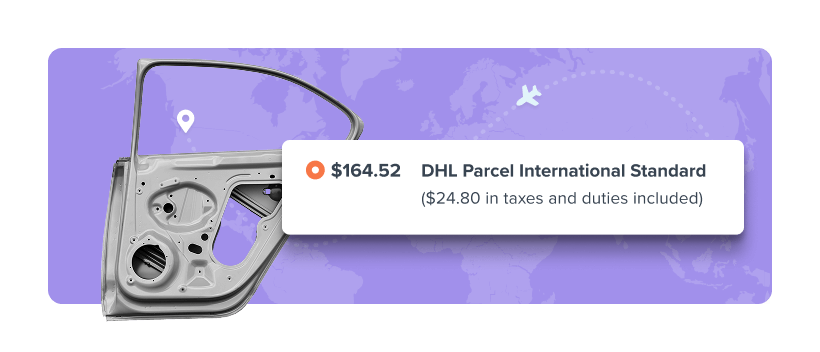
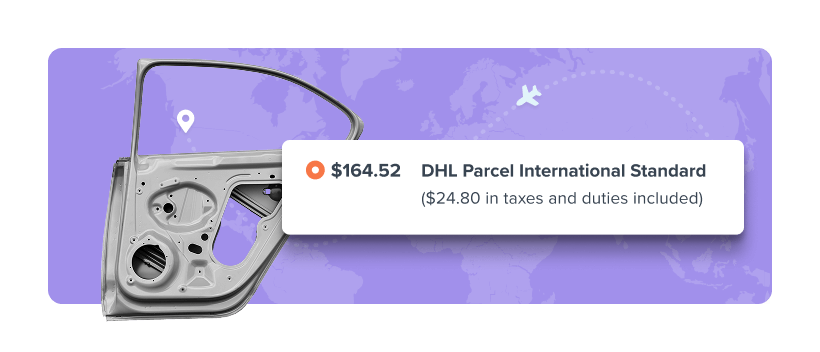
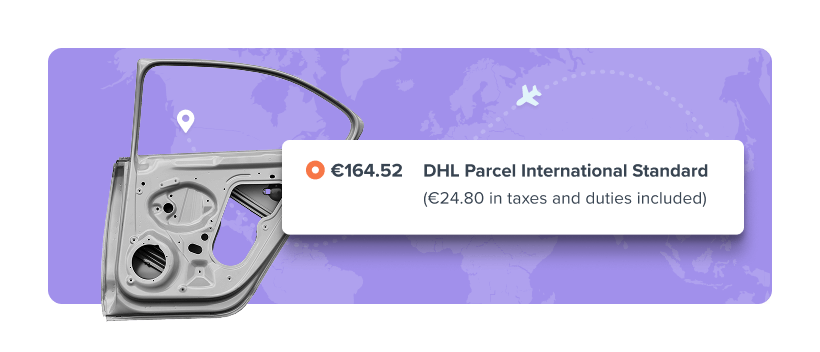
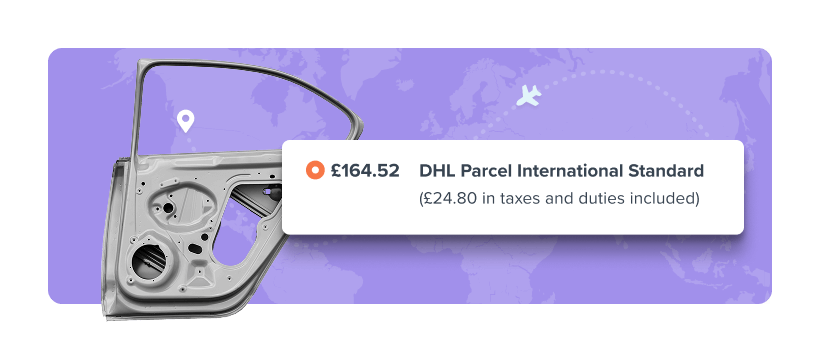
Accurately calculate and collect total landed costs at checkout. Powered by DHL. Works with all global carriers across 200+ countries.
FAQs
What is ShipperHQ's shipping rules feature, and how does it help merchants?
Shipping rules control which shipping options appear at checkout based on conditions like product, location, cart value, or customer type. Shipping isn’t one-size-fits-all. Generic shipping rates can frustrate customers and cost you money.
ShipperHQ lets you create these rules without code, so you can customize shipping logic to better match your business operations. You can set up rules like:
- “Bumpers ship only freight”
- “Fruit only ships ground to specific zip codes”
- “Free shipping on orders over $50 unless the item is oversized”
These kinds of rules protect your margins, improve the customer experience, and ensure accuracy at checkout.
When do native ecommerce shipping settings fall short, and how is ShipperHQ different?
Most native ecommerce shipping settings are limited to basic rules and show shipping options based only on order weight or cart total. They don't support complex logic where multiple conditions apply at once, such as product type, destination, and fulfillment source.
ShipperHQ’s shipping solution evaluates the full cart and entire shipping context: what’s in the cart, where it’s going, who the customer is, where it ships from, and more in real time to apply logic that native tools cannot. This includes product-level restrictions, fulfillment location rules, and carrier or method exclusions.
With ShipperHQ, the rates and options your customers see at checkout actually reflect how you fulfill orders, which results in fewer errors, better delivery experiences, and more control over costs.
How do shipping rules control which rates and carriers show at checkout?
Shipping rules evaluate multiple data points to control which shipping options appear at checkout for customers.
ShipperHQ uses conditions based on product details, cart contents, customer group, destination, and more to manage delivery options. You can configure logic to:
- Show or hide specific carriers or methods based on your own business logic
- Rename, sort, or prioritize shipping options to guide customer decisions
- Adjust rates dynamically (e.g., add surcharges for bulky items or remote zones)
- Offer free shipping or special promotions when certain criteria are met
- Restrict delivery methods by product, shipping group, or location
Can shipping rules restrict methods for regulated or high-value products?
Yes. Shipping rules can restrict shipping methods based on product type, destination, or order value. This is useful for managing compliance and ensuring customers only see valid options at checkout.
You can set up rules to:
- Block restricted products from shipping to specific states or cities
- Example: "Block shipping Delta-8 THC to Colorado."
- Auto-hide non-compliant carriers like USPS or Air for items like aerosol sprays or lithium batteries
- Restrict based on product characteristics
- Example: “No magazines over 10 rounds to California.”
- Manage rules by product group, state, city, or ZIP code
These controls help reduce legal risk, avoid shipping errors, and keep your checkout compliant.
Can I customize shipping options and rates based on weight or location?
Yes. ShipperHQ lets you set shipping rates and methods based on order weight and delivery location. This is useful for managing heavy or bulky products, regional restrictions, or zone-based pricing. It ensures customers see accurate options for their order.
Who manages my shipping rules with changes in the business requirements?
You can control your shipping rules directly in the ShipperHQ dashboard. Your team can update conditions, rates, and logic anytime to match changing business needs. If you need help, our support team is here to guide you through the setup.
How many shipping rules can I set up with ShipperHQ?
The number of shipping rules you can create depends on your ShipperHQ plan. Higher-tier plans include more rule capacity and access to advanced rule types. If you require complex logic across multiple carriers, products, or locations, upgrading your plan provides the flexibility to scale without encountering limits.
You can view rule limits and compare features on our Plans & Pricing page.