



Scale Smarter with Multi-Warehouse Shipping Logic
Automate how shipping rates are calculated across every warehouse, store, and dropshipper. Show customers fair, accurate rates at checkout while keeping operations efficient.
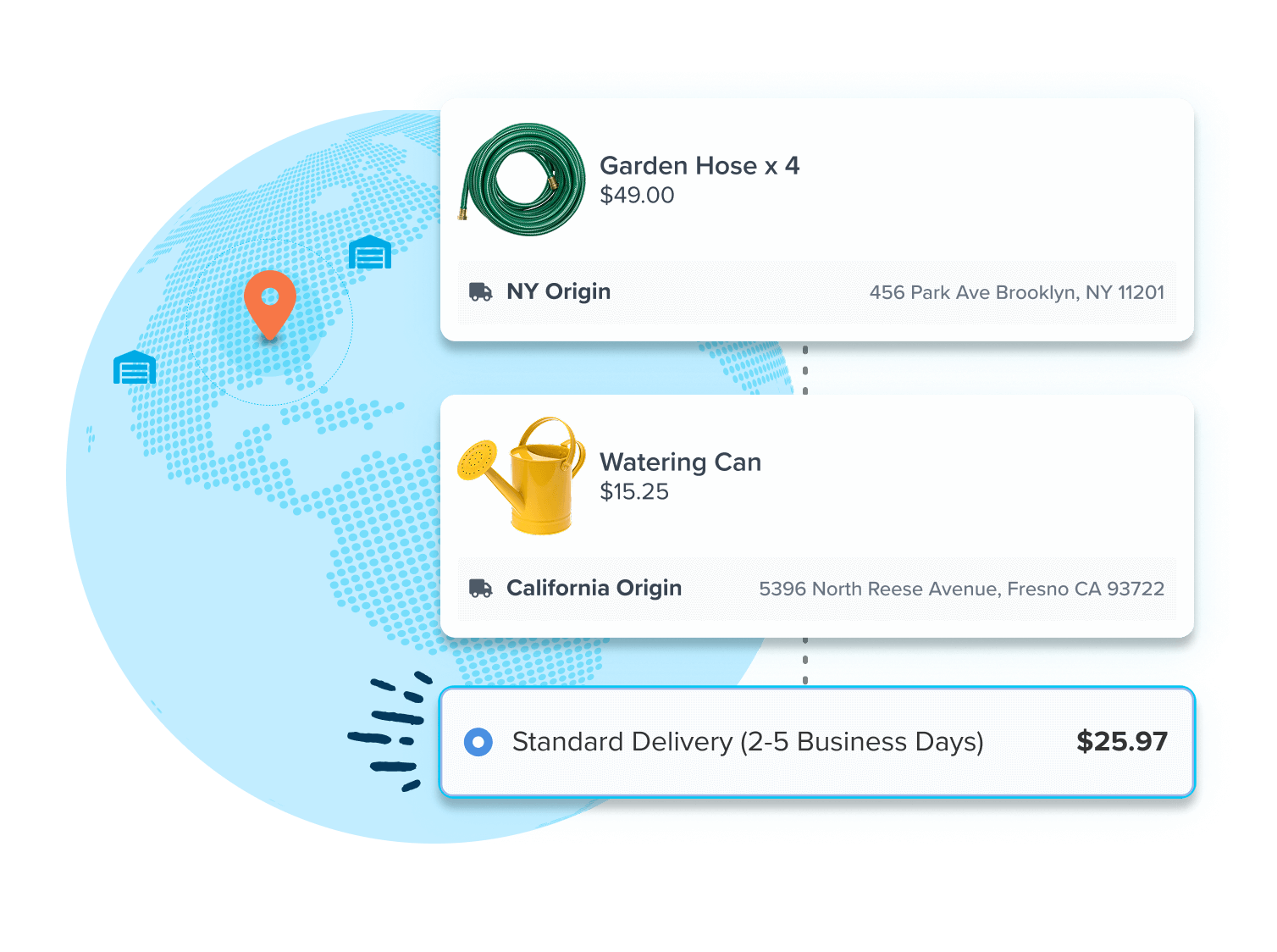
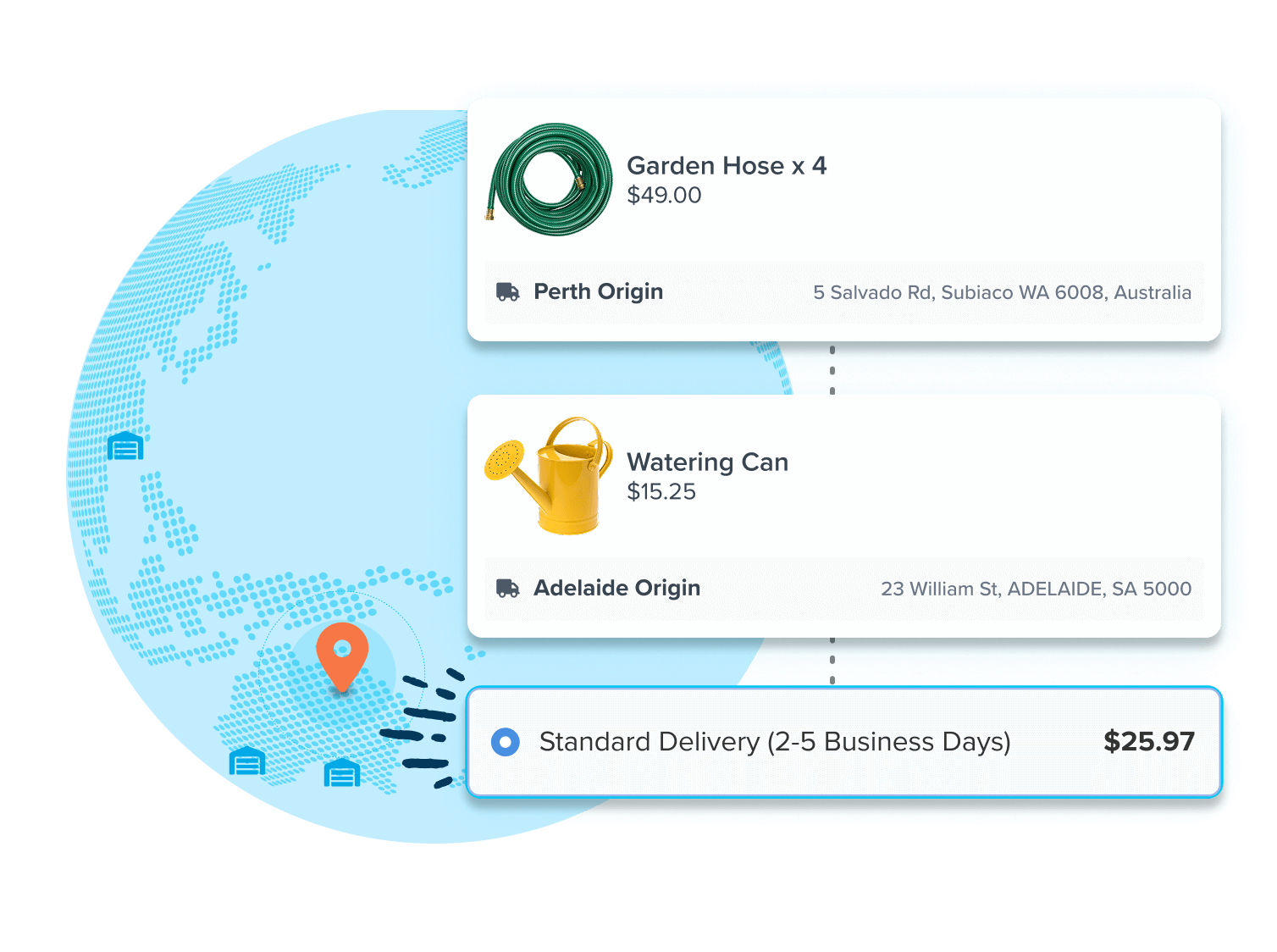
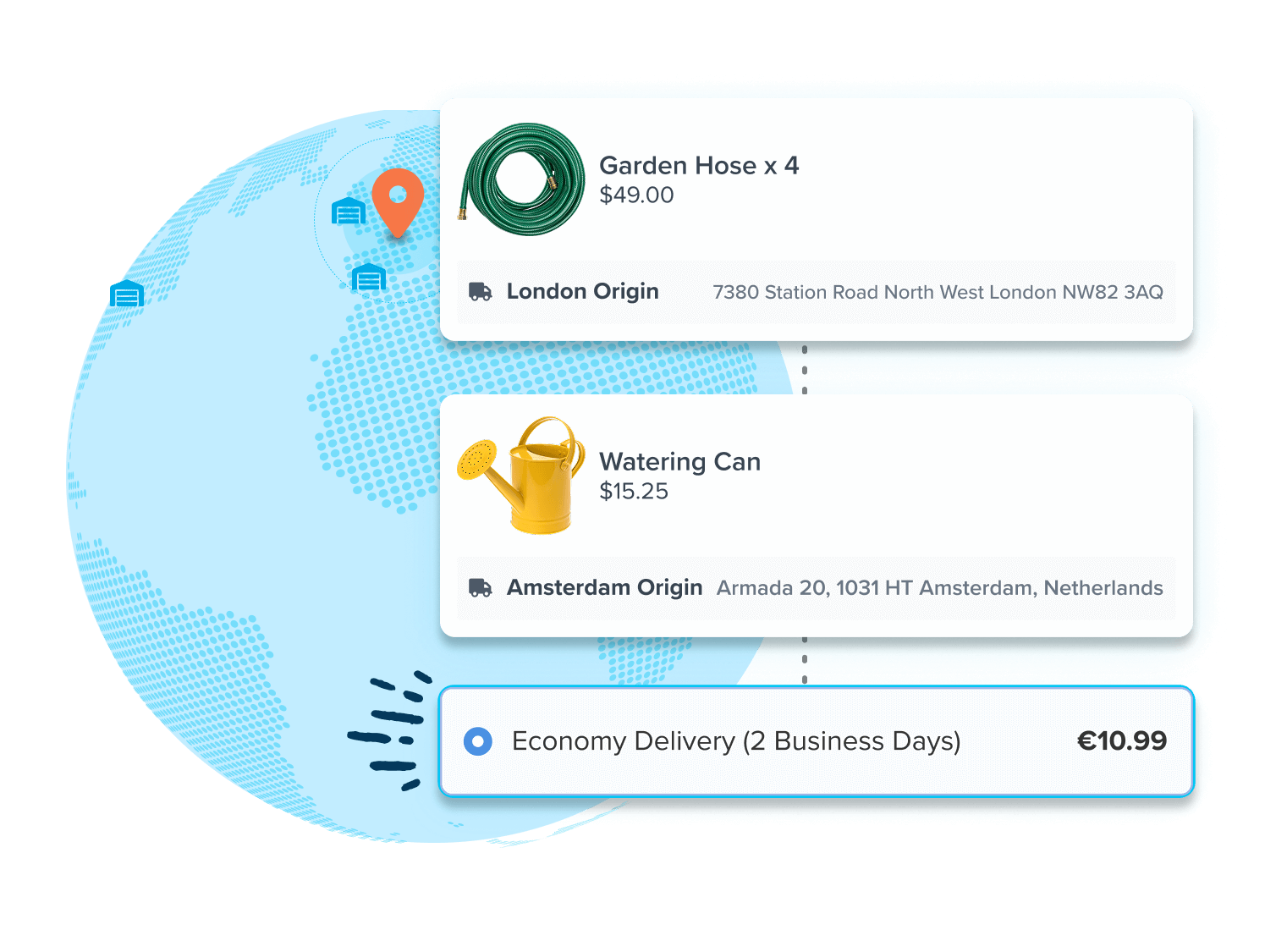
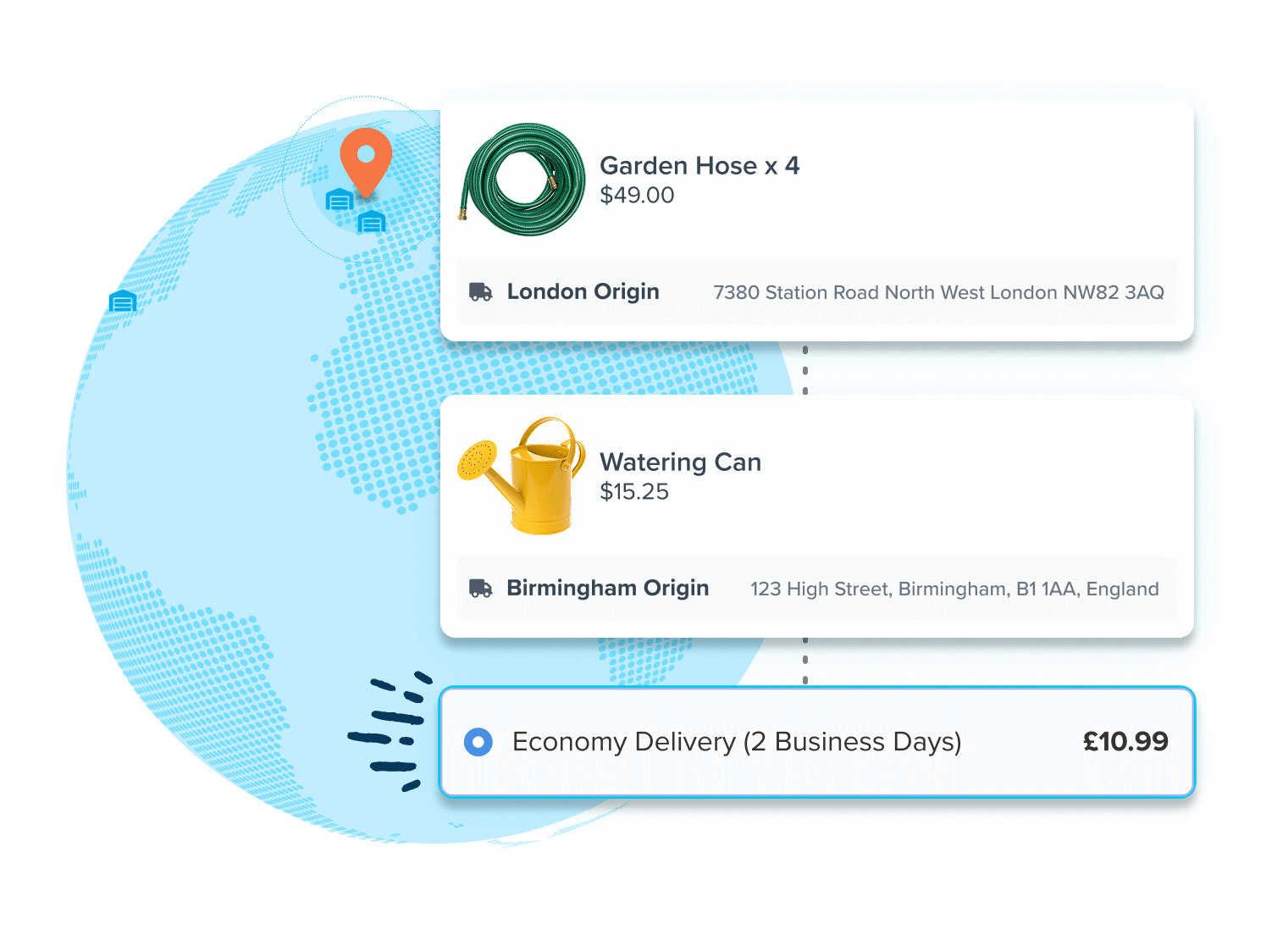
Accurate Rates for Multi-Warehouse Orders
Calculate shipping from the closest or most cost-efficient location, so you never undercharge or overcharge for shipping.
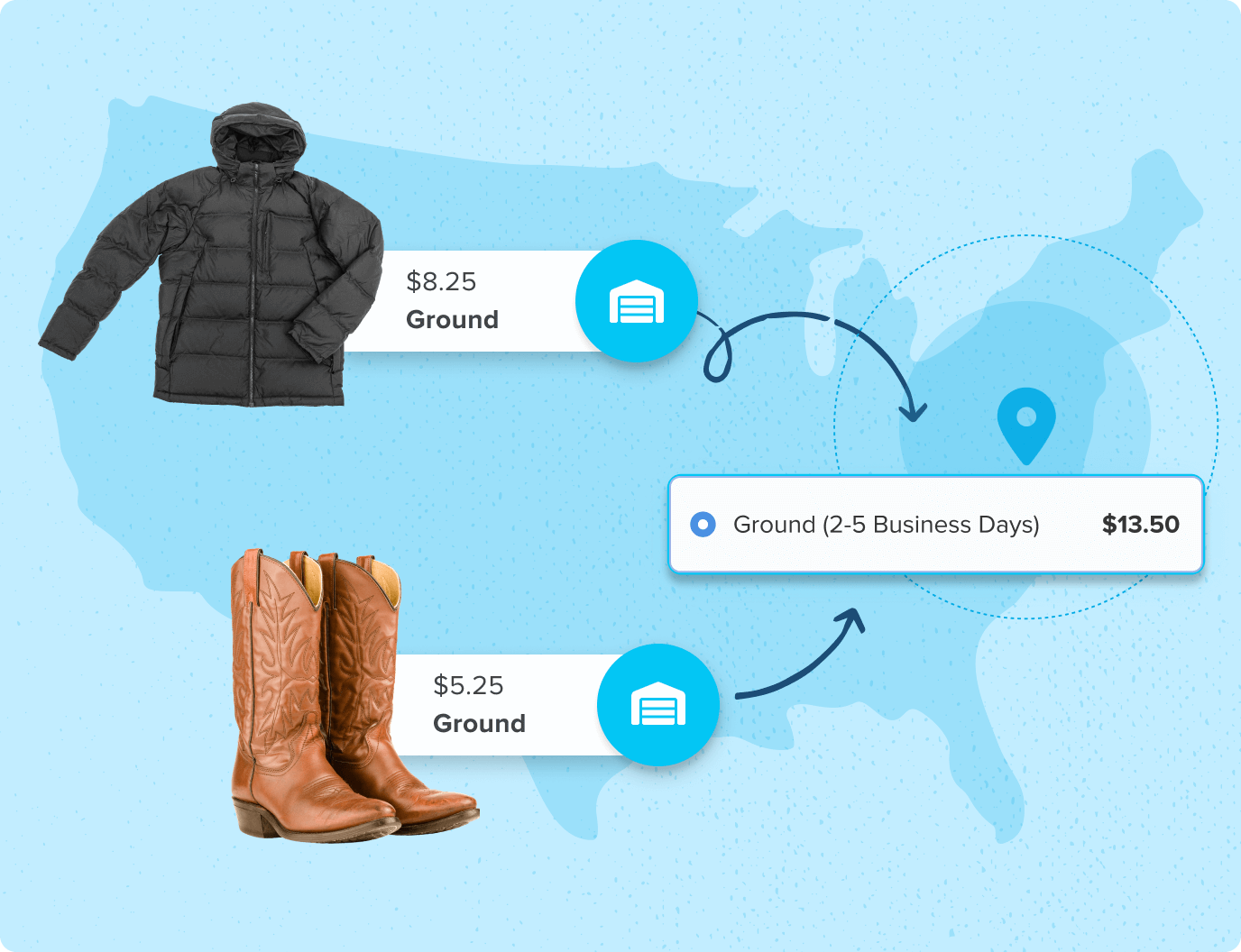
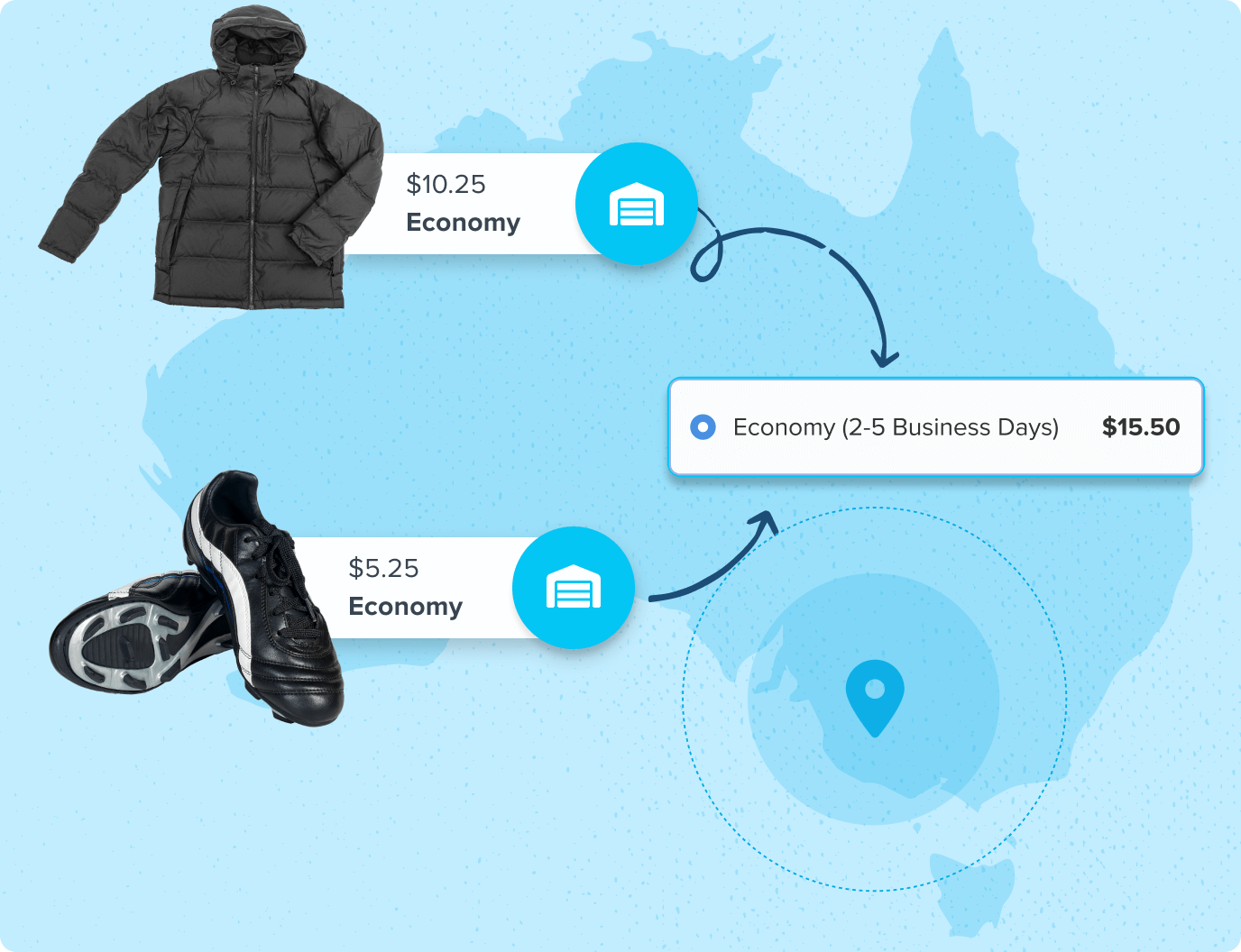
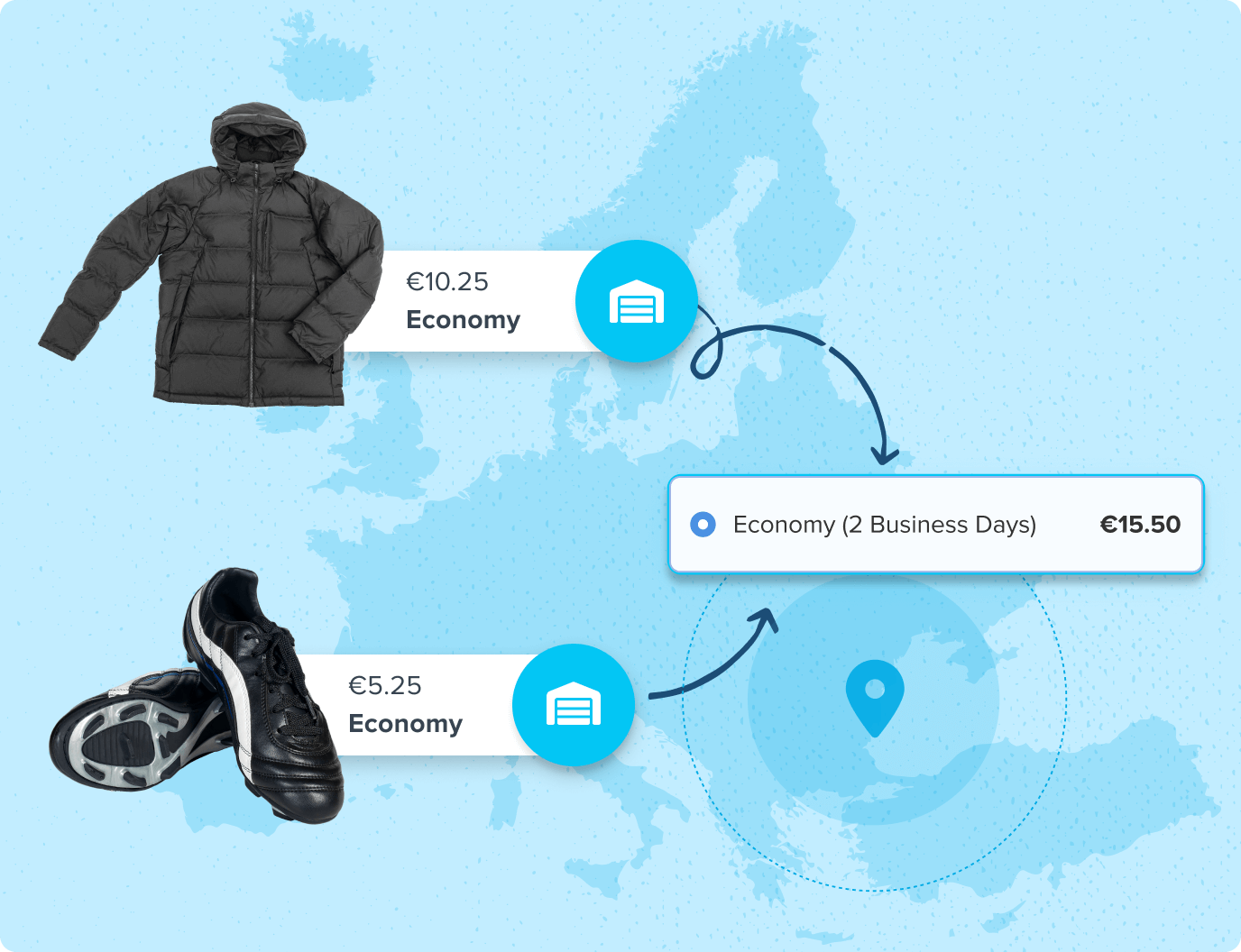
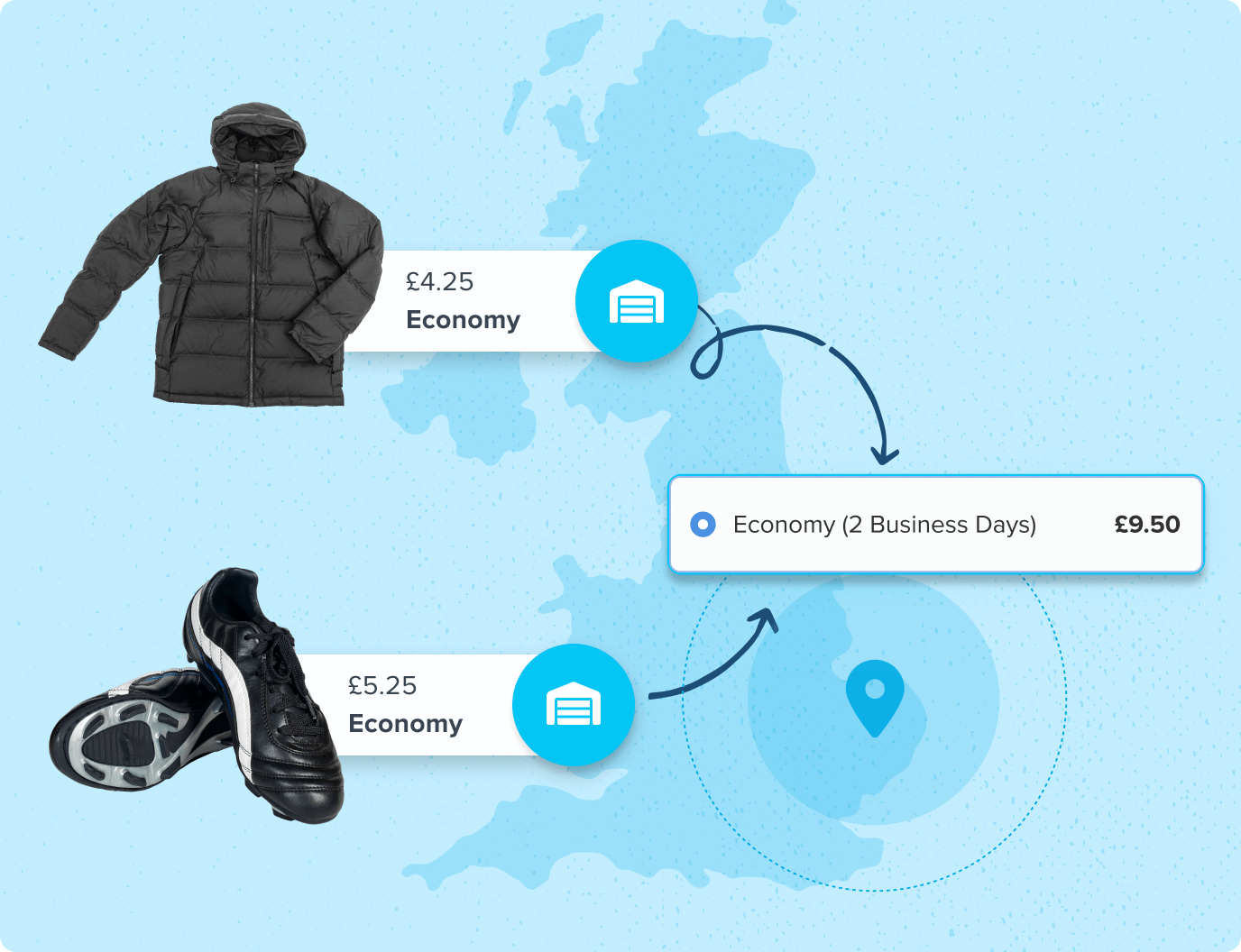
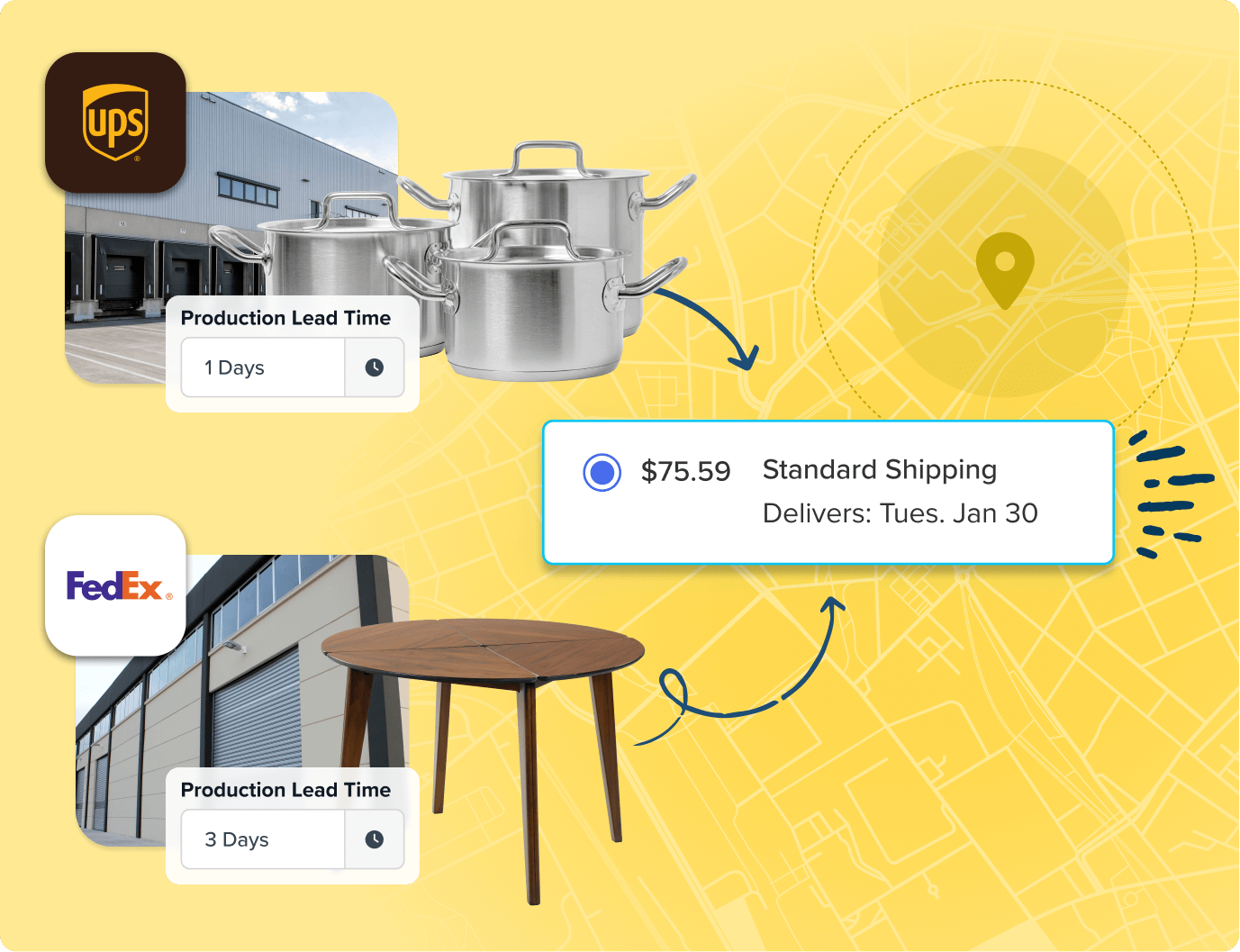
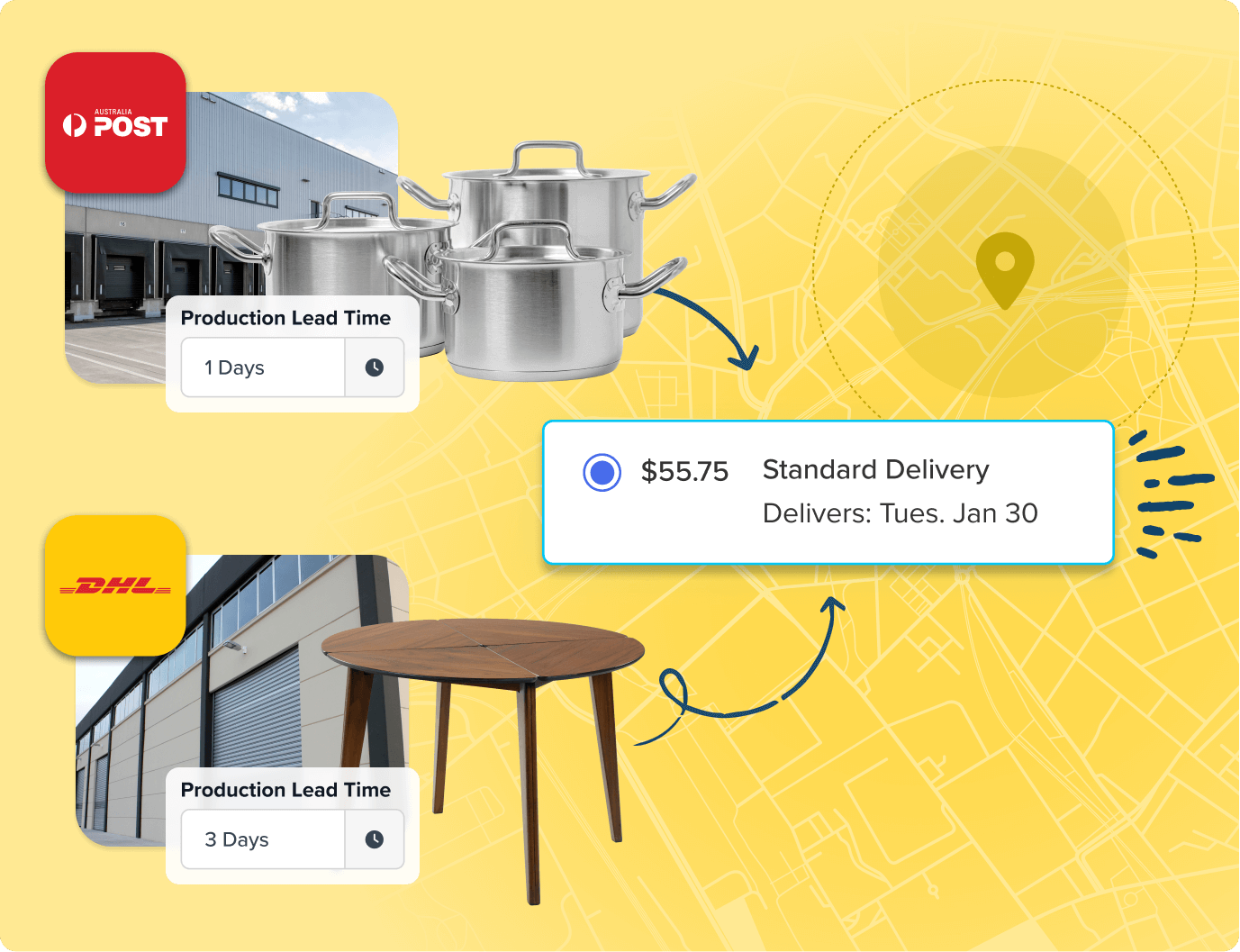
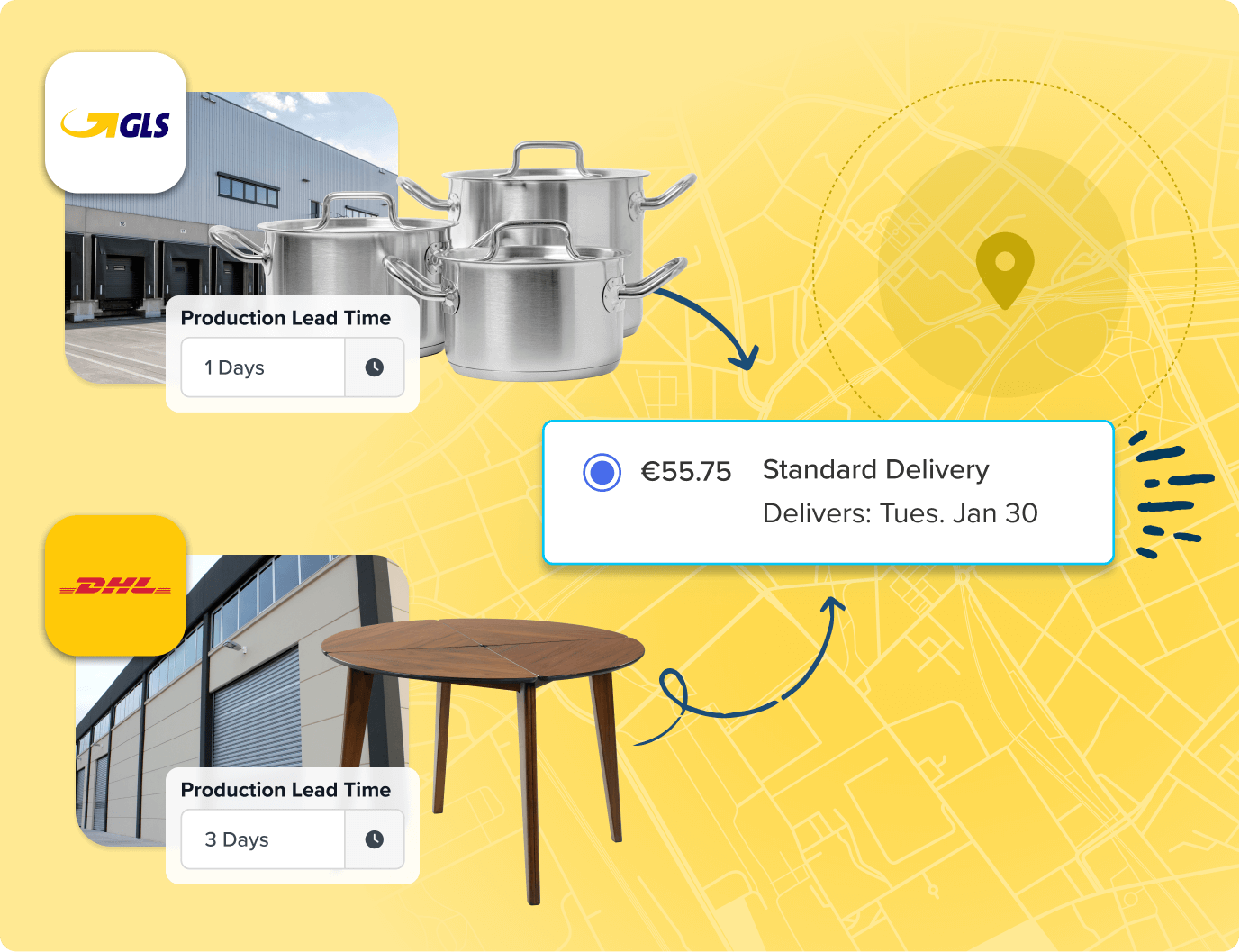
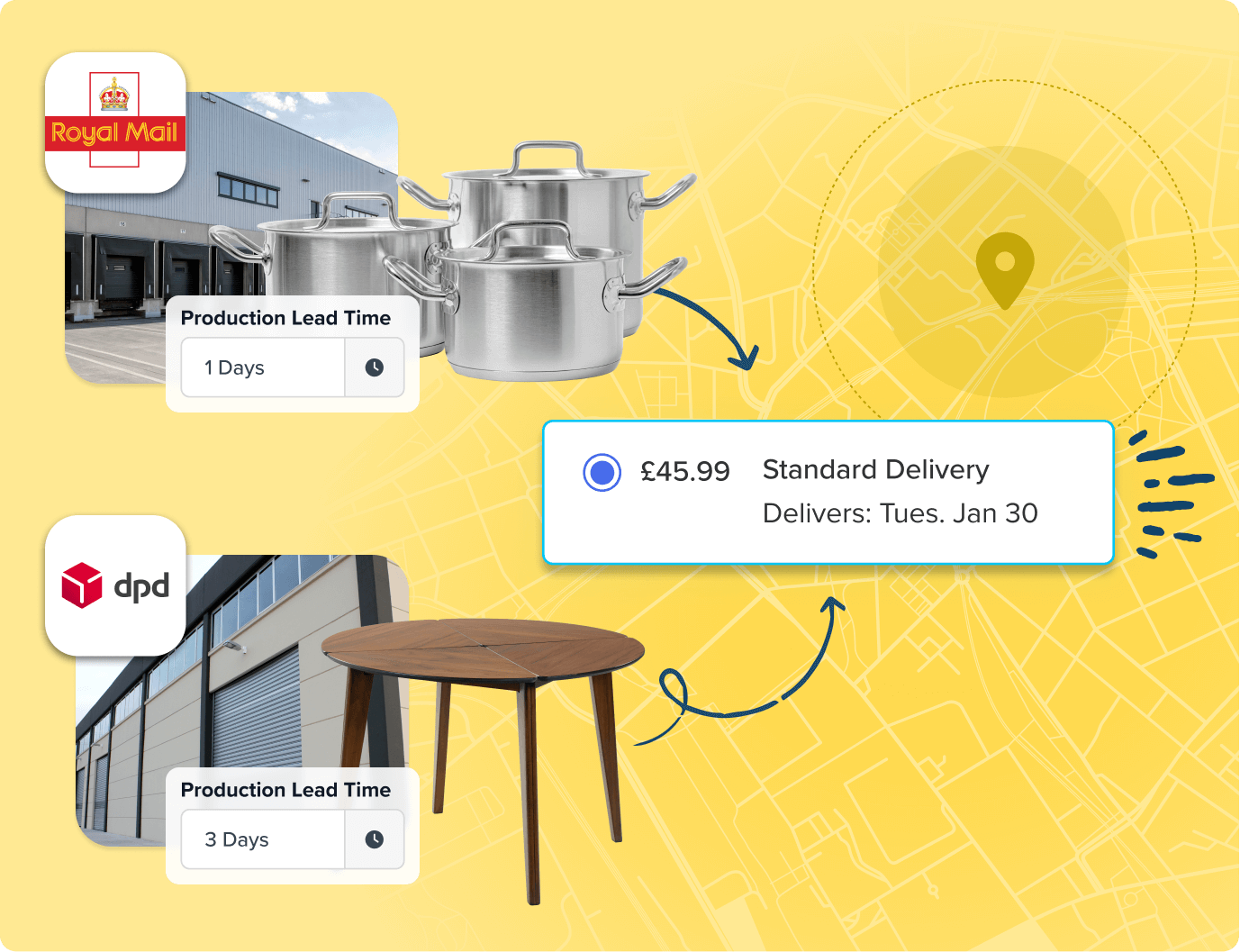
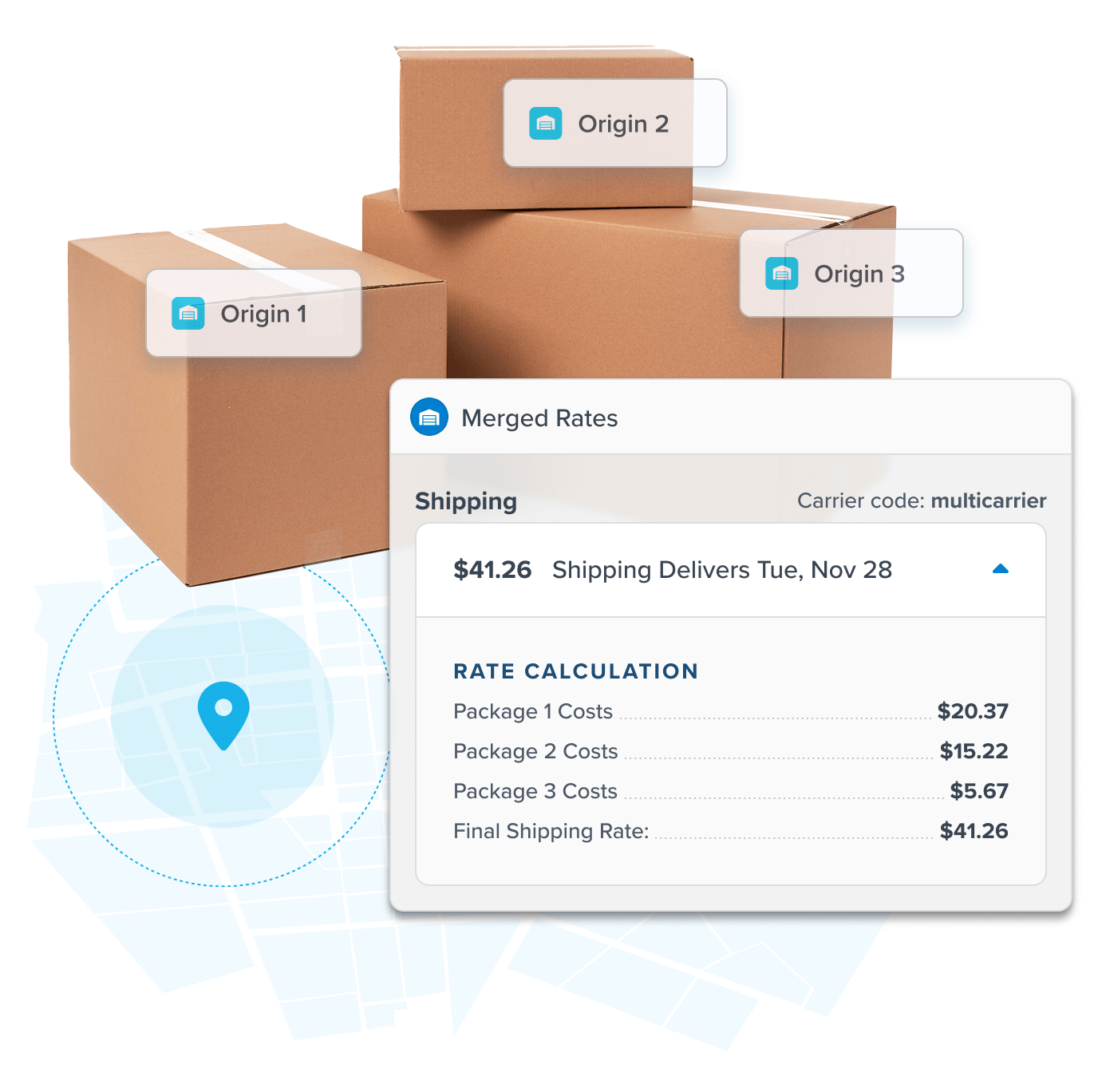
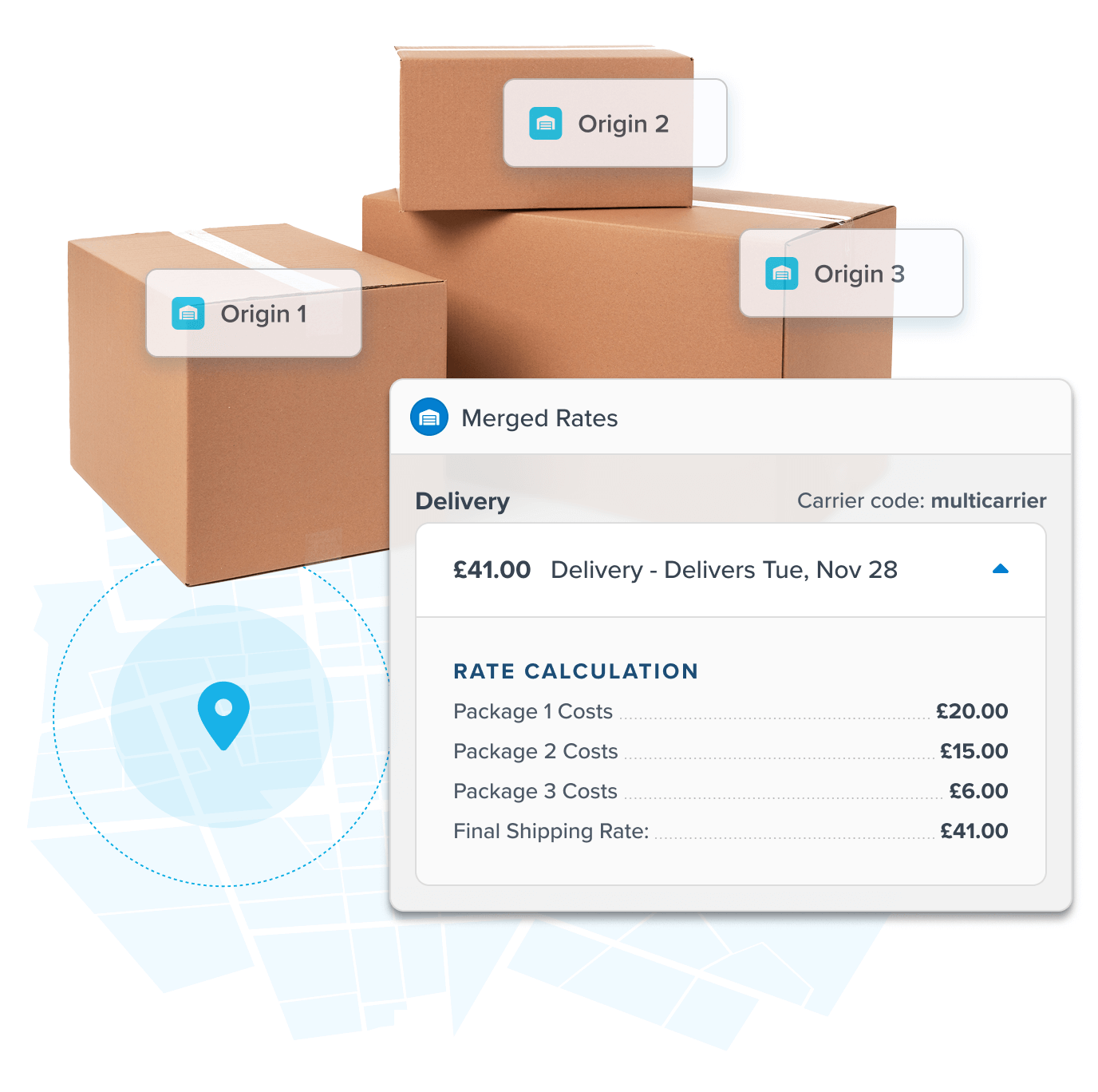
 Show a merged rate. When a cart contains products shipping from different origins, ShipperHQ sums the cheapest method for each shipment into one rate.
- Or split shipments and show a rate for each one. Use Enhanced Checkout for split shipping on any platform. On Shopify, ShipperHQ works with native split shipping and multi-location inventory.
- Works with major eCommerce platforms – including Shopify (works with Multi-Origin Inventory), BigCommerce, Adobe Commerce, Magento, and Woo Commerce.
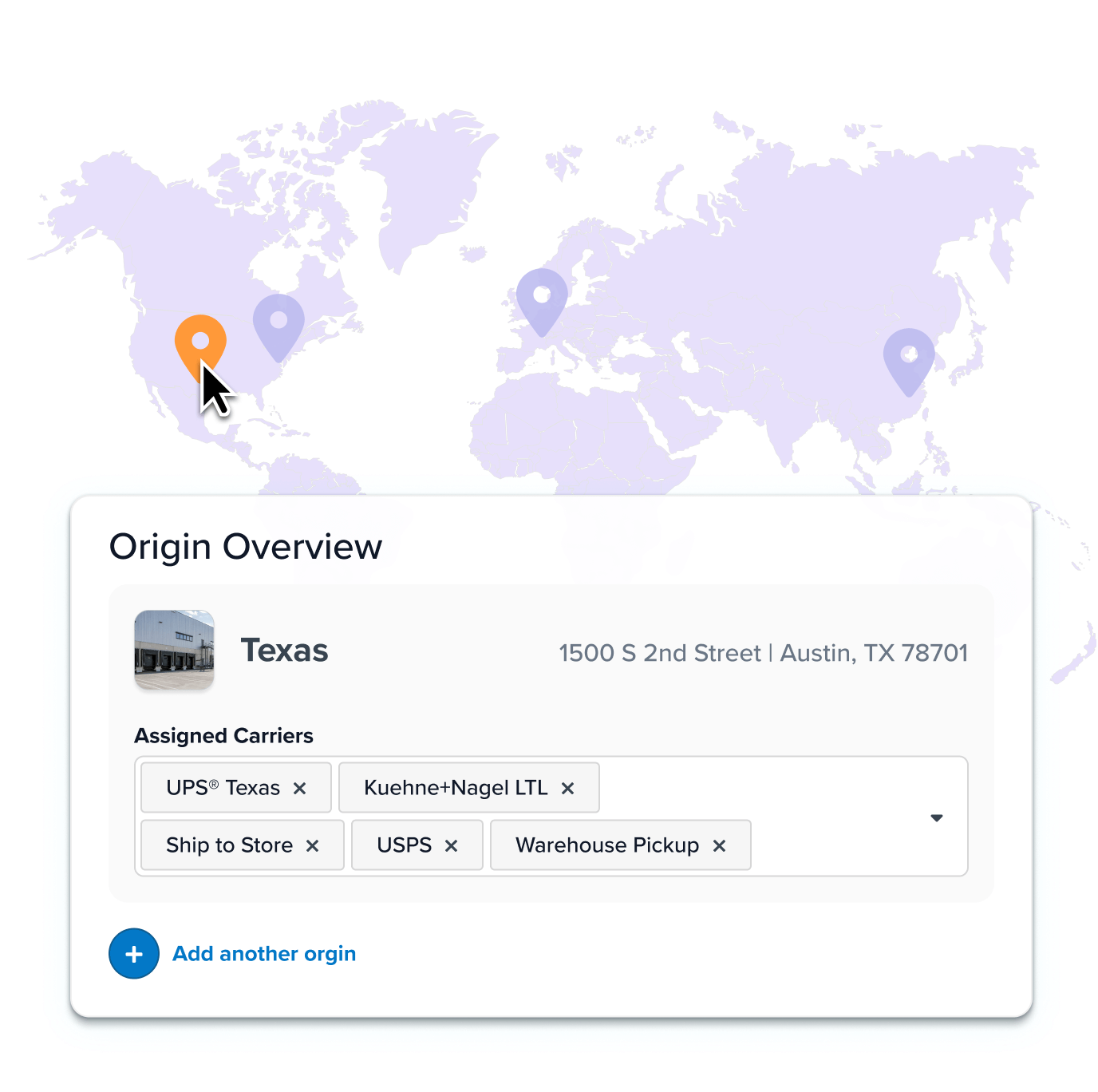
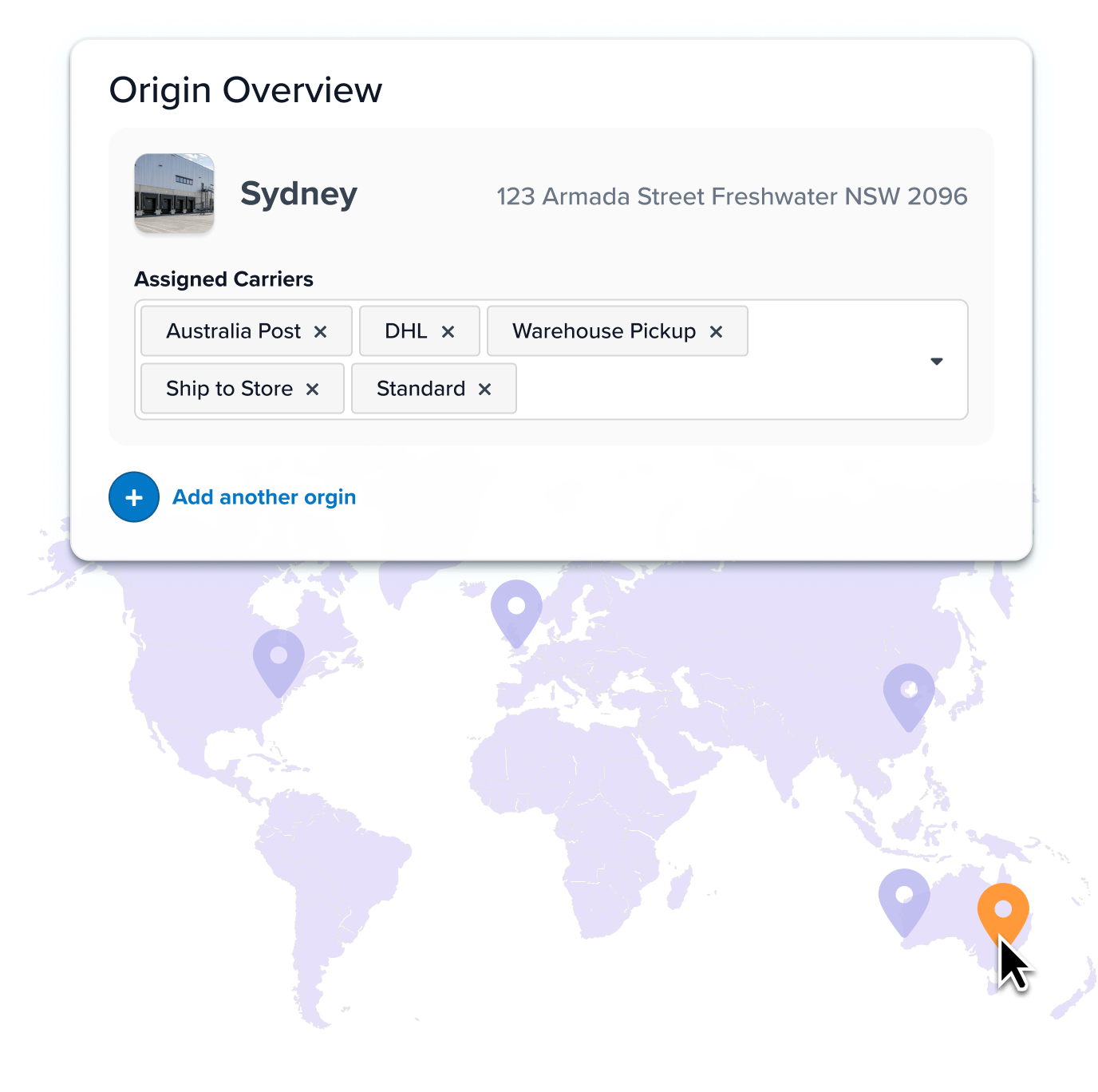
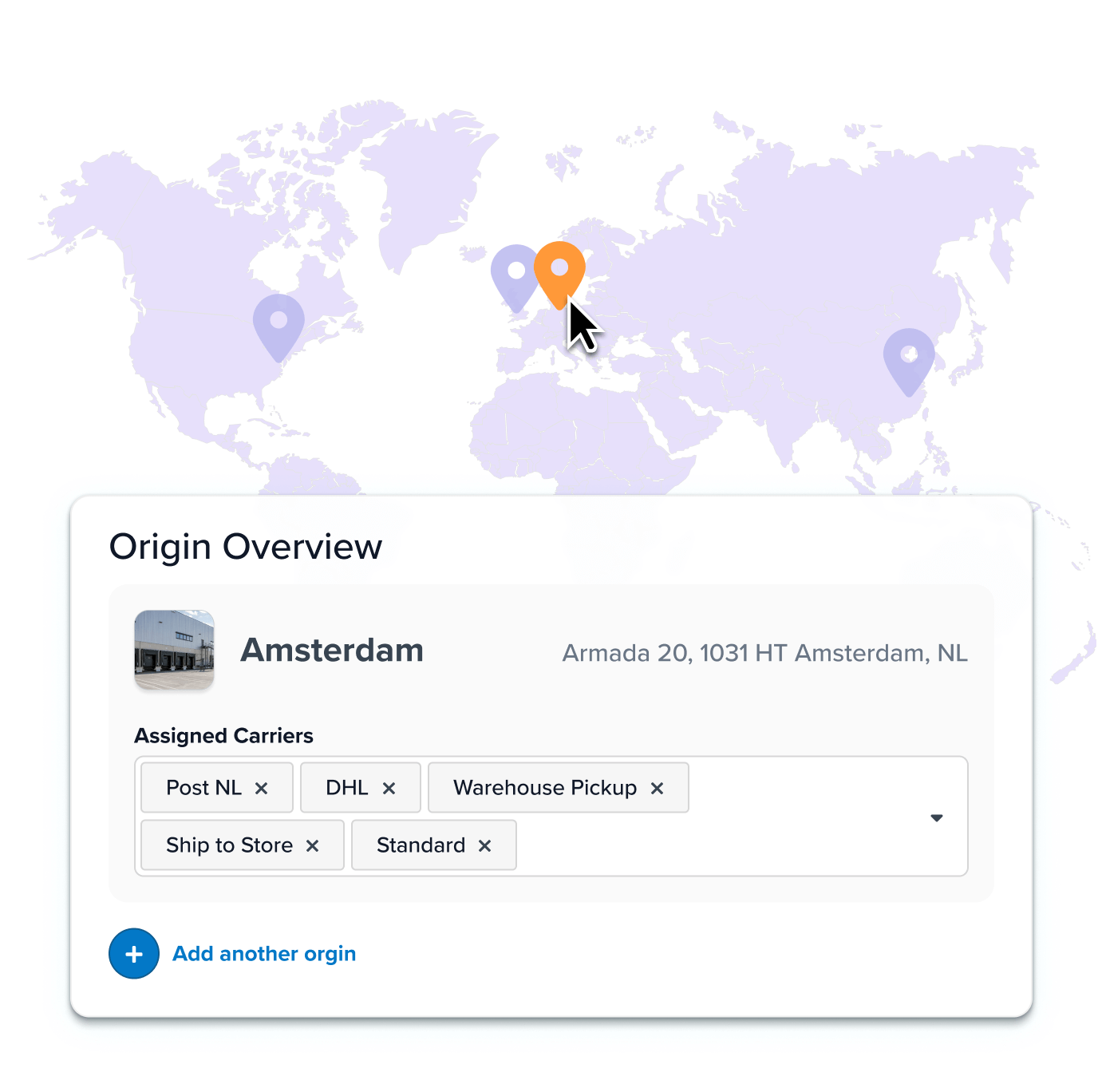
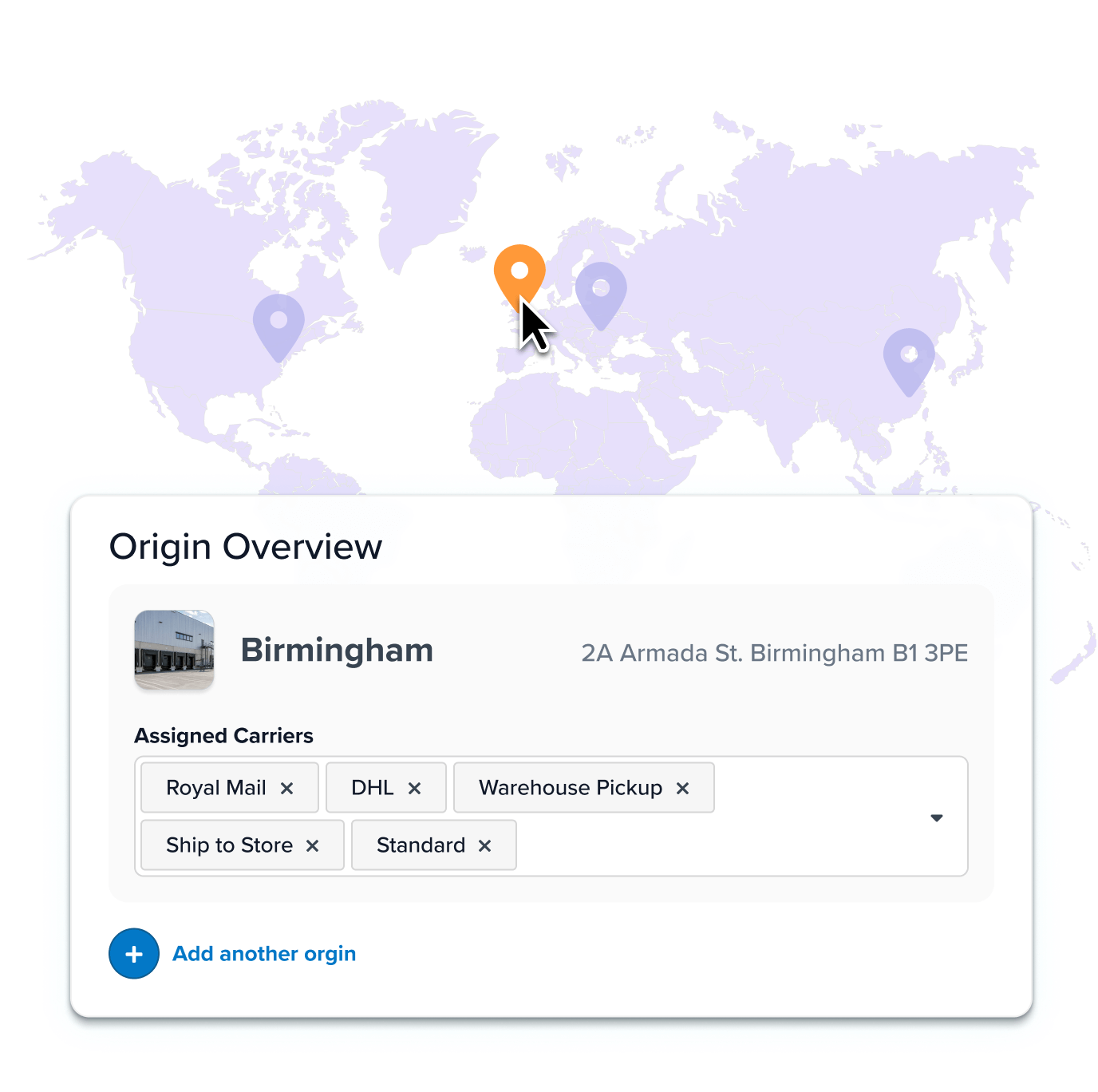
- Add and scale origins in minutes. Set new origin locations in the ShipperHQ dashboard or upload them in bulk via CSV, perfect for brands with large fulfillment networks.
Simplify Complex Shipping. Convert More Shoppers.
Give shoppers smart shipping choices that feel simple, but are powered by serious logic. Control exactly how rates appear when an order ships from multiple warehouses.
- Declutter checkout. Merge multiple shipping methods – like FedEx Ground and UPS Ground – into a single option at checkout. Give it a title like “Standard Shipping.”
- Reduce cart abandonment with competitive merged rates. Cap rates above a certain price threshold or create rules like ‘When items ship from multiple warehouses, apply 10% off shipping.’
- Provide a clear picture of delivery timelines. Show accurate dates that reflect each warehouse’s cutoff times and blackout days with Delivery Date & Time.
Handle Any Cart, No Matter How Complex
Define what ships from each location, and how. Make updates easily without code – saving hours on manual post-order fixes, developers, and support.
- Set order value thresholds for origins. Set rules like ‘Ship small orders from dropshippers and large orders from warehouses.’
- Assign products to warehouses. Define which warehouses specific products or broad product groups can ship from.
- Specify carriers and shipping methods for each warehouse.
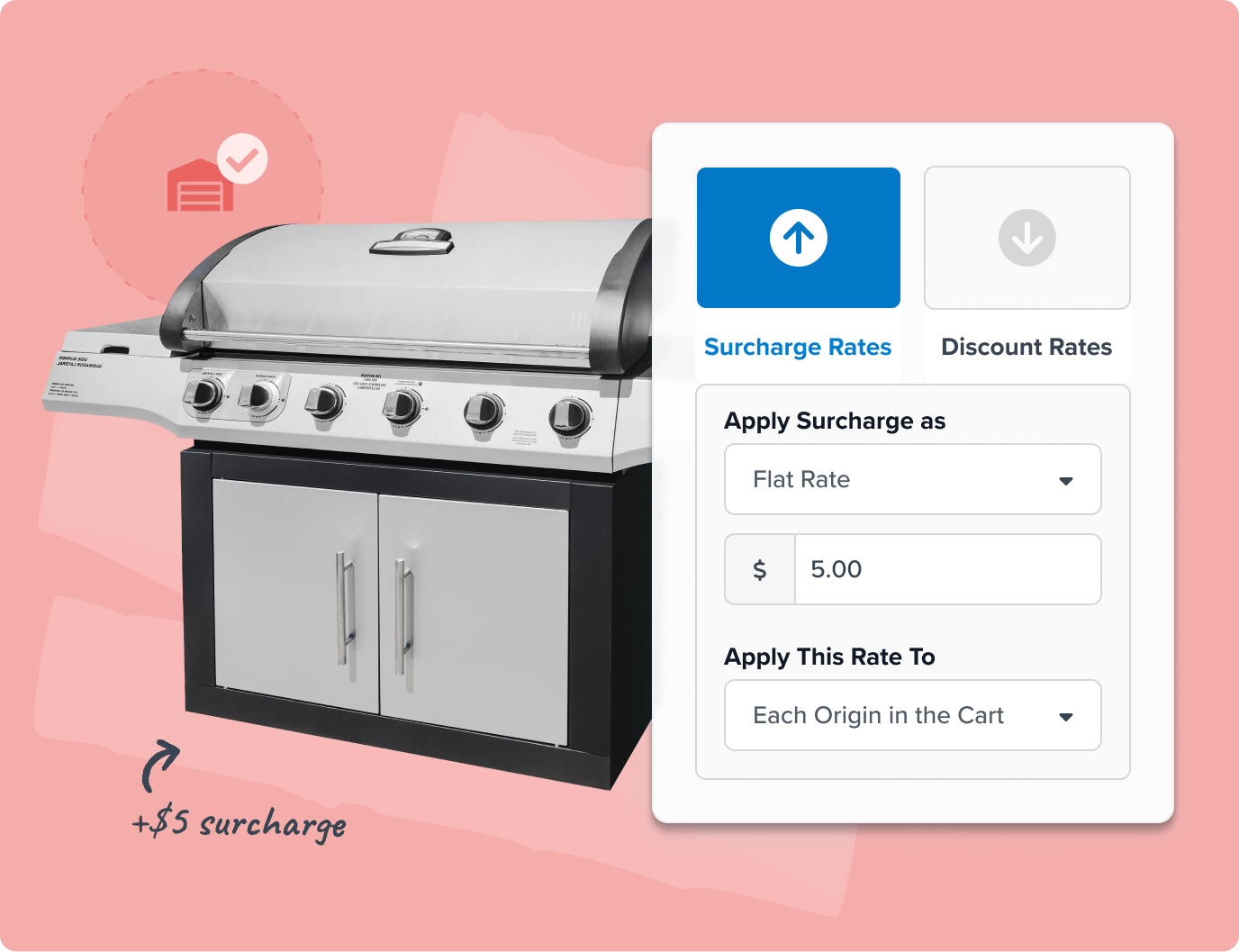
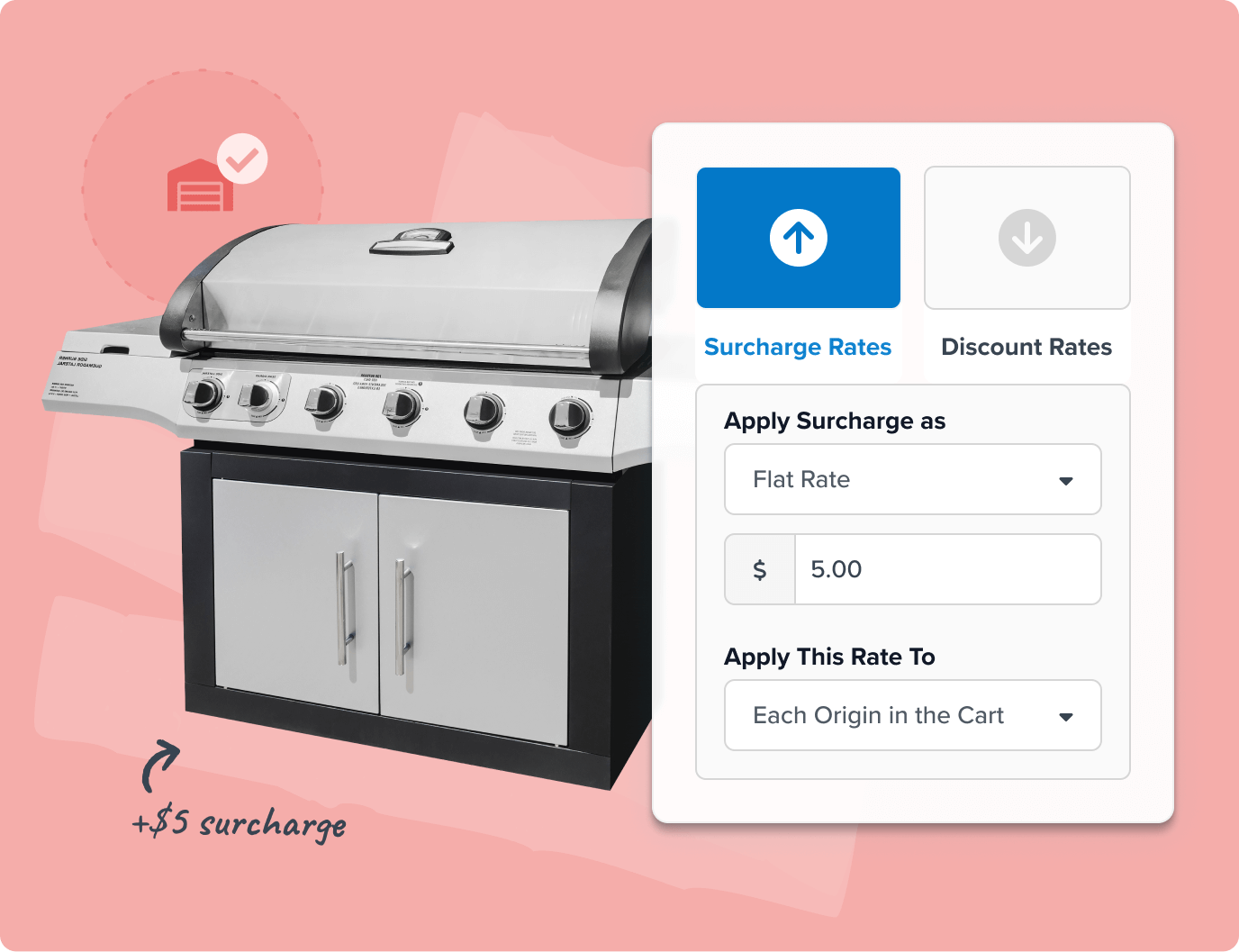
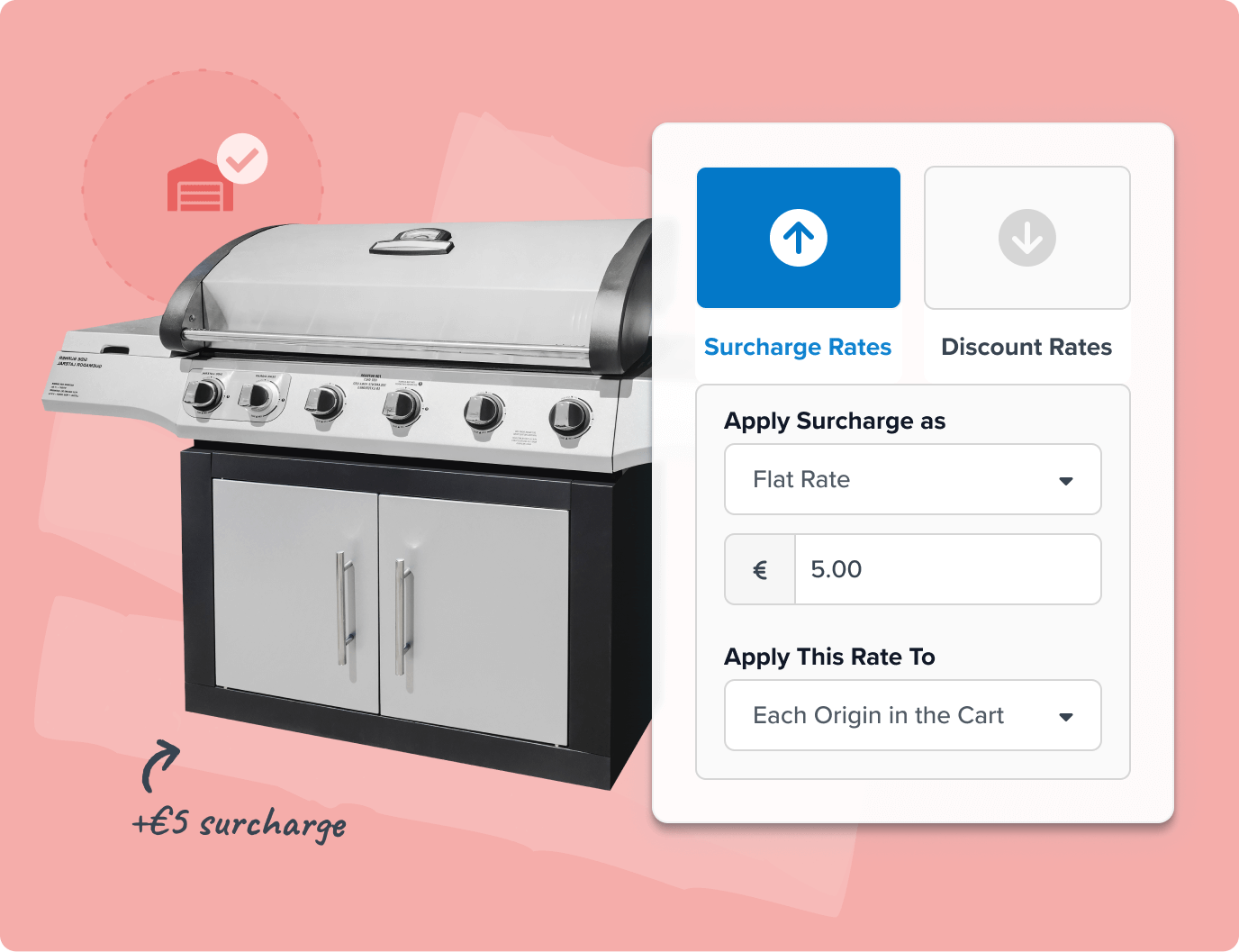
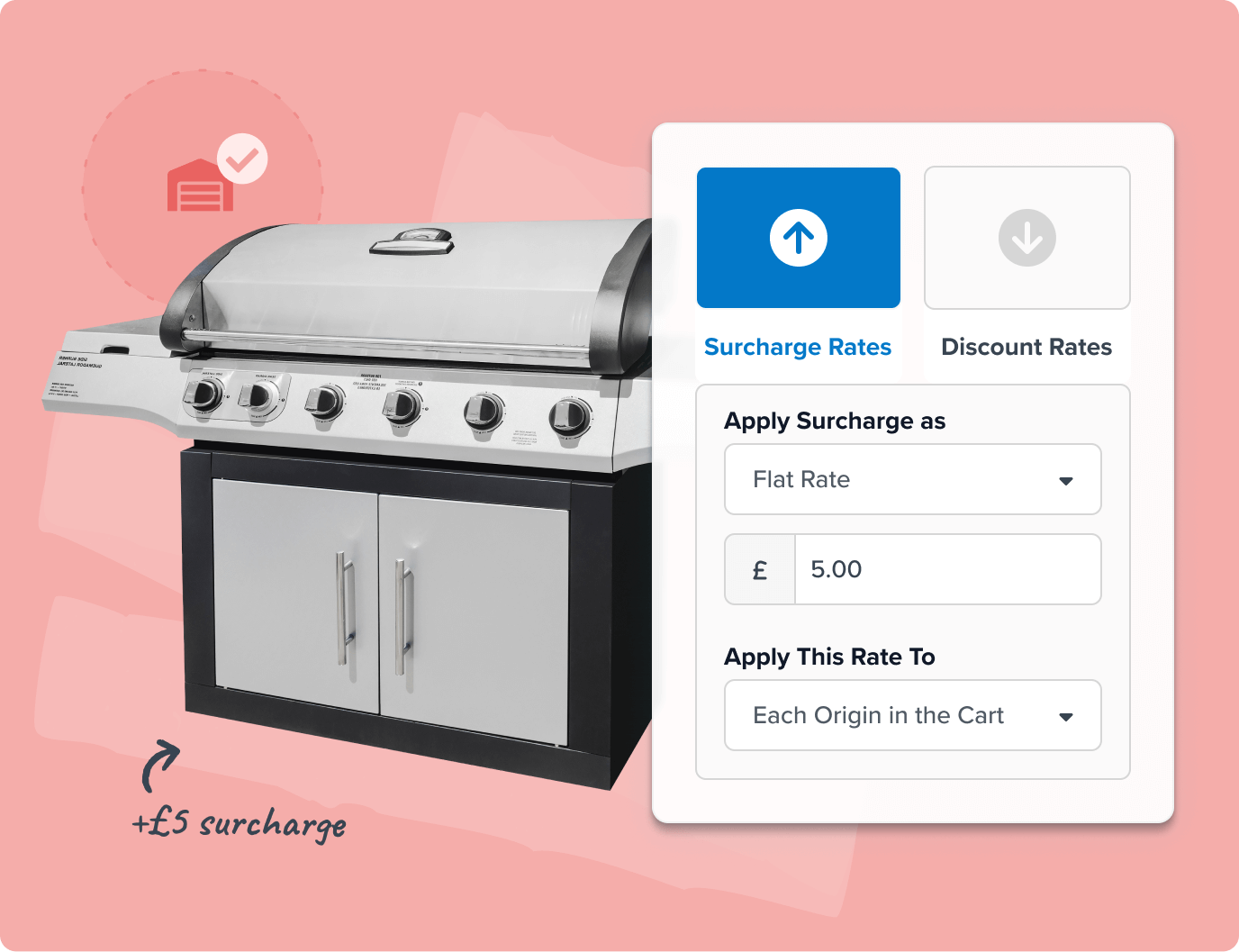
- Surcharge or discount rates by origin, or set flexible rules like ‘When an order ships from Austin and Los Angeles, apply a $5 surcharge.’



1. Add your origins
After installing & connecting ShipperHQ to your store, you can define warehouse, dropship, or store locations. Add them directly in the ShipperHQ dashboard or upload in bulk via CSV if you’re managing a lot of locations.
2. Set your fulfillment strategy
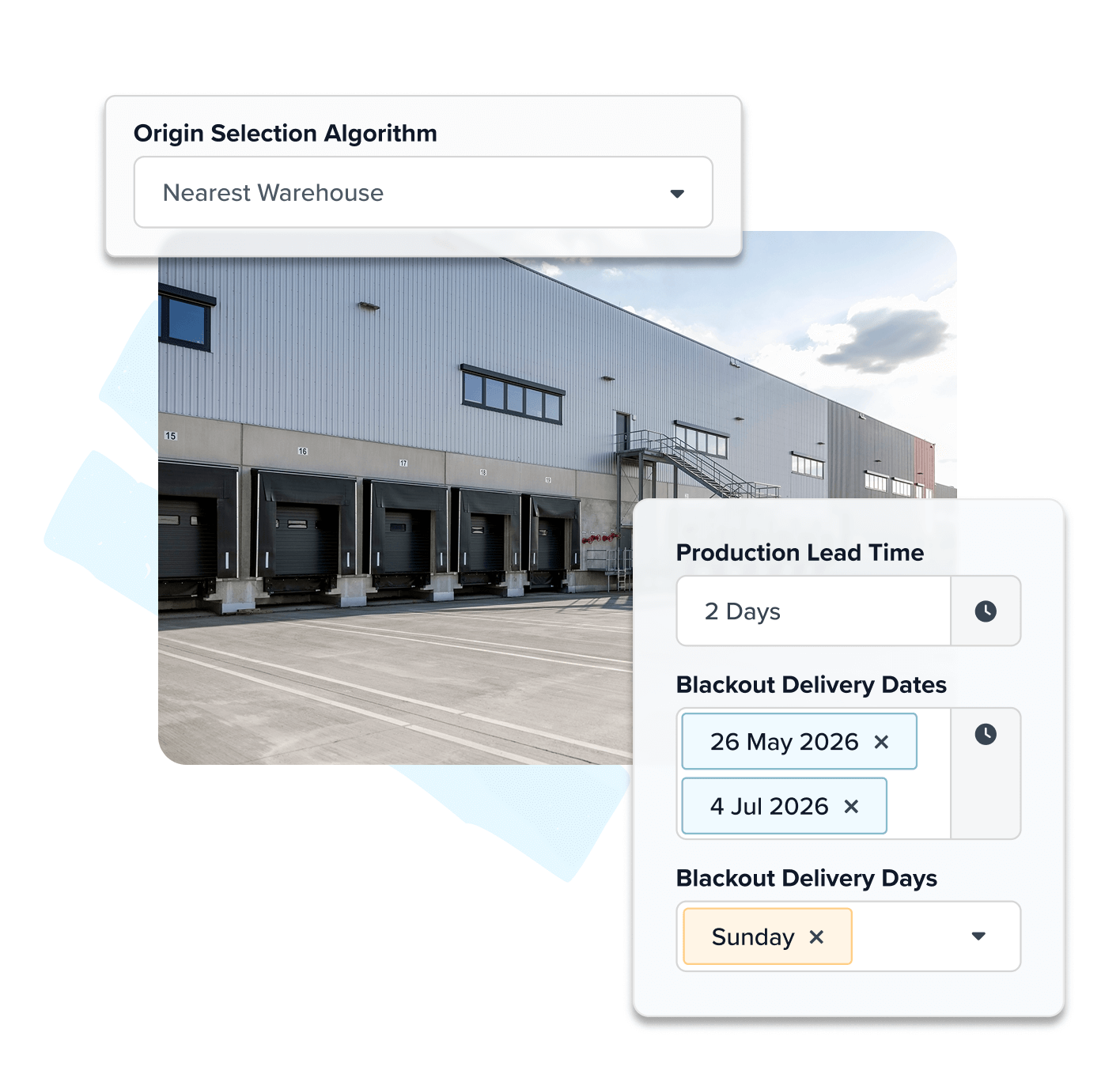
Choose how orders ship: from the nearest origin to speed delivery, or from the fewest origins to cut costs. Add restrictions, discounts, or surcharges for specific origins. Define which carriers and services each location can use.
3. Test and launch
Test real cart scenarios, preview rates, and launch – knowing every order will route and rate correctly, according to your rules.
Shipping Rules
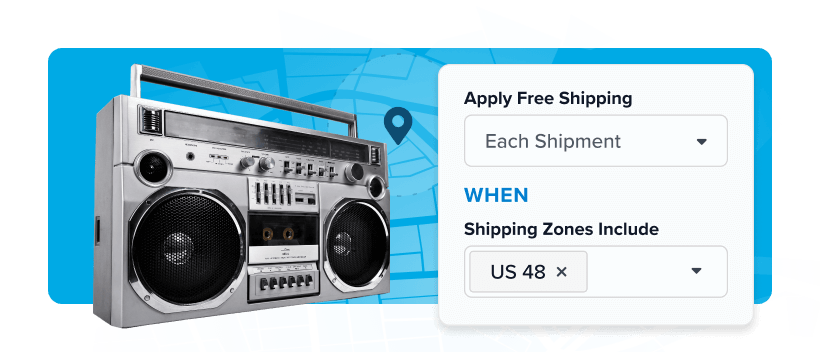
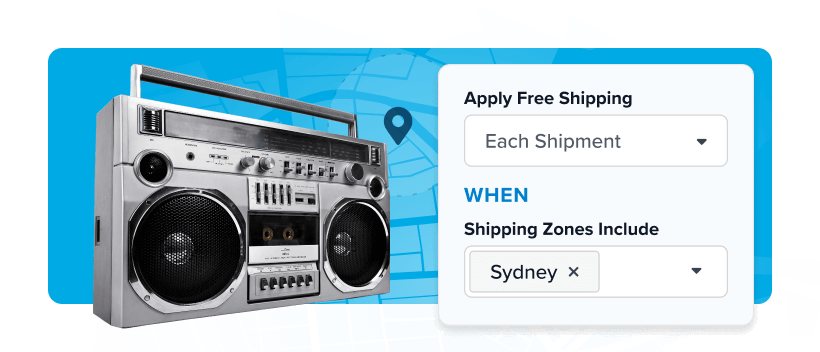
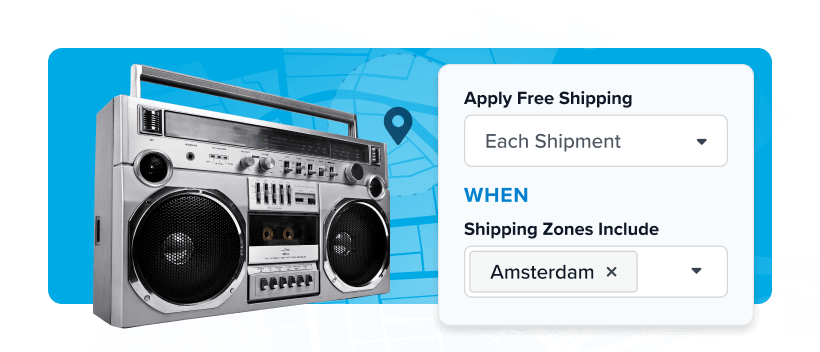
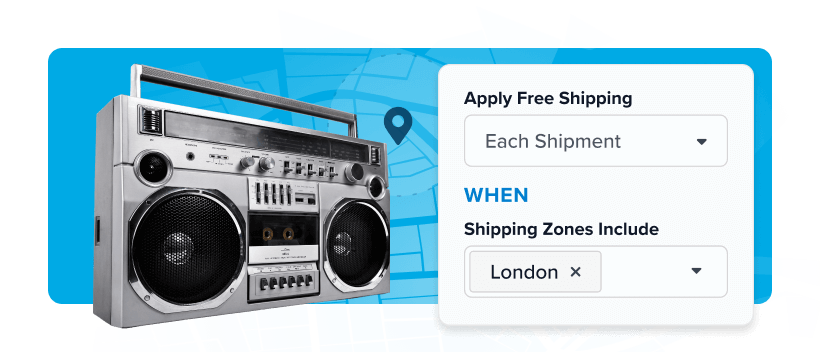
Combine Multi-Origin with advanced Shipping Rules to build logic that fits your business — like free shipping from certain locations, restricted regions, or custom surcharges.
Delivery Date & Time
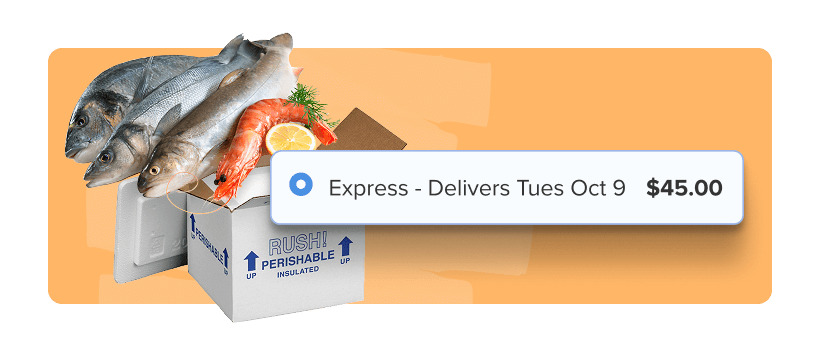
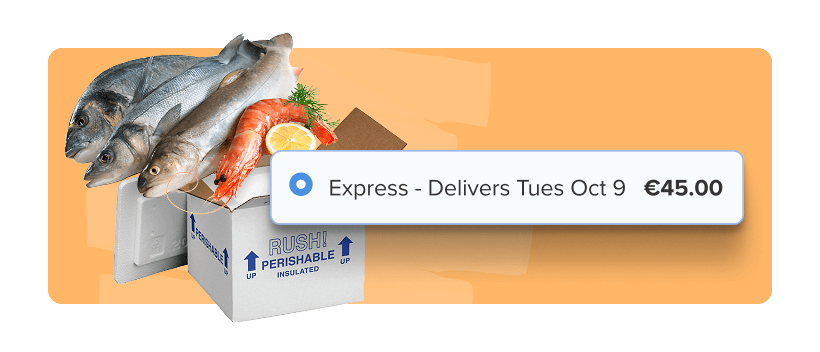
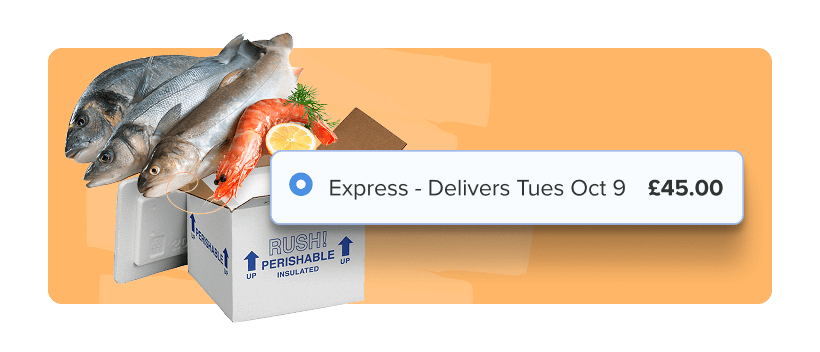
Factor in each warehouse’s same-day cutoffs, blackout days, and production times.
Rate Shopping
Compare carrier rates across every origin to choose the best, most cost-effective option in real time.
Enhanced Checkout
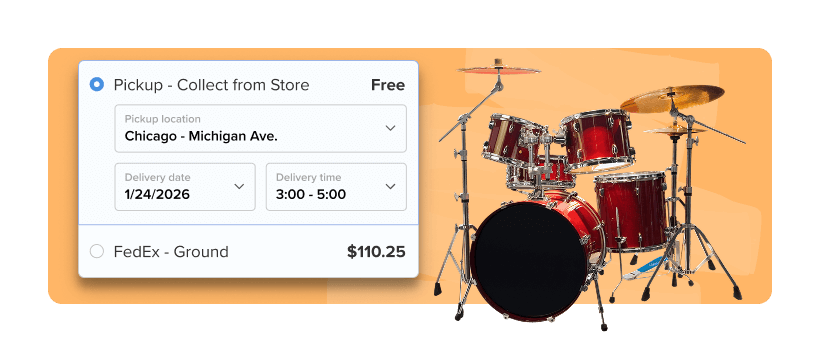
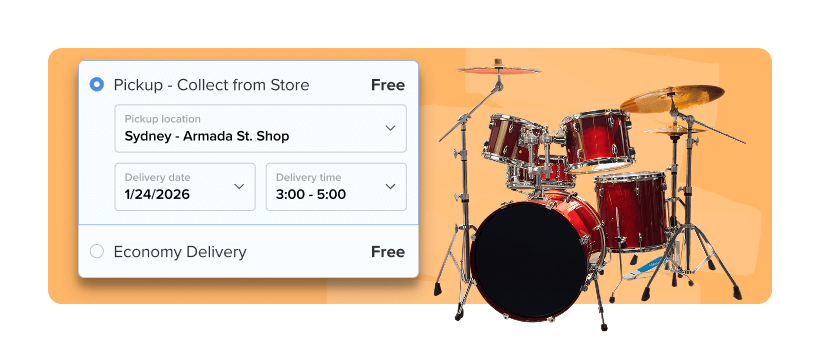
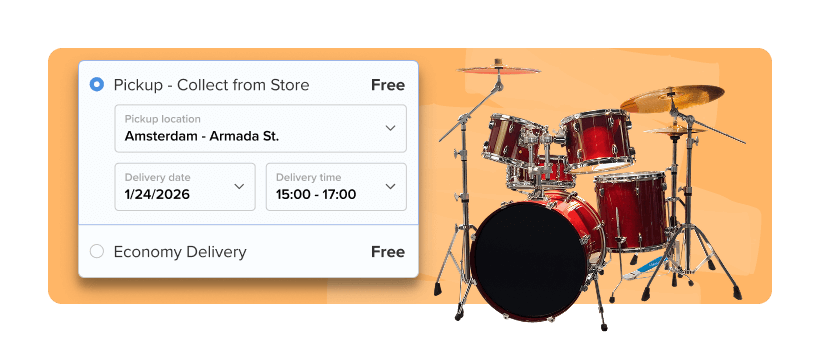
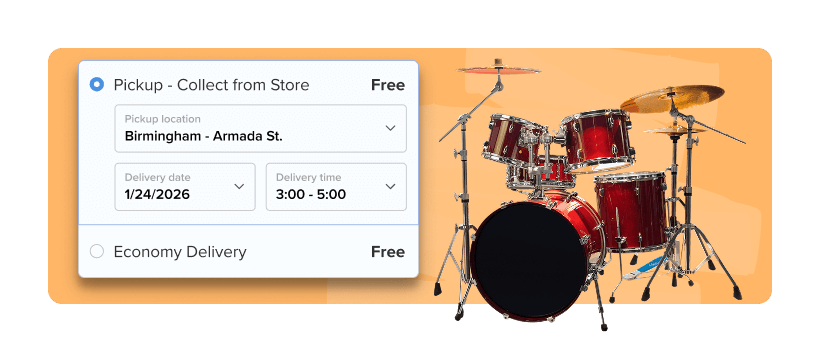
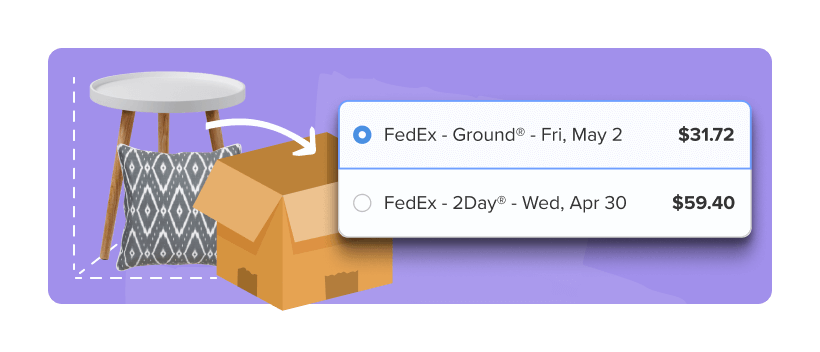
Provide an optimized user experience, with options like allowing customers to see split shipping rates at checkout based on the origins of the products in their cart.
Dimensional Packing
When using Dimensional Packing with Multi-Origin, you get more accurate rates by factoring in each item’s true dimensional weight and the specific location it ships from.
Advanced Shipment Details
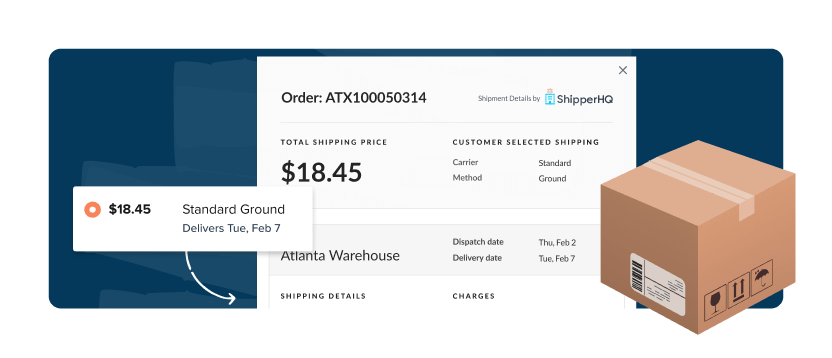
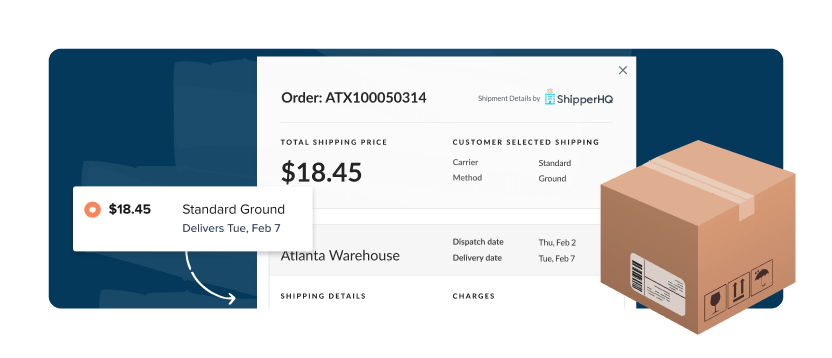
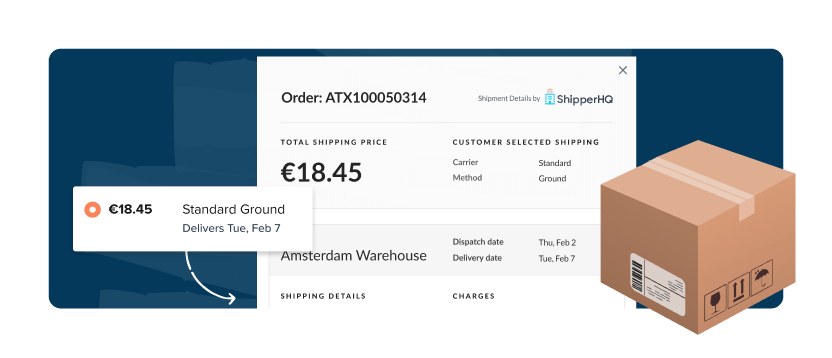
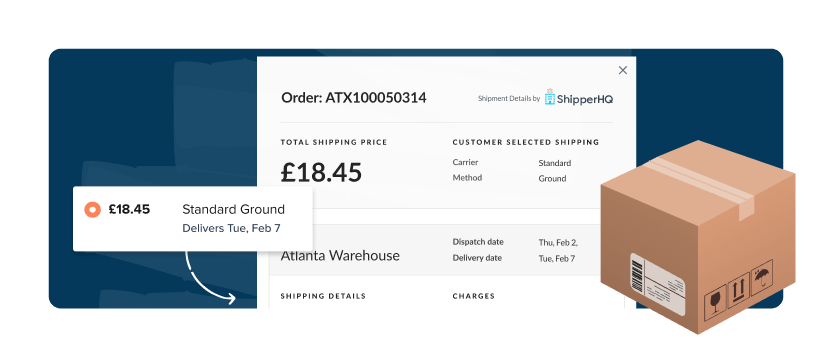
Connect order data from ShipperHQ with fulfillment systems to identify cost-saving opportunities.
FAQs
My orders ship from multiple warehouses. How can I show accurate shipping rates at checkout?
You can configure all the locations you fulfill from, such as warehouses, retail stores, or dropshippers, within the ShipperHQ dashboard.
At checkout, ShipperHQ calculates rates based on where each item ships from and presents a single combined total so customers see the real cost to ship.
Using this feature, you will be able to: assign products to specific warehouses or vendors, show rates only from the location fulfilling the item, avoid overcharging or undercharging when items ship separately and support local fulfillment, BOPIS, or hybrid models.
Is there a limit on the number of shipping locations I can set up in ShipperHQ?
You can set up multiple shipping locations in ShipperHQ, whether that’s warehouses, retail stores, or dropship suppliers. Locations can be added manually or uploaded in bulk using CSV import for faster setup.
The number of origins you can configure depends on your ShipperHQ plan. Some plans include support for advanced features like Multi-Origin Shipping and large-scale origin management. See more details on our plans page.
How does ShipperHQ’s Multi-Origin Shipping decide which warehouse or location an order ships from?
ShipperHQ lets you control how orders are routed to your different shipping locations. You can choose the selection strategy that works best for your fulfillment model.
There are two main origin selection strategies:
- Ship from the nearest origin: Prioritizes the warehouse closest to the customer to reduce delivery time
- Ship from the fewest origins: Consolidates items into as few shipments as possible to reduce split orders and shipping costs
You can also:
- Choose to show merged or split rates at checkout
- Set custom labels for merged origin rates
- Apply zone-based restrictions if needed
For more details on configuration, refer to this help document.
Can I apply different carriers, surcharges, or discounts based on which warehouse fulfills the order?
Yes. You can assign carriers to shipping origins and use rules to apply surcharges or discounts based on where items ship from.
For example:
- You could assign one carrier to your East Coast warehouse and a different one to your West Coast facility.
- You can automatically include a handling fee when products are shipped from a specific dropshipper
Can ShipperHQ control which destinations a warehouse or dropshipper can ship to?
Yes. You can restrict destinations per location so that each origin only offers shipping to valid regions. Restrictions can be based on country, state, zip code, or predefined zones.
For example, your California warehouse could be restricted to serve only the western states, while your Florida fulfillment center can serve the southeast and east coast.
Learn how to set up destination restrictions on shipping locations.
How can I avoid per-shipment shipping charges when orders ship from multiple locations in Shopify?
Shopify sends separate shipping rate requests for each fulfillment location, which can result in multiple charges at checkout. While this is how Shopify handles multi-location shipping, ShipperHQ helps you manage and minimize the impact.
With ShipperHQ, you can:
- Use method merging to combine rates from multiple origins into a single option shown to the customer
- Apply shipping discounts to offset additional charges applied due to split shipping
- Assign products to specific origins and optimize fulfillment using the closest or the fewest number of locations
This setup helps you present cleaner rates at checkout and gives you control over how shipping costs are applied.